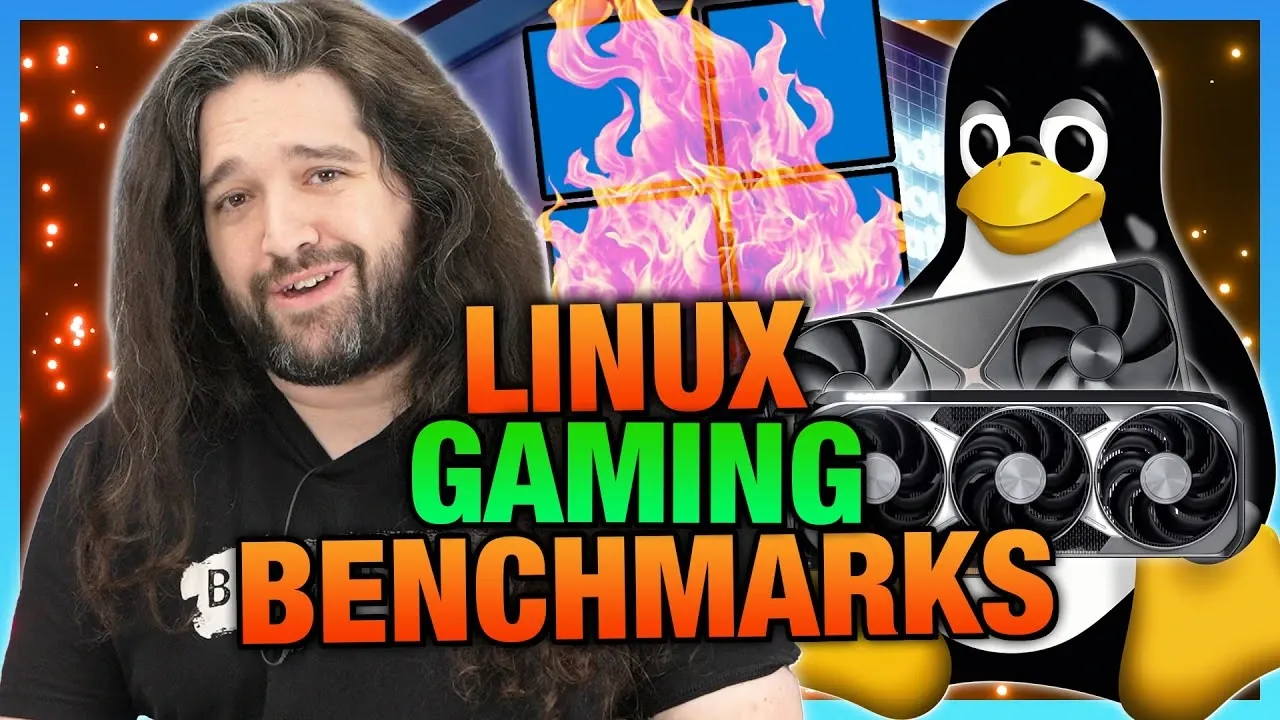
What if you could move beyond the frustrations of Windows 11 gaming, bloated updates, intrusive data collection, and system inefficiencies, and embrace a platform designed to give you more control? In this guide, Gamers Nexus explains how the Linux-based Bazzite distribution is reshaping gaming benchmarks, offering a compelling alternative to the Windows ecosystem. With the rise of Linux gaming fueled by advancements like SteamOS and Proton, Bazzite stands out as a promising contender, aiming to deliver a smoother and more reliable experience. But does it live up to the hype? From AMD’s open source strengths to NVIDIA’s ongoing driver challenges, the findings may surprise you.
This overview provide more insights into the intricacies of GPU performance on Bazzite, exploring how hardware, drivers, and game-specific optimizations influence the Linux gaming landscape. You’ll learn why AMD GPUs often excel compared to their Windows performance, how NVIDIA grapples with frame pacing issues, and what Intel’s advancements mean for gamers on a budget. Whether you’re intrigued by Linux’s potential as a gaming platform or weighing the possibility of making the switch, these insights will help you better understand the opportunities and hurdles ahead. Are you ready to rethink what gaming can be?
Linux Gaming Performance Insights
TL;DR Key Takeaways :
- Linux gaming is gaining traction due to privacy concerns with Windows 11 and advancements in tools like SteamOS and Proton, making it more than just a viable alternative for gamers.
- GPU benchmarking on Linux, particularly on the Bazzite OS build for gaming, highlights AMD GPUs as strong performers, while NVIDIA and Intel face challenges with driver compatibility and stability.
- Bazzite stands out as a gaming-focused Linux distribution, offering a user-friendly setup and optimized performance, making it an excellent choice for transitioning from Windows.
- Challenges such as anti-cheat software limitations and game-specific issues remain significant barriers for Linux gaming, requiring collaboration between developers and the Linux community.
- Practical recommendations for Linux gaming include starting with a dual-boot setup, choosing gaming-focused distributions, and being prepared for troubleshooting and system optimization.
The Importance of Benchmarking Linux Gaming
For gamers, frustrations with Windows, ranging from invasive data collection to system inefficiencies, have prompted many to consider Linux as an alternative. With platforms like Steam OS and Proton making Linux gaming more accessible, you can now play a wide variety of titles without relying on Windows. However, understanding how GPUs perform on Linux is essential to determine whether it can meet your gaming expectations.
Benchmarking provides critical data on how well Linux handles gaming workloads, helping you make informed decisions about hardware and software configurations. It also sheds light on how Linux compares to Windows in terms of performance, compatibility, and overall gaming experience. As Linux gaming continues to evolve, benchmarks serve as a valuable tool for identifying areas of improvement and celebrating successes.
Testing Methodology: Addressing Challenges
Benchmarking GPUs on Linux presents unique challenges that differ significantly from Windows. Unlike Windows, Linux lacks robust automation tools for gaming benchmarks, often requiring manual testing. Tools like Mango HUD are useful for tracking performance metrics such as frame rates and GPU utilization, but they operate differently from Windows tools like PresentMon, which can complicate cross-platform comparisons.
Frequent software updates on Linux add another layer of complexity. These updates, while beneficial for security and performance, can disrupt data consistency, making it harder to draw reliable conclusions over time. Additionally, differences in graphics APIs, such as Vulkan and DirectX, and platform-specific optimizations can lead to performance discrepancies between Linux and Windows.
Cross-platform benchmarking also requires careful consideration of hardware and software configurations. Variations in driver support, kernel versions, and game-specific optimizations can all influence results. These challenges highlight the need for tailored testing approaches to ensure accurate and meaningful benchmarks.
Linux GPU Gaming Benchmarks on Bazzite

Expand your understanding of Linux gaming with additional resources from our extensive library of articles.
- Compact Linux Gaming Beast: MinisForum EM 780
- Tuxedo Polaris 15 Linux gaming laptop from $1,330
- ROG Xbox Ally Bazzite OS Linux vs Steam Deck : Gaming
- DragonBox Pyra Linux mini PC portable gaming system pre-orders
- MSI Claw A8 Review : Linux Gaming with Ryzen Z2 Extreme
- Orange Pi Neo Linux handheld games console
- AOKZOE A1X Review: A Powerful Ryzen 9 Linux Gaming Handheld
- Valve Confirm No Linux Steam Development
- $100 Gaming PC Build Guide : SteamOS Gaming Performance
- Build a Chimera OS Linux mini gaming PC
Why Bazzite Is a Strong Contender
Bazzite stands out as a gaming-focused Linux distribution designed to simplify the gaming experience. Its stability, user-friendly setup, and integration of essential tools and drivers make it an excellent choice for gamers. By collaborating with Bazzite developers, testing conditions were refined to ensure more accurate and consistent results.
When compared to other distributions like SteamOS and CachyOS, Bazzite demonstrated a strong balance between performance and usability. Its streamlined design minimizes the technical barriers often associated with Linux gaming, allowing you to focus on gameplay rather than troubleshooting. This makes Bazzite particularly appealing for gamers seeking a smoother transition from Windows to Linux.
GPU Performance Insights
The benchmarks conducted on Bazzite revealed notable differences in GPU performance across major hardware manufacturers:
- AMD GPUs: Delivered consistently strong performance, often surpassing their Windows benchmarks in games using Vulkan APIs. AMD’s open source driver support has proven to be a significant advantage, offering better optimization and stability for Linux gaming.
- Nvidia GPUs: Encountered challenges with frame pacing and driver compatibility, particularly in demanding titles like Cyberpunk 2077 and Starfield. NVIDIA’s proprietary drivers, while functional, often lagged in addressing critical issues, impacting overall performance.
- Intel GPUs: Showed limited stability and compatibility, making them less reliable for gaming on Linux. Although Intel’s frequent driver updates indicate progress, they have yet to resolve key performance and compatibility issues.
Performance also varied across different games, with some titles favoring specific hardware configurations. This underscores the importance of selecting the right GPU for your gaming setup and understanding how it interacts with Linux-based systems.
Game-Specific Observations
Certain games highlighted both the strengths and limitations of Linux gaming. For example, Cyberpunk 2077 and Starfield exposed weaknesses in NVIDIA’s driver support, while native Linux builds like Baldur’s Gate 3 demonstrated occasional bugs and inconsistencies. These issues, while not insurmountable, emphasize the need for ongoing collaboration between game developers and the Linux gaming community.
Anti-cheat software remains a significant barrier for Linux gamers, preventing some popular multiplayer titles from running on the platform. This limitation affects the overall gaming experience and restricts access to certain genres. Addressing these challenges will require coordinated efforts from both developers and the broader Linux community.
Future Directions and Practical Recommendations
Linux benchmarking is still in its early stages compared to Windows, which means you may encounter inconsistencies in performance data. However, ongoing efforts aim to refine testing methodologies, enhance automation, and increase the frequency of benchmarks. Focusing on games that run reliably on Linux could streamline the benchmarking process and provide more actionable insights for gamers.
If you’re considering switching to Linux for gaming, here are some practical tips to ensure a smoother experience:
- Start with a dual-boot setup or use a secondary system to minimize disruptions to your workflow while exploring Linux gaming.
- Opt for a gaming-focused distribution like Bazzite or Steam OS to simplify setup and reduce technical hurdles.
- Be prepared to invest time in troubleshooting and optimizing your system, as Linux gaming still requires a certain level of technical expertise.
While Linux gaming has made significant progress, challenges such as game compatibility and anti-cheat software remain. Patience and a willingness to learn are essential for a successful transition to Linux as a gaming platform.
Final Thoughts on Linux Gaming Benchmarks
GPU benchmarking on Linux, particularly on the Bazzite distribution, highlights both the advancements and challenges of gaming on this platform. AMD GPUs have emerged as a strong performer, while NVIDIA and Intel face hurdles that require further development. Game-specific issues and anti-cheat software continue to pose challenges, but the growing interest in Linux gaming suggests a promising future. For gamers seeking an alternative to Windows, Linux offers a compelling option, provided you’re ready to navigate its complexities and embrace its unique ecosystem.
Media Credit: Gamers Nexus
Disclosure: Some of our articles include affiliate links. If you buy something through one of these links, Geeky Gadgets may earn an affiliate commission. Learn about our Disclosure Policy.
