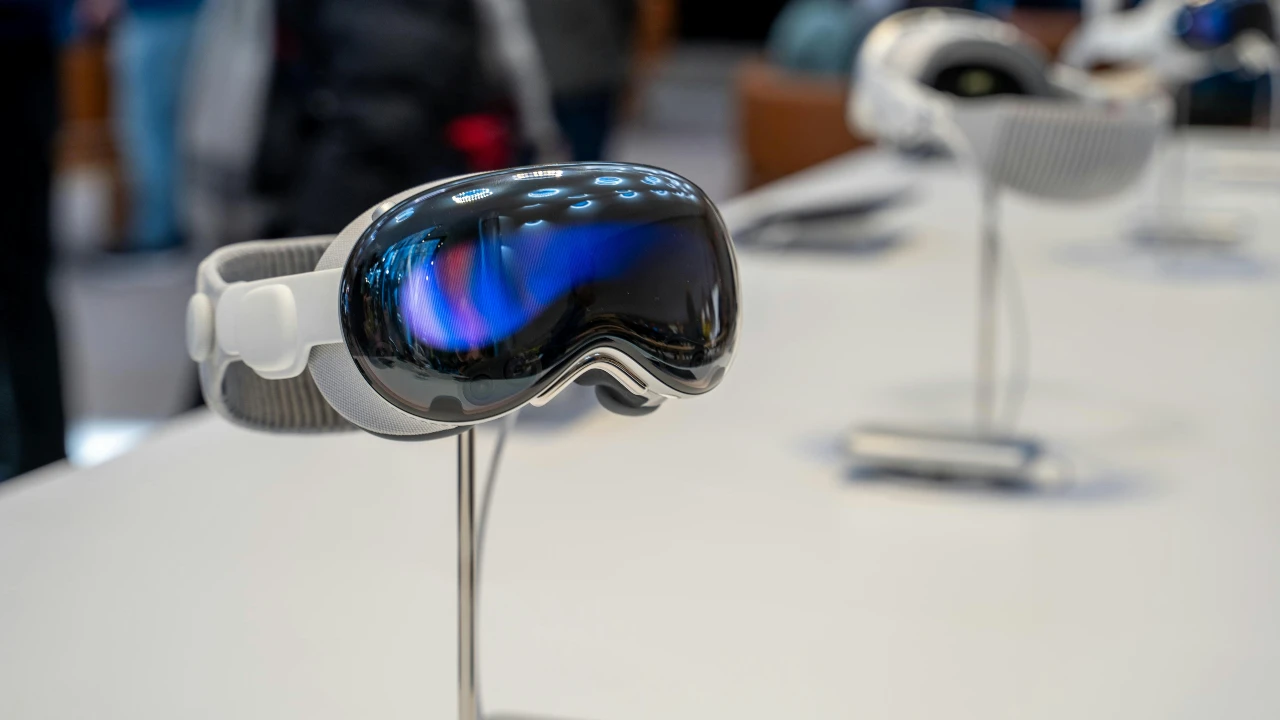
As well as the new iOS 17.4, iPadOS 17.4, watchOS 10.4, and macOS Sonoma 14.4 software updates, Apple has released a new software update for the Apple Vision Pro mixed reality headset, visionOS 1.1, and this software update brings a wide range of new features to the Vision Pro headset.
The visionOS 1.1 software update represents a significant enhancement to Apple’s visionOS ecosystem, targeting a broad array of functionalities from Mobile Device Management (MDM) capabilities to accessibility improvements and user interface refinements. This update showcases Apple’s commitment to both enterprise and individual user needs, enhancing the overall experience and management of visionOS devices.
Mobile Device Management Enhancements
With visionOS 1.1, Apple introduces substantial improvements to Mobile Device Management, crucial for organizations deploying Apple devices at scale. These enhancements include:
- Account-Driven Enrollment: The update enables account-driven device and user enrollment using Managed Apple IDs, streamlining the process of integrating devices into an organization’s ecosystem.
- Comprehensive Device Configuration: Support for configuring essential device settings such as Wi-Fi, VPN, email accounts, and single sign-on options directly via MDM simplifies the IT administration of devices.
- App Deployment in Volume: Organizations can now deploy apps in volume more effectively, including iPhone and iPad compatible apps, visionOS apps bundled in a Universal purchase, and proprietary in-house visionOS applications, ensuring that the necessary tools are readily available for users.
- Enhanced Security Measures: The update introduces support for remote erase via MDM and enhanced device inventory data collection, offering better control and security over organizational devices.
Messages and Accessibility Features
- iMessage Contact Key Verification: Adds an additional layer of security and trust to iMessage communications, enhancing privacy for users.
- Accessibility Improvement: Closed captions can now be anchored to the playback control while viewing Apple Immersive Video, improving accessibility for users who rely on captions.
Persona (beta) and EyeSight Enhancements
The update introduces significant improvements to the Persona and EyeSight features:
- Hands-free Persona Enrollment: An option to enroll your Persona hands-free makes the setup process more accessible and user-friendly.
- Visual Enhancements: Improvements have been made to the appearance of hair and makeup, as well as to the representation of the neck and mouth, enhancing the realism and personalization of user avatars.
- EyeSight Rendering: The rendering of the eyes for EyeSight has been improved, enhancing the virtual interaction and eye contact experiences.
Virtual Keyboard and Mac Virtual Display Improvements
- Virtual Keyboard: Enhancements ensure more accurate cursor positioning for text input, resolve issues where the keyboard placement might obscure the text input field, fix synchronization problems with the text preview, and address unexpected appearances of the edit menu.
- Mac Virtual Display: The reliability of discovering and connecting to a Mac using Mac Virtual Display has been improved, along with fixes for Universal Control issues and Bluetooth connectivity problems.
Captive Network Support
The ability to set up visionOS devices while connected to a captive WiFi network, common in hotels, cafes, and airports, addresses a significant user pain point, ensuring that device setup
Summary
Overall, the visionOS 1.1 update is a comprehensive enhancement that touches upon critical aspects of device management, security, user interface, and accessibility. By addressing both administrative and end-user needs, Apple continues to refine the visionOS experience, ensuring that its ecosystem remains competitive, secure, and user-friendly.
Source Apple
Image Credit: Roméo A.
Disclosure: Some of our articles include affiliate links. If you buy something through one of these links, Geeky Gadgets may earn an affiliate commission. Learn about our Disclosure Policy.
