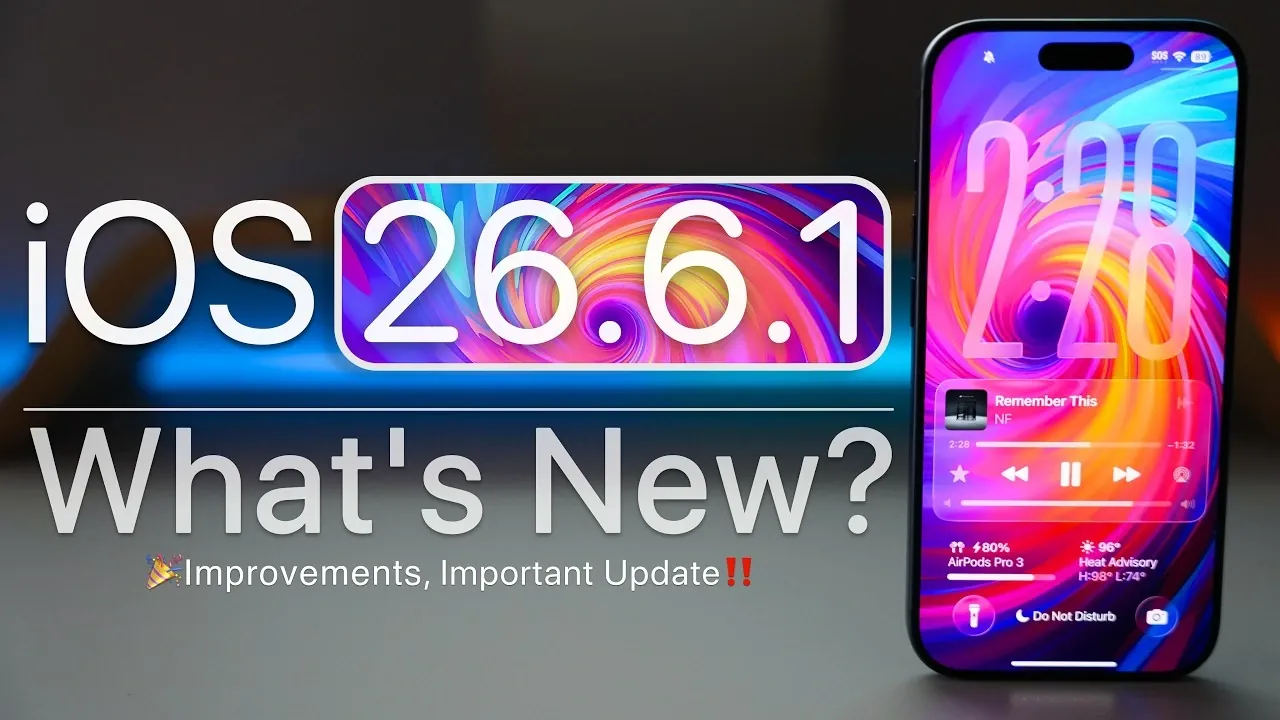
Apple has officially rolled out iOS 26.6.1, a targeted update designed to enhance security, address critical bugs, and improve overall system performance. This release is available for all devices running iOS 26 and is strongly recommended to ensure your device remains secure, stable, and optimized for daily use. The video below from Zollotech gives us more details about the update.
Who Can Get the Update?
The iOS 26.6.1 update is now available globally for all devices compatible with iOS 26. However, if you are enrolled in the iOS 27 beta testing program, this update will not appear for your device.
Here’s how you can access the update:
- For users with automatic updates enabled, the installation will begin automatically once the update is downloaded.
- If you have manual update settings, you’ll need to navigate to Settings > General > Software Update to initiate the installation process.
- The update file size is approximately 704.6 MB on devices like the iPhone 17 Pro Max, though this may vary slightly depending on your device model.
- The build number for this release is 23G83, which can be verified in your device settings after installation.
It is worth noting that this update does not include any changes to modem firmware, meaning network-related performance will remain consistent with previous versions.
Key Bug Fixes and Stability Enhancements
iOS 26.6.1 addresses several critical issues that have been reported by users, making sure a smoother and more reliable experience. Key fixes include:
- Shortcuts App Improvements: Persistent automation bugs in the Shortcuts app have been resolved, significantly improving the reliability of custom workflows and automated tasks.
- CarPlay Stability: Adjustments have been made to enhance the stability of Apple CarPlay, providing a more seamless in-car experience for navigation, music and communication apps.
Despite these improvements, some known issues, such as the wallpaper dimming bug, remain unresolved in this release. Apple is likely to address these in future updates.
Security Upgrades
Security remains a top priority in iOS 26.6.1, with critical patches implemented to address vulnerabilities across multiple system components. These updates are essential for safeguarding your device against potential threats. Key security improvements include:
- WebKit: A major vulnerability that caused Safari to crash when handling malicious web content has been patched, making sure safer browsing experiences.
- Kernel: Security flaws in the core operating system have been resolved, preventing potential exploits that could compromise system integrity.
- ImageIO and Audio Processing: Vulnerabilities in these components have been fixed to protect your device and personal data from unauthorized access.
These updates collectively strengthen the overall security framework of iOS 26.6.1, making it a critical installation for all users.
Performance and Battery Life Improvements
Initial feedback from users indicates that iOS 26.6.1 delivers noticeable performance enhancements, contributing to a smoother and more efficient user experience. Key improvements include:
- Enhanced Performance: Optimized RAM management reduces lag and improves multitasking capabilities, particularly on older devices.
- Reduced Heating: Devices experience less overheating during prolonged use, especially when running resource-intensive applications.
- Battery Efficiency: Users report longer battery life and better energy optimization, allowing for extended usage between charges.
While some minor stutters have been observed in specific third-party apps, these instances are rare and do not significantly impact overall usability.
Updates Across the Apple Ecosystem
In addition to iOS 26.6.1, Apple has released updates for other platforms and applications to ensure a cohesive and optimized ecosystem. These updates include:
- iPadOS 26.6.1: Similar improvements and fixes for iPads running iOS 26.
- macOS 26.6.2: Aimed at enhancing performance and security for Mac users.
- iOS 27 Beta 6: Available for users participating in the beta testing program, offering a glimpse into upcoming features and changes.
- Apple Sports App 4.3: Expanded soccer content and improved functionality for sports enthusiasts.
These updates demonstrate Apple’s commitment to maintaining a seamless experience across its product lineup.
Storage Considerations
After installation, iOS 26.6.1 occupies approximately 22.15 GB on devices like the iPhone 17 Pro Max. While the exact storage usage may vary depending on your device and usage patterns, the update is designed to minimize its impact on available storage. This makes it a practical choice even for users with limited free space.
To ensure a smooth installation process, it is recommended to free up some storage space before initiating the update, particularly if your device is nearing its capacity.
What’s Next?
Looking ahead, Apple is expected to release iOS 27 beta 7 in the near future, with the public release of iOS 27 anticipated in the coming weeks. While iOS 26.6.1 may serve as the final update for iOS 26, there is a possibility of an iOS 26.7 release before the transition to the next major version. Staying updated ensures your device remains prepared for these upcoming changes and continues to perform at its best.
Final Thoughts
iOS 26.6.1 is a vital update that prioritizes security, resolves key bugs, and enhances overall performance. With improvements to automation reliability, system stability, and battery efficiency, this release ensures your device remains secure and efficient. If you are currently using iOS 26, installing this update is a straightforward way to maintain optimal functionality and protection for your device.
Here are more detailed guides and articles that you may find helpful on iOS 26.6.1.
- The iOS 26.6.1 Release Candidate is Out with New Updates
- Evidence Points to an Imminent Release for the iOS 26.6.1 Update
- Why Apple Just Dropped iOS 26.6 Beta 1 Right Before iOS 27
- Updating to iOS 26.6? 3 Essential Settings to Check Immediately
- iOS 27 Beta 5 is Here: the Hidden Details Apple Didn’t Mention
- Google Antigravity Builds Gemma Translator on Raspberry Pi 5
Source & Image Credit: zollotech
Disclosure: Some of our articles include affiliate links. If you buy something through one of these links, Geeky Gadgets may earn an affiliate commission. Learn about our Disclosure Policy.
