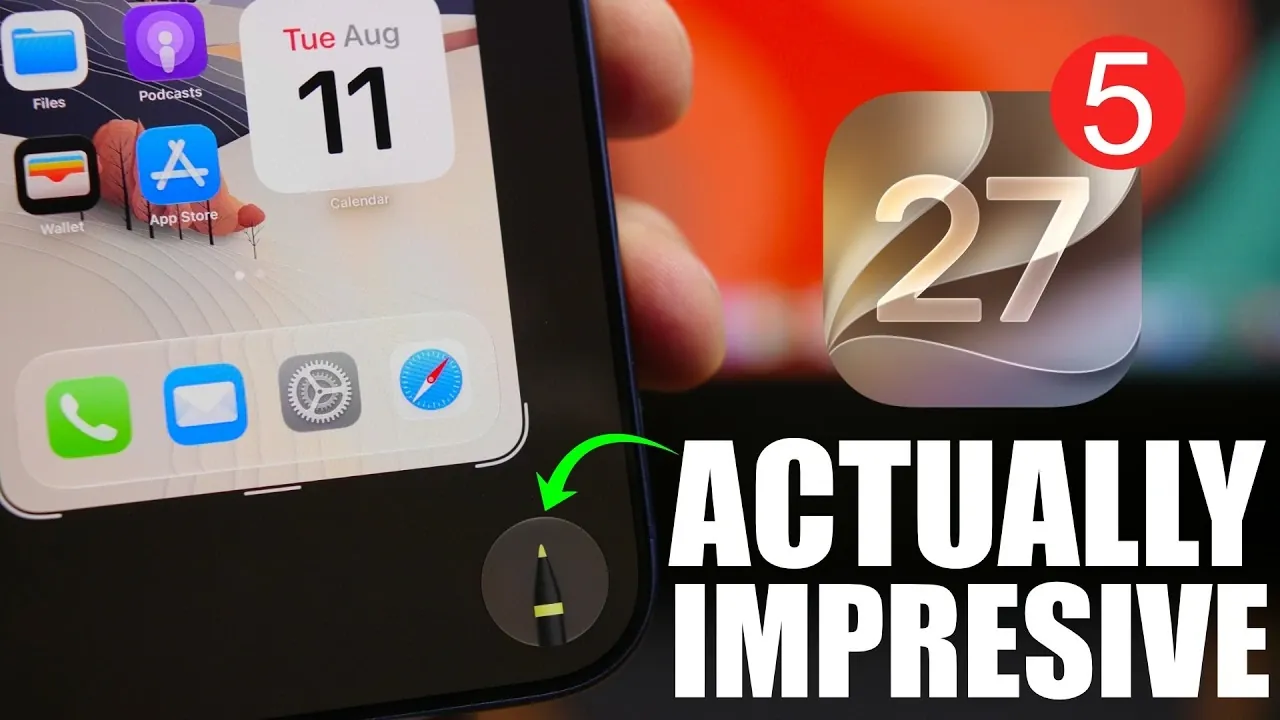
Apple’s fifth beta release of iOS 27 introduces a variety of features and refinements, emphasizing its commitment to enhancing the user experience. From a visual overhaul of app icons to functional improvements across key apps, this beta lays the groundwork for the highly anticipated public release of iOS 27, scheduled for September 14. To maintain momentum, Apple has adopted a weekly beta release schedule, making sure consistent updates and feedback integration. Additionally, a minor update, iOS 26.6.1, is in development to address lingering issues in the current version. The video below from iReviews gives us more details about the latest beta.

Visual Overhaul: Redesigned App Icons
One of the most noticeable changes in iOS 27 Beta 5 is the redesign of app icons, introducing a “liquid glass” aesthetic that delivers a sleek and modern appearance. This update refreshes icons for apps such as Safari, Settings, Preview, Stocks, and the App Store, aligning them with the new design language. The Control Center also benefits from this visual update, with icons for features like Lookup, Search Web, and Visual Intelligence redesigned to match the cohesive theme. These changes aim to create a polished and unified interface that enhances the overall user experience.
Enhanced Customization in the Settings App
The Settings app now includes a new feature called “Before Searching,” designed to streamline navigation and improve accessibility. This section provides personalized suggestions for apps, shortcuts, and recent searches, helping users quickly access frequently used tools. You can customize the number of suggested apps displayed, with options to show four, eight, or none at all. This addition makes the Settings app more intuitive and tailored to individual preferences, reducing the time spent searching for specific features.
Interface Improvements: Home Screen and Spotlight Search
iOS 27 Beta 5 introduces subtle yet impactful updates to the interface. Spotlight Search now features a brighter background, improving both visibility and aesthetics. This change enhances usability, particularly in low-light environments. Additionally, Siri’s interface has been revamped with a cleaner and brighter design, complementing the overall visual theme of iOS 27. These updates reflect Apple’s focus on creating a more user-friendly and visually appealing operating system.
Markup Tool: Greater Flexibility
The Markup tool has received significant upgrades, enhancing its functionality and usability. Tools for editing screenshots and images are now collapsible and expandable, allowing for a more organized and clutter-free workspace. Furthermore, you can reposition these tools freely, providing greater flexibility and control during edits. These improvements make the Markup tool more versatile, catering to both casual users and professionals who rely on precise editing capabilities.
Status Bar and Control Center Updates
The status bar sees the return of the progressive blur effect, a subtle visual enhancement that adds depth and sophistication to the interface. In the Control Center, the removal of the 5G indicator simplifies the layout, reducing visual clutter and improving usability. These updates reflect Apple’s ongoing efforts to refine the interface and deliver a more streamlined user experience.
Clock and Wallet App Enhancements
The Clock app now features bolder and brighter text for alarms, improving readability and making sure that users can quickly identify important settings. In the Wallet app, a floating search bar has been added, making it easier to locate specific items or cards. Additionally, a “What’s New” notification highlights recent updates, making sure users stay informed about new features and improvements. These changes enhance the functionality and accessibility of both apps.
Shortcuts App: Smarter Automation
The Shortcuts app has been enhanced with a splash screen that highlights its latest capabilities. Key updates include Apple Intelligence, which uses advanced machine learning to provide smarter suggestions, broad world knowledge for more contextual recommendations, and unified automations that streamline workflows. These enhancements make the Shortcuts app more powerful and user-friendly, allowing users to create and execute automations with greater ease and efficiency.
Weekly Beta Release Schedule
As Apple moves closer to the final release of iOS 27, it has transitioned to a weekly beta release schedule to ensure consistent progress and timely feedback. Beta 6 is expected on August 17, followed by Beta 7 on August 24 and Beta 8 on August 31. The Release Candidate (RC) is anticipated in early September, paving the way for the official launch on September 14. This structured schedule reflects Apple’s commitment to delivering a polished and feature-rich operating system.
iOS 26.6.1: A Minor but Important Update
In addition to iOS 27 Beta 5, Apple is preparing to release iOS 26.6.1, a minor update aimed at addressing unresolved issues and improving the overall user experience. While its Release Candidate status has caused some confusion, the update is expected to arrive soon, providing immediate refinements for current users. This demonstrates Apple’s dedication to maintaining the quality and reliability of its software ecosystem.
Anticipation Builds for iOS 27
iOS 27 Beta 5 represents a significant step forward in Apple’s software development journey. With its redesigned app icons, interface updates, and functional improvements across various apps and tools, this beta enhances both aesthetics and usability. The weekly beta releases highlight Apple’s commitment to delivering a seamless and feature-rich experience, while the forthcoming iOS 26.6.1 update ensures that current users benefit from timely fixes. As the public release of iOS 27 approaches, excitement continues to grow for what promises to be a highly refined and user-focused update.
Discover other guides from our vast content that could be of interest on iOS 27 Beta 5.
- Apple Delaying iOS 27 Beta 5? Here’s When to Expect the Next Update
- New iOS 27 Beta 5 Release Arrives with a Big Shift Coming
- iOS 27 Beta 5 Is Late: What’s Holding Up Apple’s Next Release?
- The iOS 27 Beta 5 Release Imminent with More New Features
- Apple iOS 27 Beta 5 Preview: a Look at the Next Release
- iOS 27 Beta 5 Preview: the iPhone Camera Just Got Better
Source & Image Credit: iReviews
Disclosure: Some of our articles include affiliate links. If you buy something through one of these links, Geeky Gadgets may earn an affiliate commission. Learn about our Disclosure Policy.
