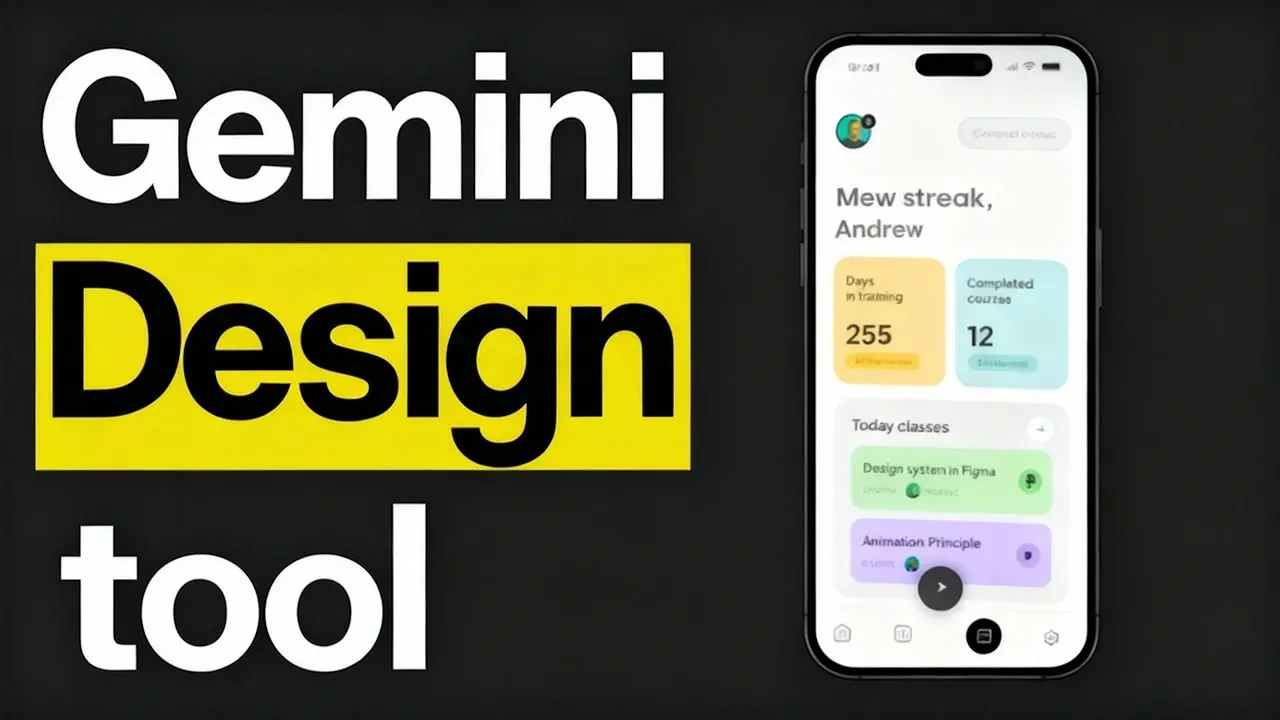
Is this the beginning of the end for traditional UI design? With the rise of AI-powered tools like Google Stitch, the design landscape is shifting at an unprecedented pace. Imagine typing a simple text prompt—“Create a sleek dashboard for a fitness app”—and watching as a fully functional prototype materializes before your eyes. Stitch promises to do just that, automating the creation of user interfaces with a level of speed and precision that feels almost futuristic. But as it challenges established platforms like Figma, a critical question emerges: can automation truly replace the artistry and collaboration that define modern UI design? Or is this just another tool in the designer’s evolving arsenal? The stakes are high, and the debate is heating up.
In this overview, Refactor Engine explains the strengths and limitations of Google Stitch and how it stacks up against Figma, the reigning champion of UI design. You’ll discover how Stitch’s text-to-UI generation and design system extraction are reshaping workflows, while also grappling with its struggles to meet platform-specific standards like iOS guidelines. Is Stitch a fantastic option, or does its reliance on iterative refinement keep it from dethroning Figma? By the end, you’ll have a clearer picture of whether AI-driven design tools are the future, or if they’re simply a stepping stone to something greater. The answer might not be as straightforward as it seems.
Google Stitch AI UI Design Tool
TL;DR Key Takeaways :
- Google Stitch is an AI-powered design tool that automates UI creation using text prompts or image references, allowing faster and more efficient design workflows.
- Key features include text-to-UI and image-based UI generation, functional prototype creation, reusable component extraction, and HTML-based design conversion.
- Stitch excels in automation and consistency by extracting design systems and identifying reusable components, but it requires iterative refinement for platform-specific designs like iOS.
- Compared to Figma, Stitch focuses on automation and AI-driven workflows, while Figma offers superior customization, collaboration, and direct code conversion capabilities.
- While not a full replacement for traditional tools, Stitch serves as a valuable complement, streamlining repetitive tasks and enhancing productivity in UI design processes.
How Does Google Stitch Work?
Google Stitch is an AI-driven design tool that simplifies UI creation through automation. It offers two primary modes of operation:
- Text-to-UI generation: This feature allows you to create up to 350 designs per month by inputting text prompts that describe the desired interface.
- Image-based UI generation: An experimental feature that enables up to 50 designs monthly, using image references to generate layouts.
These capabilities make Stitch a versatile tool for generating layouts, navigation flows, and functional prototypes with minimal manual effort. Additionally, it supports HTML-based design conversion, allowing you to transform static designs into functional applications. By extracting design systems, such as color palettes, fonts, and layout patterns, Stitch ensures consistency across projects. It also identifies reusable components, streamlining development workflows and reducing redundancy.
End of UI Design?
For example, if you are designing a productivity app, Stitch can generate the initial layout based on your text description or image reference. It can then extract design elements like buttons, typography, and color schemes to ensure uniformity across the app. This automation reduces the time spent on repetitive tasks, allowing you to focus on refining the design.
The workflow in Google Stitch revolves around automation, refinement, and validation. After generating an initial design, you can iteratively refine it to meet specific requirements. The process typically involves the following steps:
- Extracting design systems: Stitch identifies and organizes visual elements like fonts, colors, and layout patterns to establish a cohesive design language.
- Identifying reusable components: It detects elements that can be reused across the project, such as buttons, headers, or icons, improving efficiency.
- Creating navigation flows: The tool helps you design seamless user journeys by generating intuitive navigation structures.
- Validating design accuracy: Built-in tools and checklists ensure that the generated designs meet quality standards and functional requirements.
Consider a scenario where you are designing a fitness tracking app. Stitch can generate a user-friendly interface with dashboards, activity logs, and progress charts. You can then refine the design, validate its functionality, and convert it into a working prototype. Stitch’s ability to integrate with tools like Klein, an open source VS Code extension, further enhances its utility by allowing multi-model workflows.
Google Stitch vs Figma : AI UI Design Showdown

Here are additional guides from our expansive article library that you may find useful on AI design.
- 20 Essential AI Design Patterns for Developers and Innovators
- GPT-5 vs Claude Code : Comprehensive AI Design Comparison
- iPadOS 26 Features: Multitasking, AI, and Design Upgrades
- Drawbridge A I: A Beginner-Friendly Tool for UI Design in 2025
- How to Create Stunning Presentations & Websites with Gamma AI
- Google Stitch: How AI is Redefining App Design for Everyone
- How SuperDesign Uses AI to Transform UI Design
- 5 Cutting-Edge AI Tools Every Designer Needs to Unlock Creativity
- New Microsoft Designer AI design app launched
- 20+ Canva AI design tools you can use for free
Strengths and Limitations
Google Stitch offers several advantages that make it a compelling choice for UI design:
- Automation: It significantly reduces the time spent on repetitive tasks, such as creating layouts and navigation flows.
- Consistency: By extracting design systems, Stitch ensures uniformity across all elements of a project.
- Validation tools: Built-in features help you verify that designs meet quality and usability standards before implementation.
- HTML-based conversion: The ability to transform static designs into functional applications simplifies the transition from design to development.
Despite its strengths, Stitch has notable limitations:
- iOS-specific designs: It struggles to adhere to Apple’s design guidelines, often defaulting to Material UI components, which may not align with iOS standards.
- Manual adjustments: Some design elements require additional refinement, which can reduce the efficiency gained from automation.
These limitations highlight the importance of iterative refinement when using Stitch, especially for projects requiring platform-specific design standards. For example, if you are designing an iOS app, you may need to manually adjust certain elements to align with Apple’s Human Interface Guidelines.
Google Stitch & Figma : How Do They Compare?
When comparing Google Stitch to Figma, each tool offers unique strengths tailored to different design needs. While Stitch focuses on automation and AI-driven workflows, Figma excels in customization and collaboration.
- Automation vs. Customization: Stitch is ideal for automating the initial stages of design creation, whereas Figma provides a robust set of tools for detailed, custom designs.
- Collaboration: Figma’s real-time collaboration features and extensive plugin ecosystem make it a preferred choice for team-based projects.
- Code conversion: Figma supports direct code conversion via MCP servers, a feature that is currently absent in Stitch.
- AI-driven workflows: Stitch integrates with tools like Klein to enhance multi-model workflows, offering a glimpse into the future of AI-assisted design.
For instance, if you are working on a complex project with multiple stakeholders, Figma’s collaborative environment may be more suitable. On the other hand, if you need to quickly generate a functional prototype for a smaller project, Stitch’s automation capabilities can save time and effort.
Is Google Stitch the Future of UI Design?
Google Stitch represents a significant advancement in UI design automation. Its ability to generate designs from text or images, coupled with features like design system extraction and validation tools, makes it a powerful addition to any designer’s toolkit. However, its limitations, particularly in handling iOS-specific designs and the need for manual adjustments, indicate that it is not yet a complete replacement for established platforms like Figma.
As the technology evolves, Stitch may address these shortcomings and become a more comprehensive solution. For now, it serves as a valuable complement to traditional design tools, offering innovative capabilities that can streamline workflows and reduce repetitive tasks. Whether you are a seasoned designer or a developer exploring new tools, Stitch provides practical features worth integrating into your design process.
Media Credit: The Refactor Engine
Disclosure: Some of our articles include affiliate links. If you buy something through one of these links, Geeky Gadgets may earn an affiliate commission. Learn about our Disclosure Policy.
