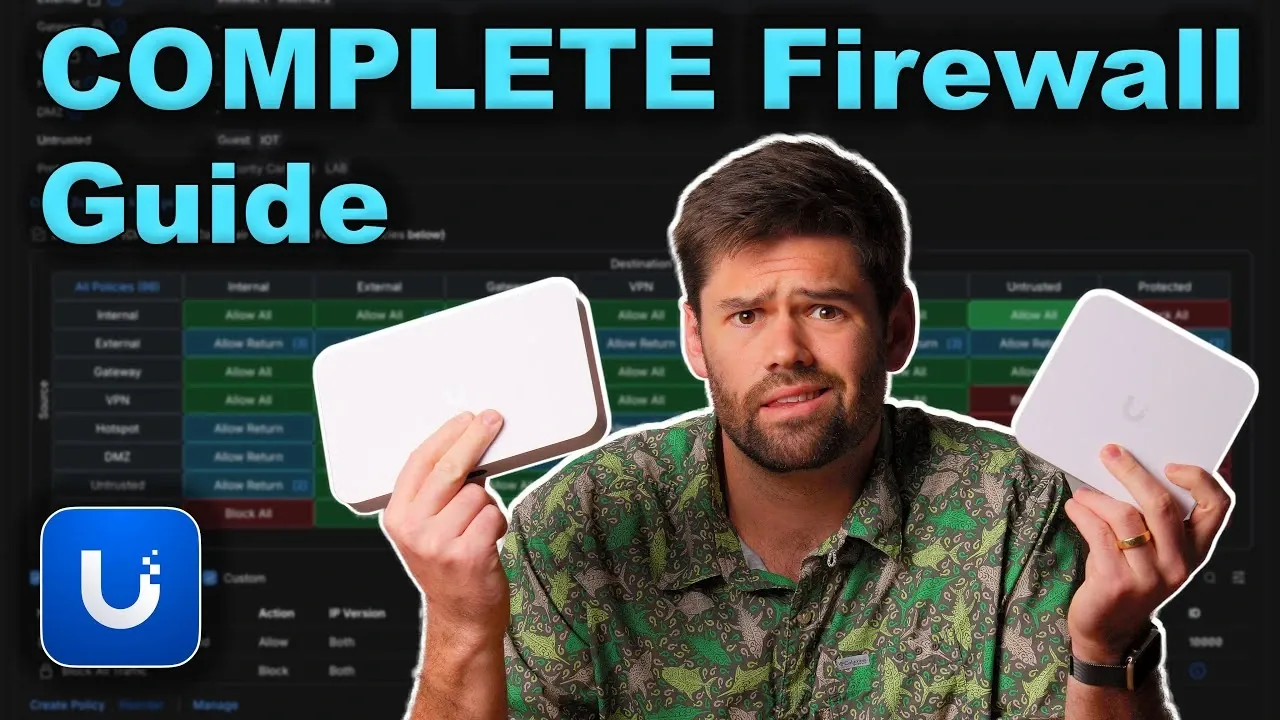
Imagine this: your smart home devices, guest Wi-Fi, and workstations all coexist on the same network. A single compromised IoT device could expose sensitive data or disrupt your entire system. It’s a scenario no one wants to face, yet many networks remain vulnerable due to poor segmentation and outdated configurations. The good news? With the right tools and strategies, you can transform your UniFi setup into a fortress of efficiency and security. By using firewalls, VLANs, and network segmentation, you can not only protect your data but also optimize performance and simplify management. Whether you’re a tech-savvy homeowner or managing a small business, securing your network is no longer optional, it’s essential.
In this how-to, SpaceRex guides you through the foundational steps to fortify your UniFi network. You’ll discover how to use VLANs to isolate devices, configure firewall rules to control traffic, and enable features like mDNS for seamless device discovery, all while keeping security risks at bay. Along the way, you’ll learn practical tips to organize your devices, protect sensitive resources, and maintain scalability as your network grows. By the end, you’ll have the tools to create a system that’s not just secure but also tailored to your unique needs. After all, a well-designed network doesn’t just work, it works smartly, safely, and seamlessly.
UniFi Network Security Guide
TL;DR Key Takeaways :
- VLANs are essential for network segmentation, enhancing security, reducing congestion, and simplifying device management by isolating devices into specific groups like IoT, guest networks, or workstations.
- Firewall rules control traffic between VLANs, allowing granular permissions, restricting access to sensitive resources, and making sure regular updates to address evolving security threats.
- mDNS enables device discovery across VLANs for trusted devices while restricting it for untrusted devices to maintain functionality and minimize vulnerabilities.
- UniFi tools simplify VLAN assignment for both Wi-Fi and wired devices, making sure proper segmentation through SSIDs and managed switch settings for enhanced security and streamlined management.
- Best practices for UniFi network security include starting with simple configurations, avoiding unnecessary complexity, and regularly reviewing and updating settings to adapt to new challenges and optimize performance.
What Are VLANs and Why Do They Matter?
VLANs are a cornerstone of modern network management, allowing you to divide a single physical network into smaller, isolated segments. This segmentation enhances security, reduces network congestion, and simplifies device management. By grouping devices based on their function, such as IoT devices, guest users, or security cameras, you can control data flow and minimize risks.
- Device Organization: VLANs allow you to categorize devices into specific groups, such as IoT devices, guest networks, or workstations, making sure better control over their communication.
- IP Addressing: Assign unique IP ranges to each VLAN using subnet masks, which ensures clarity and scalability as your network expands.
- Integration: Seamlessly assign VLANs to devices through managed switches or Wi-Fi SSIDs, allowing efficient connectivity.
For example, you could assign IoT devices to VLAN 10, guest devices to VLAN 20, and security cameras to VLAN 30. This setup ensures that each group operates independently, reducing the risk of unauthorized access or interference while maintaining optimal performance.
Firewall Rules: Controlling Traffic Between VLANs
Firewall rules are critical for managing how devices communicate across VLANs. UniFi’s zone-based firewall system provides a powerful way to define trusted and untrusted zones, giving you precise control over traffic flow and access permissions.
- Restrict Access: Block traffic from untrusted IoT devices to sensitive resources, such as your main network, file servers, or administrative systems.
- Granular Permissions: Define specific rules, such as allowing guest devices to access a media server while restricting access to other services.
- Regular Updates: Periodically review and update firewall rules to address evolving security threats and changing network requirements.
For instance, you might configure a rule to allow your trusted VLAN to access security cameras for monitoring purposes while blocking external access to those cameras. This ensures functionality without compromising security, protecting sensitive data and devices.
Complete Guide to Firewalls, VLANs & Networks

Learn more about NAS systems by reading our previous articles, guides and features :
- UGREEN US3000 NAS UPS Review : Power Outage NAS
- UniFi UNAS 2 Review: Affordable and Compact NAS Solution
- How to Set Up a Synology NAS for Family File & Media
- Synology NAS Drops HEVC Support: What It Means for Users
- How to build a NAS storage system using a mini PC
- Building a NAS using a RISC-V BPI-F3 and OpenMediaVault
- Synology NAS Home vs Homes folders explained
- How to soft reset your Synology NAS if you are locked out
- Storaxa open source cloud NAS storage
- Mac Mini vs NAS: Which is the Right for Your Storage Needs
Using mDNS for Device Discovery
Multicast DNS (mDNS) plays a vital role in allowing devices to discover and communicate with each other across VLANs without requiring direct interaction. This feature is particularly useful for shared services, such as printers, media servers, or smart home devices.
- Enable for Trusted Devices: Allow mDNS for devices that need to communicate across VLANs, such as a smartphone connecting to a smart TV or a laptop accessing a network printer.
- Restrict for Untrusted Devices: Disable mDNS for untrusted devices to prevent unnecessary communication and reduce potential vulnerabilities.
By carefully configuring mDNS, you can maintain functionality for trusted devices while minimizing security risks. For example, allowing mDNS for a media server ensures seamless access for authorized users without exposing the server to untrusted devices.
Configuring Wi-Fi and Wired Devices
Assigning VLANs to devices is straightforward with UniFi’s tools, allowing you to segment wireless and wired devices effectively. This ensures that devices are automatically placed in the appropriate VLAN, simplifying management and reducing configuration errors.
- Wi-Fi Segmentation: Create separate SSIDs for each VLAN, such as “Home-IoT” for IoT devices, “Guest-WiFi” for visitors, and “Office-WiFi” for workstations.
- Wired Device Management: Use managed switch settings to assign VLANs to specific ports, making sure wired devices are placed in the correct network segment.
For example, a guest connecting to “Guest-WiFi” would automatically be assigned to the guest VLAN, while a workstation connected to a designated port on a managed switch would be placed in the office VLAN. This approach streamlines network management and enhances security.
Real-World Applications of VLANs and Firewalls
Implementing VLANs and firewalls provides practical solutions to a variety of network challenges, improving both security and functionality. These tools can be applied to address specific scenarios and meet diverse needs.
- IoT Isolation: Place IoT devices on a separate VLAN to prevent them from accessing sensitive resources, such as your main network or file servers.
- Testing Environments: Create a lab VLAN for testing new configurations, devices, or software without disrupting your primary network.
- Camera Security: Isolate security cameras on their own VLAN to prevent unauthorized access while maintaining monitoring capabilities.
For instance, isolating IoT devices ensures that even if one device is compromised, it cannot access other parts of your network. This approach protects critical systems and minimizes the impact of potential security breaches.
Monitoring and Troubleshooting Your Network
UniFi’s monitoring tools provide valuable insights into your network’s performance and security. Regularly analyzing traffic and logs can help you identify and resolve issues quickly, making sure your network operates smoothly.
- Traffic Insights: Use UniFi’s insights feature to monitor blocked traffic and verify that firewall rules are functioning as intended.
- Log Analysis: Review logs to identify connectivity issues, unauthorized access attempts, or misconfigurations, and adjust settings as needed.
For example, if a device cannot connect to a service, examining the logs can reveal whether a firewall rule is blocking the traffic. This allows you to make necessary adjustments and restore functionality without compromising security.
Best Practices for UniFi Network Security
To maintain a secure and scalable network, it is essential to follow best practices when configuring VLANs, firewalls, and other network components. These practices help ensure your network remains efficient, secure, and adaptable to changing needs.
- Start Simple: Begin with basic configurations and gradually introduce complexity as your network grows or your requirements evolve.
- Keep It Manageable: Avoid overcomplicating your setup with unnecessary rules or configurations, especially for small networks.
- Regular Reviews: Periodically review and update your configurations to address new security challenges and optimize performance.
For example, a small home network might only require a few VLANs and basic firewall rules, while a larger business network may need more complex setups to accommodate multiple departments, services, and security requirements. By adhering to these best practices, you can build a network that is both secure and easy to manage.
Media Credit: SpaceRex
Disclosure: Some of our articles include affiliate links. If you buy something through one of these links, Geeky Gadgets may earn an affiliate commission. Learn about our Disclosure Policy.
