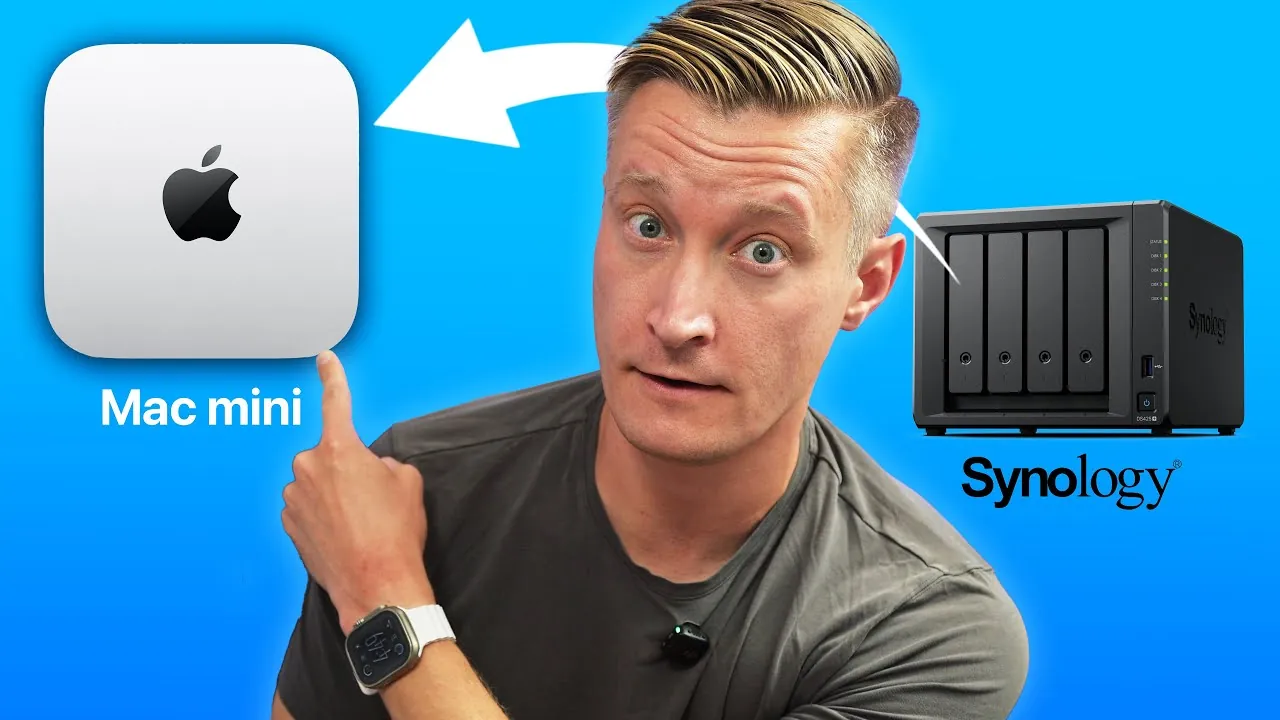
Have you ever wondered if your storage solution could do more than just store files? Imagine a device that not only manages your backups and syncs with the cloud but also doubles as a powerful workstation, ready to handle everything from video editing to remote desktop access. Enter the Mac Mini, a compact yet mighty machine that challenges the traditional role of Network Attached Storage (NAS) devices. While NAS systems are purpose-built for centralized storage, the Mac Mini offers a versatility that extends far beyond, making it a serious contender for anyone seeking more than just basic storage. The question is: why settle for less when you can have a device that adapts to your needs, both personal and professional?
Eric Welander explains why the Mac Mini might just be the ultimate NAS alternative for modern users. You’ll discover how its ability to integrate seamlessly with macOS, handle demanding tasks, and even act as a backup computer makes it a standout choice. We’ll also delve into the hardware essentials, practical applications, and potential limitations to help you decide if this unconventional solution aligns with your goals. Whether you’re a tech enthusiast looking to repurpose existing hardware or a professional seeking a multifunctional hub, the Mac Mini could redefine how you think about digital storage. After all, sometimes the best solutions are the ones that break the mold.
Why Consider a Mac Mini as a NAS Alternative?
TL;DR Key Takeaways :
- The Mac Mini serves as a versatile alternative to traditional NAS devices, offering capabilities like backups, cloud syncing, and running macOS-specific applications, making it a multifunctional hub for personal and professional use.
- Key hardware requirements for transforming a Mac Mini into a NAS include external storage (e.g., RAID enclosures), NAS-grade drives for durability, and optional accessories like a monitor or HDMI dongle for setup and maintenance.
- Practical use cases for a Mac Mini as a NAS include managing macOS Photos libraries, acting as a Time Machine server, allowing remote desktop access, and creating a hybrid local-cloud storage solution.
- Advantages over traditional NAS devices include greater versatility, seamless macOS integration for Apple ecosystem users, and the ability to double as a backup computer in case of hardware failure.
- Limitations include higher upfront costs, limited scalability compared to multi-bay NAS systems, and potential overkill for users with basic storage needs, making traditional NAS devices more suitable for simpler setups.
The Mac Mini is a highly versatile device that can handle much more than simple file storage. It can manage backups, sync files with cloud services, and even run macOS-specific applications. Unlike traditional NAS devices, which are typically limited to storage-related tasks, the Mac Mini can serve as a multifunctional hub for both personal and professional use. If you already own a Mac Mini or can purchase a refurbished model, repurposing it as a NAS can be a cost-effective and practical solution.
For optimal performance, consider a model equipped with 10 GB Ethernet, which ensures faster data transfers and smoother network connectivity. This feature is particularly beneficial for users who frequently transfer large files or rely on high-speed network performance.
What You’ll Need to Get Started
To transform a Mac Mini into a fully functional NAS alternative, you’ll need some additional hardware and tools. Here’s what to consider:
- External Storage: External hard drives or RAID enclosures are essential for expanding the Mac Mini’s storage capacity. These options allow you to customize the storage size and configuration to meet your specific needs, whether for personal use or professional workflows.
- NAS-Grade Drives: For heavy workloads, NAS-grade hard drives are recommended. These drives are designed for durability and reliability, making them ideal for environments with constant read/write operations.
- Optional Monitor or HDMI Dongle: While not required for daily use, a monitor or HDMI dongle can simplify the initial setup process and make occasional maintenance tasks more convenient.
Additionally, you may want to invest in a reliable uninterruptible power supply (UPS) to protect your Mac Mini and connected storage devices from power surges or outages, making sure uninterrupted operation.
Mac Mini as a NAS Alternative: Features, Benefits, and Limitations

Check out more relevant guides from our extensive collection on Mac Mini NAS alternative that you might find useful.
- Effortless Remote Video Editing with Mac Mini and Parsec
- M4 Mac Mini vs. Intel and AMD: Which Mini PC is Best?
- Guide to External Storage Options for Mac Users
- This Mac mini Buying Guide Will SAVE You $$$
- Top 10 Mac Mini Accessories to Enhance Your Setup
- Is the M4 Mac Mini the Best Budget Desktop in 2025?
- Plex Update : Remote Streaming Now Paid and Lifetime Pass
- Why Apple Just Bought Adobe’s Biggest Competitor Pixelmator
- DIY Raspberry Pi Smart TV Set Top Box – Apple TV Alternative
- Raspberry Pi 4 NAS Setup: Affordable Storage Made Easy
How You Can Use a Mac Mini as a NAS
The Mac Mini’s flexibility allows it to excel in a variety of scenarios, making it far more than just a storage device. Here are some practical use cases where the Mac Mini shines:
- macOS Photos Library: Store and manage your macOS Photos library on an external drive connected to the Mac Mini. This setup provides an affordable and efficient way to handle large photo collections while keeping your primary devices free of clutter.
- Time Machine Server: Use the Mac Mini as a Time Machine server to enable seamless network backups for all your macOS devices. This ensures your data is consistently backed up without requiring manual intervention.
- Remote Desktop Access: Take advantage of macOS’s built-in remote desktop tools to access files, manage your network, or even run applications from anywhere, offering unparalleled convenience for remote work or travel.
- Cloud Syncing: Use native macOS clients like iCloud, Dropbox, or Google Drive to synchronize files locally and in the cloud, creating a hybrid storage solution that combines local speed with cloud accessibility.
These use cases highlight the Mac Mini’s ability to serve as a centralized hub for various digital tasks, making it an excellent choice for users who value versatility.
Advantages Over Traditional NAS Devices
The Mac Mini offers several distinct advantages that make it a strong contender against traditional NAS systems:
- Versatility: Beyond file storage, the Mac Mini can handle tasks like video editing, automation, and running macOS-specific applications. This makes it a multifunctional tool that can adapt to a wide range of needs.
- macOS Integration: If you’re already invested in Apple’s ecosystem, the ability to use macOS apps and tools like Hazel, Shortcuts, or Automator adds significant value. This integration streamlines workflows and enhances productivity.
- Backup Computer: In addition to serving as a NAS, the Mac Mini can act as a backup computer in case of hardware failure. This dual functionality provides added peace of mind and ensures you’re prepared for unexpected situations.
These benefits make the Mac Mini an attractive option for users who need more than just basic storage capabilities, particularly those who are already familiar with Apple’s ecosystem.
Limitations to Keep in Mind
While the Mac Mini offers numerous advantages, it’s important to consider its limitations to determine whether it’s the right choice for your needs:
- Higher Upfront Cost: Compared to entry-level NAS devices, the Mac Mini can be more expensive, especially if you need to purchase additional hardware like external drives, a monitor, or a UPS.
- Limited Scalability: Unlike traditional NAS systems with multiple drive bays, the Mac Mini’s storage expansion options are more restricted. This could be a drawback for users with extensive storage requirements.
- Overkill for Basic Needs: If your requirements are limited to simple file storage and sharing, a traditional NAS may be a more cost-effective and straightforward solution. The Mac Mini’s additional features may go unused in such cases.
By weighing these limitations against its advantages, you can better assess whether the Mac Mini aligns with your specific needs and priorities.
Is a Mac Mini the Right Choice for You?
The Mac Mini is a powerful and flexible alternative to traditional NAS devices, offering a wide range of capabilities that extend beyond storage. Its ability to handle tasks like backups, file sharing, and even video editing makes it an excellent choice for users seeking a centralized, multifunctional solution. However, traditional NAS systems remain a better option for users with tight budgets or those requiring extensive storage capacity and scalability.
By carefully evaluating your specific requirements, budget, and long-term goals, you can determine whether the Mac Mini or a traditional NAS is the better fit for your setup. Whether you prioritize versatility, macOS integration, or the ability to repurpose existing hardware, the Mac Mini provides a unique and capable solution for modern storage and computing needs.
Media Credit: Eric Welander
Disclosure: Some of our articles include affiliate links. If you buy something through one of these links, Geeky Gadgets may earn an affiliate commission. Learn about our Disclosure Policy.
