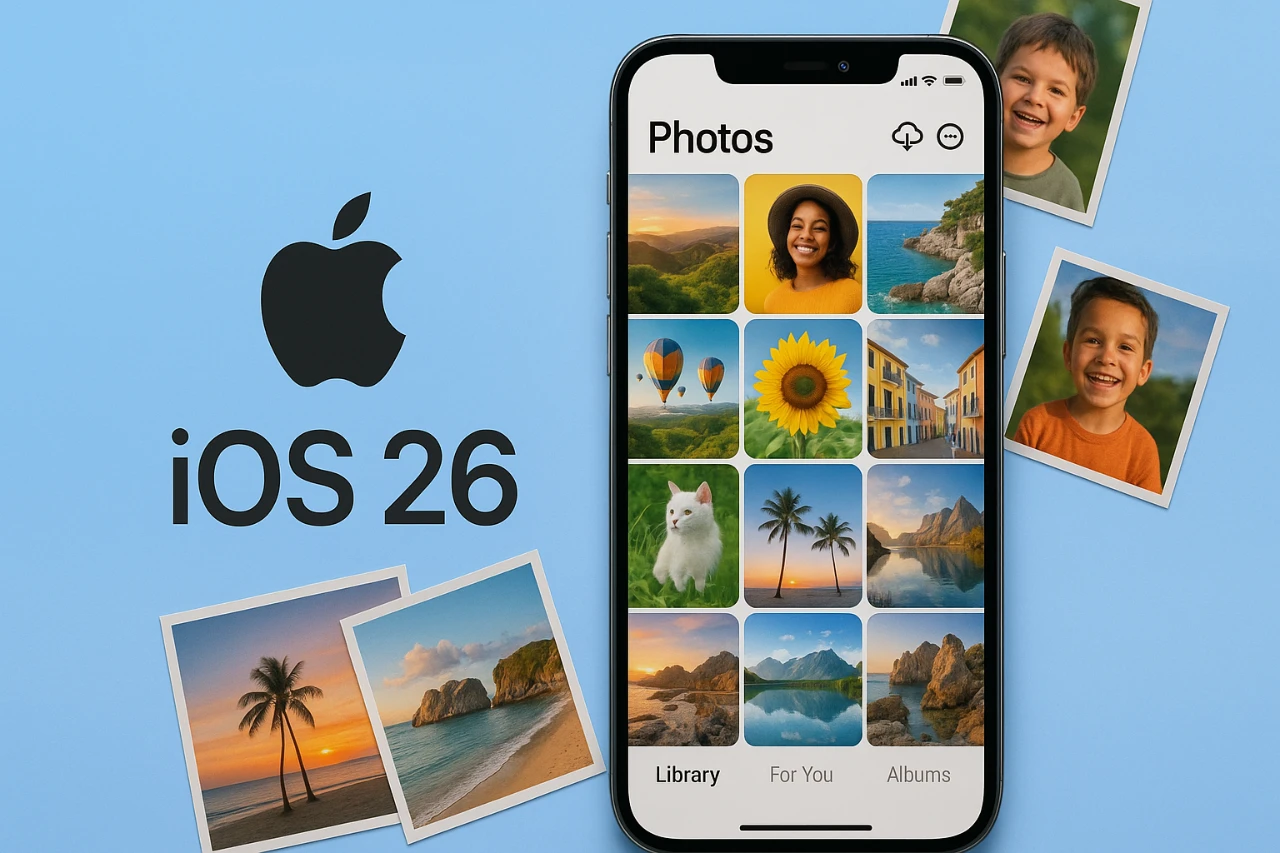
The iOS 26 Photos app represents a significant step forward in photo and video management, combining sleek design with advanced technology. Whether you’re a casual user capturing everyday moments or a photography enthusiast seeking precision tools, this app delivers a comprehensive suite of features to organize, edit, and interact with your media. Powered by Apple Intelligence (AI), it transforms your device into a dynamic hub for creativity, efficiency, and convenience. The video below from 9to5Mac gives us a look at the new features coming to the Photos app with the iOS 26 software update.

Refined Design for Seamless User Experience
Apple has reimagined the Photos app with a focus on simplicity and usability. The new “Liquid Glass” interface introduces dynamic visual effects that enhance the overall aesthetic while maintaining a polished and immersive experience. This design prioritizes functionality, making sure that navigation is intuitive and efficient.
The app’s primary sections—Library, Collections, and Search—have been streamlined for quicker access to your media. Enhanced filtering options allow you to sort photos and videos by criteria such as date, favorites, or edits, making sure you can locate specific content effortlessly. This thoughtful design ensures that users spend less time searching and more time enjoying their memories.
Innovative Features for Enhanced Interaction
The iOS 26 Photos app introduces new features that elevate how you engage with your media:
- Parallax 3D Effects: Available on iPhone 12 and newer models, this feature adds depth and movement to your photos, creating an immersive viewing experience.
- Live Text: Extract, translate, or interact with text directly from images. From scanning documents to translating signs, this feature is both practical and versatile.
- Event Recognition: Automatically identifies venues such as concert halls or stadiums, embedding detailed metadata to provide richer context for your memories.
These features blend practicality with creativity, making the app a versatile tool for both everyday use and artistic expression.
Advanced Tools for Organization and Privacy
Managing a growing photo library can be challenging, but the iOS 26 Photos app simplifies this process with robust organizational tools:
- Collapsible Lists: Streamline navigation by grouping albums more efficiently within the Collections tab.
- Customizable Album Order: Arrange albums to match your preferences, offering a personalized browsing experience.
- Locked Folders: Secure hidden and recently deleted photos with Face ID, making sure privacy without compromising accessibility.
- Media Type Categorization: Automatically sort your library into categories such as panoramas, videos, and screenshots for easier browsing.
These tools not only enhance organization but also prioritize security, giving users greater control over their media.
Precision Editing and Metadata Customization
For users seeking greater control over their media, the Photos app offers advanced editing and metadata management tools. Each photo now includes detailed metadata, such as camera settings, location, and file details, providing valuable insights for photographers and enthusiasts. Users can also edit metadata, such as adjusting the date or location of a photo, allowing greater flexibility in how media is presented and shared.
The editing suite has been expanded to include more precise tools for adjusting color, exposure, and composition. These enhancements cater to both casual users looking to enhance their photos and professionals seeking advanced editing capabilities.
AI-Driven Memories for Personalized Experiences
Apple Intelligence (AI) takes personalization to a new level with AI-generated memories. The app curates thematic photo collections, pairing them with music to create emotional, shareable slideshows. Whether it’s a family vacation, a milestone celebration, or a collection of candid moments, these memories are designed to evoke nostalgia and joy. This feature transforms your photo library into a living archive of your most cherished experiences.
Utility Features for Everyday Use
The Photos app extends beyond traditional media management with practical utility features that enhance its functionality:
- QR Code Scanning: Interact with QR codes embedded in photos without needing to switch to another app.
- Live Translation: Instantly translate text in images, whether it’s a menu in a foreign language or a street sign while traveling.
- Duplicate Photo Detection: Identify and manage redundant images, helping you declutter your library and save storage space.
These features make the app an indispensable tool for everyday tasks, blending convenience with innovation.
A Comprehensive Media Management Solution
The iOS 26 Photos app is more than just a photo and video library—it’s a holistic platform designed to meet a wide range of user needs. From organizing and securing your media to enhancing and interacting with it, the app delivers a seamless and powerful experience. Whether you’re a casual user capturing life’s moments or a professional seeking advanced tools, the Photos app ensures your media is always accessible, organized, and ready to be explored, edited, or shared.
Take a look at other insightful guides from our broad collection that might capture your interest in iOS 26 Photos App.
- iOS 26 Camera and Photos App Features Explained
- iOS 26 Camera App Redesign: Features, Tips, and Tricks
- iOS 26 Public Beta: Top Features You Need to Try
- 15 Hidden Features in iOS 26 You Need to Know About
- Discover the Latest iOS 26 Beta 6 Update for iPhone
Source: 9to5Mac
Disclosure: Some of our articles include affiliate links. If you buy something through one of these links, Geeky Gadgets may earn an affiliate commission. Learn about our Disclosure Policy.
