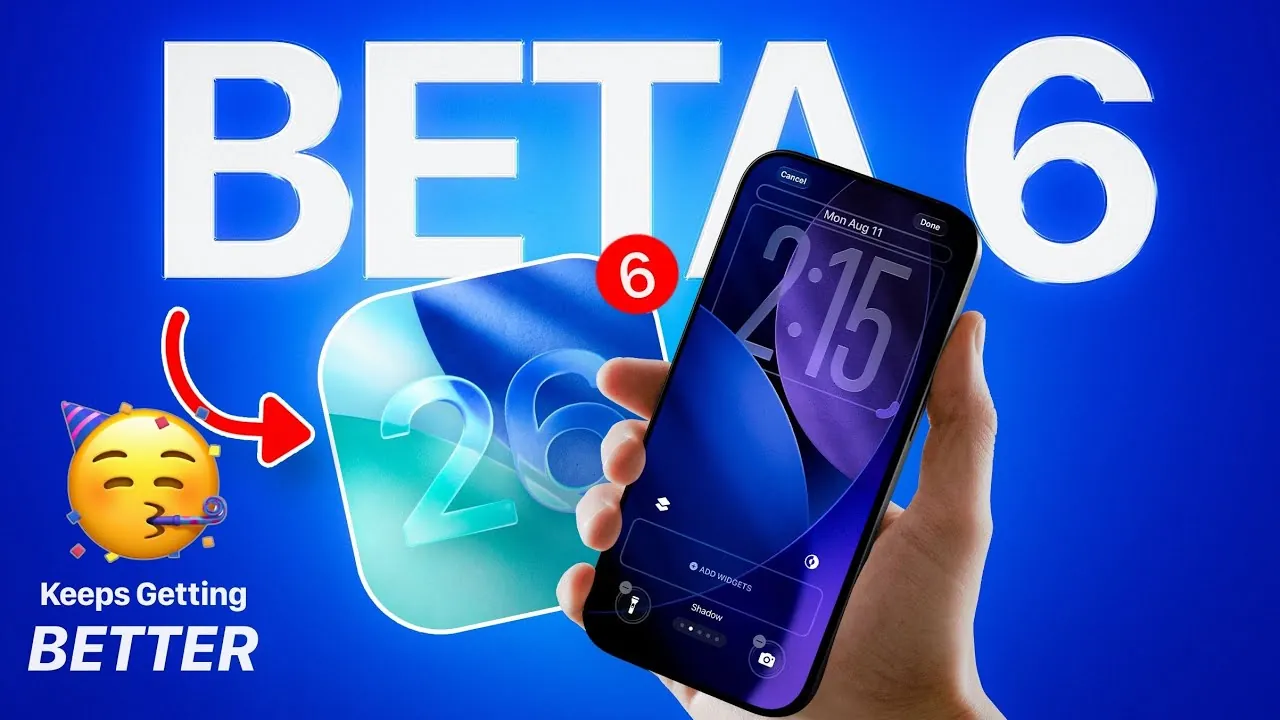
Apple has officially released iOS 26 Developer Beta 6, alongside updates for iPadOS, macOS, HomeOS, tvOS, VisionOS, and watchOS. This latest beta reflects Apple’s ongoing commitment to improving user experience through thoughtful design, enhanced functionality, and optimized performance. Developers and beta testers will notice a range of updates aimed at making the operating systems more intuitive and efficient. Public beta testers can expect access within 24 to 48 hours, consistent with Apple’s reliable weekly beta release schedule. The video below from iDeviceHelp gives us more details about the update.

The Importance of Apple’s Weekly Beta Releases
Apple’s weekly beta release cycle plays a critical role in making sure a steady stream of incremental improvements and feature updates. This approach allows you to explore new functionalities while providing timely feedback to Apple. By adhering to this schedule, Apple identifies and resolves potential issues before the final release, making sure a more polished and stable experience for all users. This iterative process not only enhances the quality of the software but also fosters a collaborative relationship between Apple and its beta testing community.
Enhanced Onboarding Experience
The onboarding process in iOS 26 Beta 6 has been thoughtfully redesigned to provide a more engaging and informative experience. Upon installation, you are guided through a walkthrough that highlights key updates, including the introduction of the “liquid glass” design. This sleek, reflective aesthetic is now integrated into various system elements, such as the lock screen, offering a modern and sophisticated look. Additionally, the onboarding emphasizes expanded customization options, making it easier for you to tailor the system to your preferences right from the start.
Photos App: Immersive and Intuitive Features
The Photos app has received significant updates aimed at enhancing both functionality and user experience. A new splash screen introduces improved navigation tools and customization options, making it easier to manage your photo library. One standout feature is the spatial scene exploration tool, which allows you to interact with your photos in a more immersive way. This feature is particularly beneficial for organizing large photo libraries, offering a more intuitive and visually engaging way to relive your memories.
Performance Optimizations for a Smoother Experience
Performance improvements are a cornerstone of iOS 26 Beta 6. You’ll notice faster animations, smoother transitions, and an overall more polished user experience. Whether you’re multitasking, switching between apps, or scrolling through content, the system feels more responsive and fluid. These enhancements not only improve usability but also ensure efficient operation, even during resource-intensive tasks. This focus on performance optimization underscores Apple’s dedication to delivering a seamless and enjoyable user experience.
Lock Screen Updates: A Blend of Style and Functionality
The lock screen in iOS 26 Beta 6 has been updated to offer both aesthetic and functional improvements. The “liquid glass” effect applied to the clock adds a refined and modern touch to the interface. Additionally, expanded customization options allow you to personalize the lock screen to better suit your style and needs. These updates make the lock screen not only visually appealing but also more practical, enhancing its role as a central hub for quick interactions.
Messages App: Improved Organization
The Messages app now includes a “Filter by Unread” feature, making it easier to locate unread conversations. This addition is especially useful if you manage multiple threads, making sure that important messages don’t get overlooked. By streamlining message organization, this update enhances productivity and helps you stay on top of your communications.
Camera App: Simplified and User-Friendly
The Camera app has undergone refinements to improve its usability. The mode-switching functionality has been simplified, removing the liquid glass effect that previously accompanied it. This change prioritizes ease of use, allowing you to switch between camera modes more quickly and with fewer distractions. These adjustments reflect Apple’s focus on creating a more intuitive and efficient photography experience.
New Ringtones for Personalization
iOS 26 Beta 6 introduces six new default ringtones, providing fresh options to personalize your device. These ringtones are designed to complement the system’s updated aesthetic and cater to a variety of auditory preferences. Whether you prefer subtle, soothing tones or more dynamic sounds, these additions offer a welcome update to the auditory experience of your device.
A Focus on Refinement and Usability
iOS 26 Beta 6 exemplifies Apple’s dedication to delivering a polished and user-friendly experience. From the redesigned onboarding process and Photos app enhancements to performance optimizations and lock screen updates, this release focuses on refining usability and functionality. As Apple continues its weekly beta release schedule, you can look forward to further improvements that enhance your interaction with their ecosystem.
Take a look at other insightful guides from our broad collection that might capture your interest in iOS 26 Beta 6.
- iOS 26 Beta 6 Release Date, Features, and Updates
- iOS 18.1 Beta 6: Apple Intelligence Hidden Gems You Need to See
- iOS 18.1 Beta 6: Surprise Features You Won’t Believe
- iOS 12 Beta 6 vs iOS 11.4.1 Speed Test (Video)
- Another Look at iOS 18 Beta 6
Source & Image Credit: iDeviceHelp
Disclosure: Some of our articles include affiliate links. If you buy something through one of these links, Geeky Gadgets may earn an affiliate commission. Learn about our Disclosure Policy.
