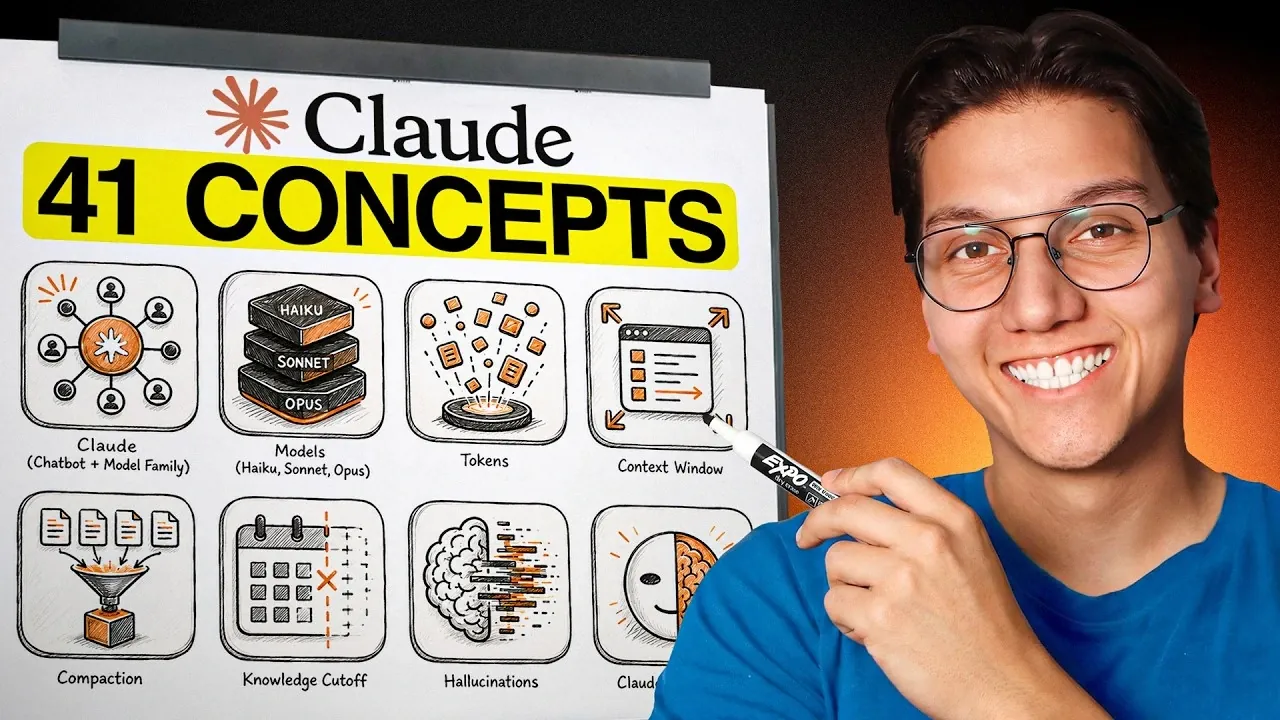
Claude AI, developed by Anthropic, is designed to make interacting with artificial intelligence more intuitive and effective. In a recent breakdown by Zinho Automates, the platform’s key concepts and features are explained in straightforward terms, making it accessible to both casual users and professionals. For instance, Claude operates using a token-based system, where tasks with greater complexity consume more tokens, requiring users to balance resource management with task demands. Additionally, its context windows allow for coherent conversations, though these have memory limits that influence how information is retained and processed over time.
Explore how to craft better prompts for Claude, take advantage of its multimodal input capabilities and use its specialized modes like Extended Thinking and Deep Research for specific tasks. You’ll also gain insight into its integration options with platforms like Google Drive and Slack, as well as its ability to generate customizable outputs like documents and dashboards. This overview provides a clear path to understanding how Claude AI can enhance workflows and improve productivity in both personal and professional contexts.
Core Concepts of Claude AI
TL;DR Key Takeaways :
- Claude AI, developed by Anthropic, offers a versatile suite of tools and models (Haiku, Sonnet, Opus) optimized for varying complexity and resource efficiency, making it suitable for both casual and professional users.
- The platform supports multimodal inputs, advanced prompt engineering and multiple modes (Extended Thinking, Deep Research, Web Search) to cater to diverse tasks and objectives.
- Key features include memory management, customizable outputs, code execution and integrations with tools like Gmail, Google Drive, Slack and Notion for streamlined workflows.
- Advanced tools such as Skills, Plugins and Sub-Agents enhance functionality, allowing efficient task management and automation for individual and team use.
- Claude AI offers tiered pricing plans, from a Free Plan to customizable Enterprise options, with the Pro Plan ($20/month) being a popular choice for balancing cost and features.
At its core, Claude AI operates through a family of models, Haiku, Sonnet and Opus, each optimized for varying levels of complexity and resource efficiency. These models function using tokens, which act as the “currency” for interactions. Tasks with higher complexity consume more tokens, making it essential to understand this system to manage resources effectively and maximize the platform’s utility.
Claude maintains coherent conversations through context windows, which serve as its memory. These windows have defined limits, requiring older information to be compacted as new inputs are added. While Claude is highly capable, it is important to note that it has a knowledge cut-off for events occurring after its training date unless the web search feature is enabled. Additionally, like other AI systems, Claude may occasionally generate “hallucinations” or fabricated information, making it crucial to verify critical outputs for accuracy.
How to Communicate with Claude
Effective communication with Claude begins with crafting well-structured prompts. By employing prompt engineering techniques, you can guide the AI to deliver more precise and relevant responses. Claude also supports multimodal inputs, allowing you to upload and analyze various file types, including text documents, images, PDFs and spreadsheets. The platform offers multiple modes to cater to different tasks and objectives:
- Extended Thinking: Ideal for tackling in-depth problem-solving scenarios.
- Deep Research: Designed for addressing complex queries and conducting thorough investigations.
- Web Search: Enables access to up-to-date information beyond its training cut-off.
These modes ensure that Claude adapts to your specific requirements, whether you are brainstorming creative ideas, conducting detailed research, or solving intricate problems.

Here are more detailed guides and articles that you may find helpful on Claude AI.
- How Claude is Quietly Automating Complex Video Editing Workflows
- Claude’s Most Powerful Features : Beginners Guide 2026
- How Paperclip Turns Claude Code Into an Entire Automated AI Company
- Claude Opus 4.6 vs ChatGPT 5.2 : Benchmarks, Context and Workflow AI Tools
- New Claude Feature Automates Your Tasks While You Sleep
- Meet AutoDream : Claude Code’s Clever New Trick for Memory Management
- Claude Opus 4.6 vs GPT 5.2 : Opus Sets New Benchmark Scores But Raises Oversight Concerns
- Claude Opus 4.7 Leaks & Anthropic’s Full-Stack AI Studio
- Get Certified in AI for Free: Anthropic Launches Massive New Academy
- Skip the Learning Curve : Master Building with Claude Code Quickly
Key Features of the Platform
Claude AI is accessible across web, mobile and desktop platforms, offering users flexibility in how they interact with the system. A standout feature is its ability to generate artifacts, customizable outputs such as dashboards, applications and documents that can be shared or downloaded for further use.
For technical users, Claude supports code execution, allowing the creation and execution of scripts or the generation of files in formats like Word, Excel and PowerPoint. Additionally, the platform allows you to customize its writing style to align with your tone and preferences, making it a versatile tool for both personal and professional applications.
Organization and Memory Management
Claude excels in organization and memory management, automatically saving your chats and allowing you to search through past interactions. Users can create project-specific workspaces with tailored instructions, making sure that the AI provides contextually relevant responses for ongoing tasks.
Global instructions and memory features further enhance consistency across interactions. These tools are particularly valuable for long-term projects or collaborative environments, where maintaining continuity and coherence is critical to success.
Integrations and Workflow Automation
To streamline workflows, Claude integrates seamlessly with popular external tools such as Gmail, Google Drive, Slack and Notion through its connectors. The Model Context Protocol (MCP) enhances its utility by allowing integration with multiple applications, creating a cohesive ecosystem for productivity.
Additional productivity features include:
- Browser Extensions: Allowing quick and easy access to Claude’s capabilities directly from your browser.
- Excel and PowerPoint Integrations: Simplifying data analysis and presentation creation.
- Claude Co-work: Facilitating task delegation and efficient file management.
- Automation Tools: Allowing task scheduling and the setup of recurring workflows.
These features collectively save time and effort, making Claude an invaluable asset for managing complex projects and automating routine tasks.
Advanced Tools for Enhanced Functionality
Claude AI provides advanced tools to address specialized tasks and enhance productivity:
- Skills: Predefined instructions for repetitive tasks, which can be customized to suit specific needs.
- Plugins: Bundles of skills and connectors that expand the platform’s functionality and versatility.
- Sub-Agents: Parallel task handlers designed to manage multiple objectives efficiently.
These tools are particularly beneficial for users managing diverse responsibilities, whether working independently or leading a team. They help streamline operations, improve organization and ensure that tasks are completed efficiently.
Pricing Plans
Claude AI offers a range of tiered pricing plans to accommodate different user needs and budgets:
- Free Plan: Provides basic access with limited features, suitable for casual users.
- Pro Plan: Priced at $20 per month, this plan is ideal for most users seeking a balance between cost and functionality.
- Max Plan: Ranging from $100 to $200 per month, this plan is designed for advanced users requiring higher limits and greater capabilities.
- Team Plan: Priced at $25 per user, this plan is tailored for collaborative teams working on shared projects.
- Enterprise Plan: Offers custom pricing for large-scale organizational needs, providing extensive resources and support.
Higher-tier plans grant access to advanced models like Opus, which consume more resources but deliver enhanced capabilities. For most users, the Pro Plan offers an optimal balance of features and affordability, making it a popular choice.
Using Claude AI for Success
Claude AI is a robust and adaptable platform that caters to a diverse audience, from individuals exploring creative ideas to enterprise teams managing complex workflows. By understanding its core concepts, features and pricing options, you can effectively use Claude to streamline tasks, enhance productivity and achieve your goals with greater efficiency. Whether automating processes, conducting research, or collaborating on projects, Claude AI provides the tools and flexibility needed to thrive in today’s fast-paced digital landscape.
Media Credit: Zinho Automates
Disclosure: Some of our articles include affiliate links. If you buy something through one of these links, Geeky Gadgets may earn an affiliate commission. Learn about our Disclosure Policy.
