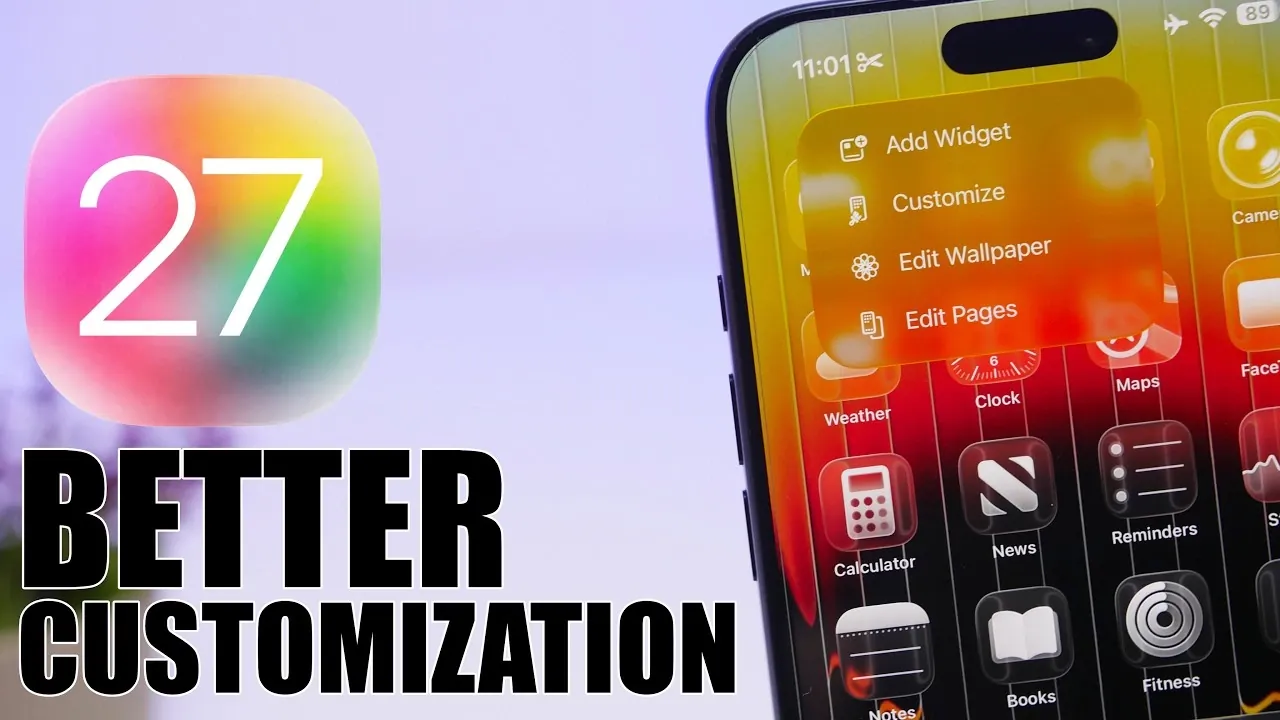
Apple’s iOS 27 introduces a fantastic update designed to enhance how you interact with your devices. By focusing on customization, artificial intelligence (AI), and streamlined usability, this release ensures your device adapts seamlessly to your needs. From a redesigned camera app to smarter AI tools, iOS 27 delivers a personalized and efficient experience that caters to both casual users and tech enthusiasts. Here’s a closer look at its standout features in a new video from iReviews.
Redesigned Camera App
The camera app in iOS 27 has been completely reimagined to provide greater control and flexibility. Its new customizable interface allows you to arrange controls like widgets, making sure that frequently used features, such as filters, exposure adjustments and focus settings, are always within easy reach. This intuitive design makes capturing the perfect shot more accessible than ever.
A key highlight is Siri’s AI-powered visual intelligence, which optimizes photo and video captures based on your environment. Whether you’re shooting in low light, capturing fast-moving subjects, or framing a scenic landscape, Siri’s enhancements ensure professional-quality results with minimal effort. This feature enables users to achieve stunning visuals without requiring advanced photography skills.
Enhanced Keyboard Experience
Typing on iOS 27 has been refined to feel more natural and responsive. The keyboard now features subtle animations for each keystroke, providing tactile feedback that enhances the overall typing experience. This attention to detail ensures smoother interactions, whether you’re composing a quick text or drafting a lengthy email.
Autocorrect has also received a significant upgrade. It now offers context-aware suggestions that adapt to your writing style, providing smarter alternatives to improve clarity and accuracy. Similar to advanced tools like Grammarly, this feature ensures your messages and documents are polished and error-free, making communication more effective and professional.
Home Screen Personalization
iOS 27 takes home screen customization to the next level, offering tools that make it easier than ever to design a layout that suits your preferences. The addition of undo and redo buttons allows you to experiment freely with arrangements, eliminating the fear of losing progress while trying new configurations.
Enhanced widget options, dynamic wallpapers and improved app arrangement tools give you the ability to create a home screen that is both visually appealing and functionally efficient. These updates ensure that your device reflects your personal style while meeting your practical needs, making navigation more intuitive and enjoyable.
Safari Gets Smarter
Safari in iOS 27 introduces a more organized and efficient browsing experience. The redesigned start page now includes categorized tabs that automatically group content by type, such as news, sports, or technology. This feature simplifies multitasking, making it easier to locate specific pages when managing multiple topics during a single session.
The cleaner interface not only improves usability but also enhances productivity. Whether you’re conducting research, shopping online, or catching up on the latest trends, Safari’s updates ensure a seamless and user-friendly experience tailored to your browsing habits.
Photos App: AI-Powered Creativity
The Photos app uses advanced AI technology to elevate your editing capabilities. With automatic enhancements, you can adjust lighting, color balance and sharpness with a single tap, making it easier to achieve professional-quality edits without extensive manual adjustments.
One of the most innovative additions is the ability to expand images beyond their original frame. Using AI, the app intelligently fills in missing details, allowing for creative cropping and resizing without compromising image quality. This feature opens up new possibilities for photo editing, allowing users to reimagine their images in ways that were previously impossible.
Smarter Siri Integration
Siri evolves into a more capable and versatile assistant in iOS 27. The introduction of a standalone Siri chatbot app enables deeper, more conversational interactions, making it easier to manage tasks, set reminders, or retrieve information with precision.
Additionally, Siri’s multitasking capabilities have been expanded to integrate seamlessly with third-party apps. This allows you to control multiple applications simultaneously, streamlining workflows and saving time. Whether you’re coordinating schedules, managing smart home devices, or handling work-related tasks, Siri’s enhanced functionality ensures a smoother and more efficient experience.
Why iOS 27 Matters
iOS 27 represents a significant leap forward in making your device more intuitive, personalized, and efficient. With updates spanning the camera app, keyboard, home screen, Safari, Photos and Siri, this release emphasizes usability and customization to meet the diverse needs of its users.
Whether you’re seeking convenience in everyday tasks or exploring advanced features for creative projects, iOS 27 delivers a tailored experience that aligns with your preferences. Apple’s commitment to blending innovation with user-centric design ensures that your device not only works smarter but also adapts to enhance your daily life.
Source & Image Credit: iReviews
Disclosure: Some of our articles include affiliate links. If you buy something through one of these links, Geeky Gadgets may earn an affiliate commission. Learn about our Disclosure Policy.
