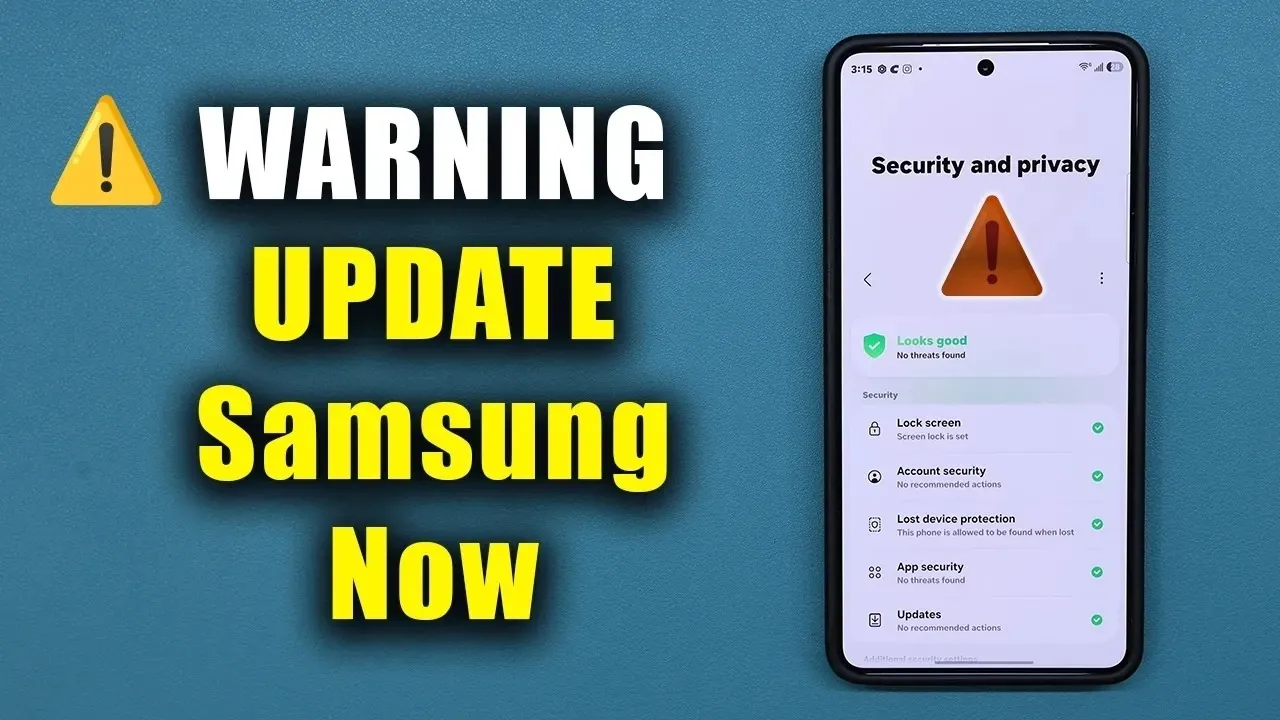
Samsung has issued an urgent security update for millions of Galaxy smartphones, addressing critical vulnerabilities that could leave devices exposed to cyber threats. This update, delayed since Google’s initial patch in early August, is essential to safeguard your data and ensure your phone operates securely. If you own a Galaxy device, installing this update immediately is a crucial step to protect against potential risks. The video below from Sakitech gives us more details about the update.

What the Update Fixes
The update resolves eight critical vulnerabilities and several high-risk security flaws that could be exploited by attackers. Among the most severe issues addressed is a flaw in Android’s data validation process, which previously allowed malicious actors to compromise devices by sending harmful data. Another significant vulnerability, which could enable attackers with local access to disrupt your phone’s functionality, has also been patched.
By addressing these vulnerabilities, Samsung highlights the importance of staying current with security updates. Installing this patch not only protects your device but also ensures it operates securely and efficiently, reducing the risk of data breaches or unauthorized access.
Update Highlights
The update package, sized at 553 MB, includes more than just security fixes. It brings enhancements to Samsung’s One UI 8.5 and Android 16, improving overall performance and system integration. These optimizations aim to deliver a smoother user experience, benefiting both newer and older Galaxy models.
Additionally, the update resolves issues related to the Google Play system, which manages app security and updates. By addressing these concerns, Samsung ensures your device remains protected against emerging threats and continues to function reliably. These improvements are designed to enhance not only security but also the day-to-day usability of your device.
How to Install the Update
To secure your device and ensure all components are up to date, follow these steps to install the update:
- Open your phone’s settings and navigate to the “Software Update” section to check for the latest update.
- Download and install the update, then restart your device to apply the changes effectively.
- Update the Google Play system by visiting the “Security” section in your settings and selecting “Google Play system update.”
- Ensure all apps are updated through both the Google Play Store and Galaxy Store to maintain compatibility and security.
- If you encounter issues, such as a “failed to update” error for Google Play system updates, retry the process or contact Samsung support for assistance.
These steps will help ensure your device is running the latest software and protected against known vulnerabilities. Regularly checking for updates is a simple yet effective way to maintain your phone’s security and performance.
Performance and Usability Enhancements
Beyond addressing security vulnerabilities, this update includes performance improvements that enhance the speed, responsiveness and usability of your Galaxy phone. Updates like this often include behind-the-scenes adjustments that optimize system performance, benefiting both newer and older devices. These improvements can result in faster app loading times, smoother multitasking, and better battery efficiency.
By keeping your phone updated, you not only protect it from potential threats but also ensure it operates at peak performance. Regular updates are a proactive way to extend the lifespan of your device and maintain a seamless user experience.
Best Practices for Galaxy Users
To maintain the security and performance of your Galaxy device, consider adopting these proactive measures:
- Regularly check for software updates and install them promptly to stay protected against the latest threats.
- Keep all apps updated to their latest versions through the Google Play Store and Galaxy Store to ensure compatibility and security.
- Monitor your device for unusual behavior after updates, such as unexpected crashes or performance issues and report any problems to Samsung or your service provider.
- Enable automatic updates where possible to ensure you never miss critical patches or improvements.
- Use strong passwords and enable two-factor authentication for sensitive accounts to add an extra layer of security.
By following these recommendations, you can ensure your device remains secure, functional, and up to date with the latest advancements in mobile technology. Staying vigilant and proactive is key to protecting your personal information and maintaining a reliable mobile experience.
Why This Update Matters
Samsung’s emergency update is a critical measure to protect millions of Galaxy devices from potential security threats. Cyberattacks are becoming increasingly sophisticated, and vulnerabilities in mobile devices can expose users to risks such as data theft, unauthorized access, and malware infections. By installing this update, you not only safeguard your phone but also benefit from performance enhancements that improve usability and system stability.
Taking action today ensures a safer and more seamless mobile experience. Regular updates are a vital part of maintaining your device’s integrity, and Samsung’s commitment to addressing vulnerabilities underscores the importance of staying informed and proactive. Protect your device, secure your data, and enjoy the enhanced performance that comes with staying up to date.
Become an expert in Samsung Galaxy security updates with the help of our in-depth articles and helpful guides.
- Why Samsung Just Issued an Emergency Update for Millions of Galaxy Phones
- URGENT: Update Your Samsung Phone NOW for Critical Security Fix!
- Urgent Security Update for Your Samsung Galaxy: Install NOW!
Source & Image Credit: sakitech
Disclosure: Some of our articles include affiliate links. If you buy something through one of these links, Geeky Gadgets may earn an affiliate commission. Learn about our Disclosure Policy.
