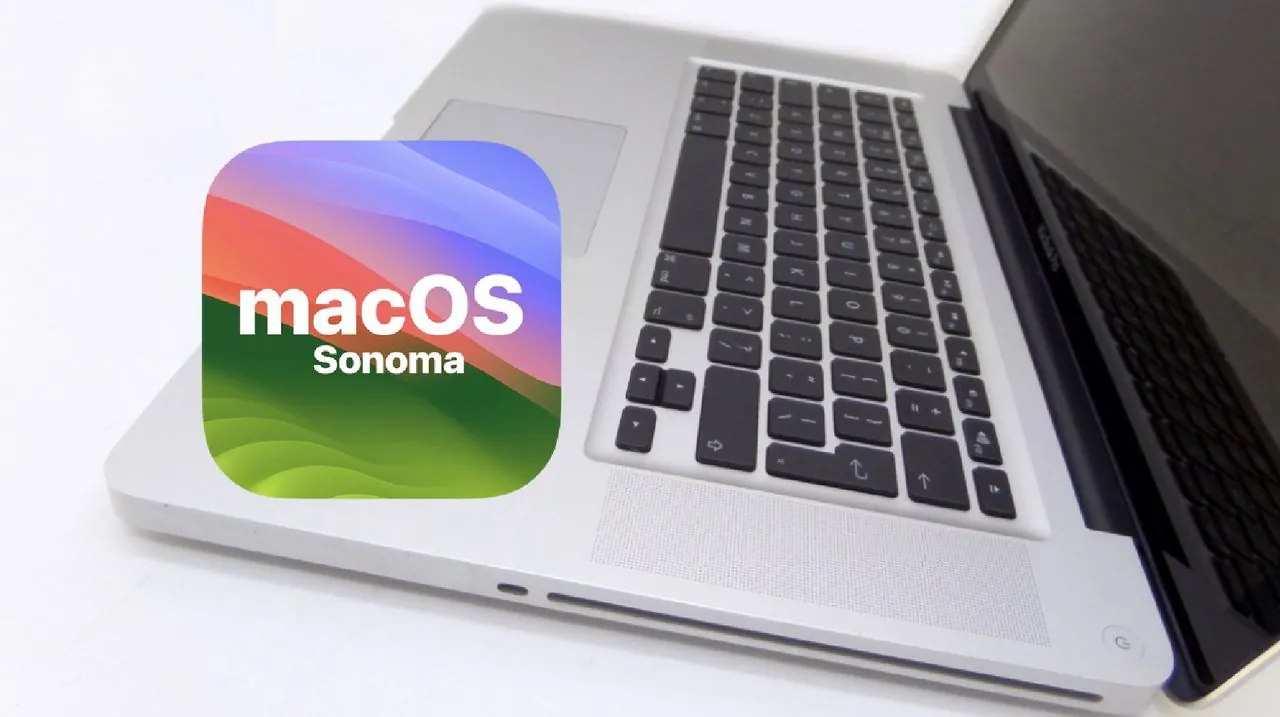
Can a laptop from over a decade ago still keep up with today’s tech demands? It might sound improbable, but a 2009 MacBook Pro has been successfully revived to run macOS Sonoma, Apple’s latest operating system. This transformation is more than a nostalgic experiment—it’s a testament to the resilience of older hardware and the ingenuity of modern refurbishing techniques. However, the journey wasn’t without hurdles. From sourcing compatible parts to navigating software restrictions, this project reveals both the potential and the challenges of breathing new life into aging devices. For anyone who’s ever wondered if their old tech is truly obsolete, this story offers a surprising answer.
Hugh JeffreysHugh Jeffreys explains how a neglected laptop, once deemed a relic, was carefully upgraded and modified to meet modern standards. From installing an SSD and upgrading RAM to overcoming software compatibility issues with tools like OpenCore, every step of the process reflects a blend of technical skill and creative problem-solving. But does the refurbished MacBook Pro truly hold up in a world of sleek, innovative devices? And what lessons can be drawn from its performance? Whether you’re curious about the limits of legacy hardware or inspired to tackle your own restoration project, this exploration offers insights that might just change how you view old technology.
Reviving an Old MacBook
TL;DR Key Takeaways :
- A 2009 MacBook Pro was successfully refurbished to run macOS Sonoma, showcasing the potential of reviving aging technology through hardware upgrades and software modifications.
- Key hardware upgrades included installing an SSD, expanding RAM to 8GB, and performing structural repairs to restore functionality and improve performance.
- Using OpenCore, a macOS patching tool, allowed macOS Sonoma to run on unsupported hardware, though it introduced challenges like installation issues and ongoing maintenance for updates.
- The refurbished MacBook Pro performed well for basic tasks but faced limitations such as graphical glitches, slower video playback, and reduced Wi-Fi speeds compared to modern devices.
- The project highlighted the practical constraints of working with legacy devices, including maintenance complexity, compatibility issues, and performance limitations for resource-intensive tasks.
Older laptops like this MacBook Pro are often discarded, deemed relics of a bygone era with little practical use. This particular device was acquired at no cost, but its condition reflected years of neglect. The laptop exhibited significant physical damage, including missing components and internal issues such as a broken hard drive bracket and signs of moisture exposure. These problems created a daunting starting point for refurbishment, requiring both technical expertise and resourcefulness to overcome.
Hardware Upgrades: Restoring Functionality
To prepare the MacBook Pro for modern use, several critical hardware upgrades were implemented:
- SSD Installation: The outdated hard drive was replaced with a solid-state drive (SSD), significantly improving storage speed and reliability.
- RAM Upgrade: The memory was expanded to the device’s maximum capacity of 8GB, allowing smoother performance when running contemporary software.
- Structural Repairs: Missing screws were replaced, and the battery indicator was repaired to restore the laptop’s physical integrity.
Sourcing compatible parts for a device of this age required patience and precision. Despite these challenges, the upgrades were essential to breathe new life into the laptop and prepare it for the demands of macOS Sonoma.
Running macOS Sonoma On An Old MacBook Pro from 2009

Check out more relevant guides from our extensive collection on Apple macOS Sonoma that you might find useful.
- How to install macOS Sonoma on older unsupported Macs
- 17 macOS Sonoma settings you should change
- Essential macOS Sonoma Tips & Tricks (Video)
- What’s New in macOS Sonoma 14.5
- 100 macOS Sonoma features revealed (Video)
- What’s new in macOS Sonoma 14.4 (Video)
- How to add widgets on Mac in macOS Sonoma
- What’s new in macOS 14 Sonoma beta 5 (Video)
- Inside macOS 15.5 Beta 2: What’s Changed?
- How to use Apple Mac Presenter Overlay features
Software Challenges: Installing macOS Sonoma
Running macOS Sonoma on unsupported hardware presented unique software challenges. Using OpenCore, a macOS patching tool, Apple’s restrictions were bypassed, allowing the latest operating system to function on this legacy device. However, the process was far from straightforward:
- Installation Issues: During the initial setup, the internal keyboard and trackpad were unresponsive, complicating the installation process.
- Post-Installation Adjustments: Additional tweaks were required to restore full functionality after the operating system was installed.
While OpenCore proved invaluable in allowing macOS Sonoma to run, it introduced ongoing maintenance requirements. Each macOS update necessitates reapplying patches, adding complexity to the system’s upkeep.
Performance: Strengths and Weaknesses
Once refurbished, the MacBook Pro delivered a mix of surprising functionality and noticeable limitations. For basic tasks such as web browsing and light productivity applications, the laptop performed admirably. However, its age became apparent in other areas:
- Graphical Limitations: Occasional graphical glitches highlighted the constraints of the older hardware.
- Reduced Speeds: Video playback and Wi-Fi performance were slower compared to modern devices, reflecting the technological gap.
Despite these drawbacks, the refurbished MacBook Pro demonstrated that aging technology can still serve practical purposes with the right upgrades and modifications.
Practical Constraints and Lessons Learned
While the project successfully extended the lifespan of the MacBook Pro, it also underscored the limitations of working with legacy devices:
- Maintenance Complexity: Reapplying OpenCore patches after every macOS update adds an ongoing layer of technical maintenance.
- Compatibility Issues: Attempts to install Windows 11 as an alternative operating system failed, highlighting the challenges of running newer software on older hardware.
- Performance Limitations: While adequate for basic tasks, the laptop struggles with resource-intensive applications and multitasking, making it unsuitable for demanding workflows.
These challenges serve as a reminder that while older hardware can be revitalized, it cannot fully match the capabilities of modern devices.
Insights from the Refurbishment Process
The successful revival of a 2009 MacBook Pro to run macOS Sonoma highlights the potential of extending the life of aging technology. By combining thoughtful hardware upgrades with strategic software modifications, outdated devices can be transformed into functional tools for everyday use. However, it is essential to approach such projects with realistic expectations. While this refurbished MacBook Pro stands as a testament to the ingenuity and resourcefulness required to adapt legacy hardware, it also emphasizes the unavoidable constraints of older technology.
Media Credit: Hugh Jeffreys
Disclosure: Some of our articles include affiliate links. If you buy something through one of these links, Geeky Gadgets may earn an affiliate commission. Learn about our Disclosure Policy.
