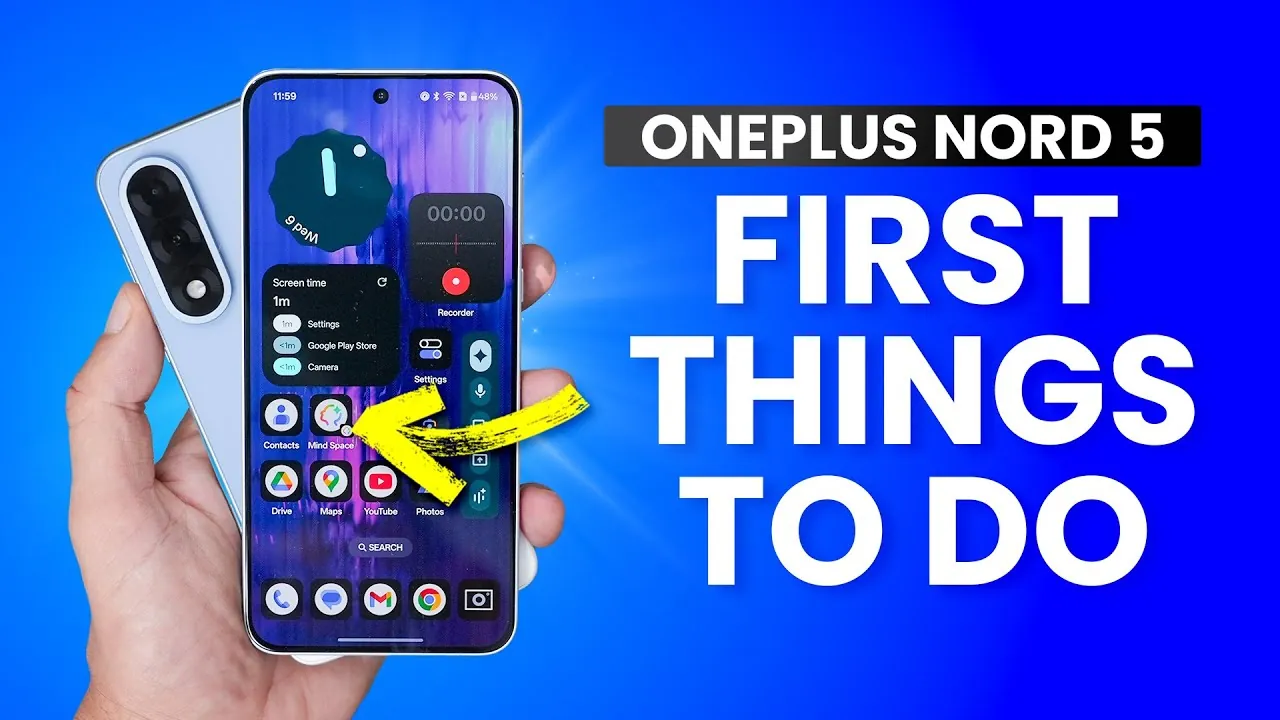
The OnePlus Nord 5 is an innovative smartphone designed to provide a seamless, customizable, and secure user experience. Packed with advanced features and intuitive tools, it offers a range of options to enhance performance, improve security, and personalize your device. The video below from WhatGear explores essential tips, tricks, and hidden features to help you unlock the full potential of your OnePlus Nord 5, making sure it meets your unique needs from the very first day.

Optimize Your Display
The display is a critical component of your smartphone experience, and the OnePlus Nord 5 provides several ways to fine-tune it for comfort and efficiency:
- Adjust Resolution and Refresh Rate: Choose between higher refresh rates for smoother visuals or lower rates to conserve battery life, depending on your usage.
- Enable Adaptive Tone: Automatically adapt the screen’s color tones to match ambient lighting, reducing eye strain and improving visibility in various environments.
- Explore Color Modes: Select from natural, cinematic, or vibrant color profiles to suit your personal preferences and enhance your viewing experience.
Use AI-Powered Tools
Artificial intelligence is seamlessly integrated into the OnePlus Nord 5, offering tools that simplify daily tasks and boost productivity:
- AI Search: Quickly locate files, contacts, or events on your device with precise and efficient search results, saving you time and effort.
- AI Voice Scribe: Transcribe audio, summarize lengthy content, or translate languages in real time, making it an invaluable tool for work and communication.
Master Gestures and Shortcuts
The OnePlus Nord 5 offers intuitive gestures and shortcuts to streamline navigation and enhance usability:
- Screen-Off Gestures: Access frequently used apps like the camera or flashlight by drawing specific patterns on the screen, even when it’s locked.
- Air Gestures: Answer calls or perform actions with a simple wave of your hand, offering a touch-free way to interact with your device.
- Flip-to-Mute: Silence incoming calls instantly by flipping the phone face down, a convenient feature for meetings or quiet environments.
Boost Performance and Battery Life
Maximize the performance of your OnePlus Nord 5 while making sure its longevity with these features:
- High-Performance Mode: Unlock the full potential of your device’s chipset for demanding tasks such as gaming, video editing, or multitasking.
- Smart Charging: Optimize charging speeds to extend battery health, making sure your device remains reliable over time.
Enhance Privacy and Security
The OnePlus Nord 5 prioritizes your privacy and data security with robust features designed to protect your information:
- Lock Screen Notifications: Hide sensitive content from appearing on your lock screen to maintain privacy in public spaces.
- Theft Detection: Enable offline device lock to secure your phone in case it’s lost or stolen, making sure your data remains protected.
- Lock Screen Signature: Add your contact details to the lock screen, making it easier for someone to return your device if misplaced.
Explore Convenience Features
The OnePlus Nord 5 includes several built-in tools to simplify everyday tasks and improve usability:
- One-Handed Mode: Adjust the interface for easier navigation when using the phone with one hand, especially on the large display.
- Gloves Mode: Increase touch sensitivity to operate the screen even while wearing gloves, ideal for cold weather conditions.
- IR Blaster: Control home appliances like TVs, air conditioners, or fans directly from your phone, adding convenience to your daily routine.
Personalize Your Device
Tailor the OnePlus Nord 5 to reflect your style and preferences with its extensive customization options:
- Home Screen Layout: Modify icon sizes, grid layouts, and system colors to create a unique and personalized interface.
- App-Specific Volume Controls: Set individual sound levels for different apps, allowing you to customize your audio experience based on your needs.
Manage Users and Accounts
If you share your device with others, the OnePlus Nord 5 offers user management features to ensure privacy and convenience:
- Guest Profiles: Create temporary accounts for visitors, keeping your personal data secure while allowing limited access to the device.
- Secondary User Profiles: Set up separate profiles for family members or work-related use, maintaining a clear distinction between personal and shared data.
Track and Recover Your Device
Losing your phone can be stressful, but the OnePlus Nord 5 includes tools to help you locate and secure it:
- Find My Device: Enable this feature to track, lock, or erase your phone remotely, making sure your data remains safe even if the device is lost.
- Quick Access: Bookmark the tracking website for immediate use in case of loss, providing a fast and efficient way to recover your phone.
Unlock the Full Potential of Your OnePlus Nord 5
The OnePlus Nord 5 is a versatile and feature-rich smartphone designed to adapt to your lifestyle. By exploring its advanced tools and customization options, you can optimize performance, enhance security, and personalize the device to suit your preferences. From using AI-powered tools to mastering gestures and shortcuts, these tips and tricks ensure you get the most out of your device, making it an indispensable part of your daily life.
Explore further guides and articles from our vast library that you may find relevant to your interests in OnePlus Nord 5 tips.
- OnePlus Nord 5 Release Date, Specs, and Features
- Top 10 Upcoming Android Phones to Watch in July 2025
- OnePlus Nord CE 2 gets unboxed (Video)
- Best Budget Friendly Camera Smartphones (Video)
- Which is Better? Nothing Phone 3 vs OnePlus 13
Source & Image Credit: WhatGear
Disclosure: Some of our articles include affiliate links. If you buy something through one of these links, Geeky Gadgets may earn an affiliate commission. Learn about our Disclosure Policy.
