Apple’s iOS 27 is poised to deliver a significant leap forward in mobile operating systems, blending user-centric enhancements with innovative AI capabilities. With features designed to improve multitasking, streamline automation, and enhance everyday usability, this update promises to reshape how you interact with your iPhone. Below is a comprehensive breakdown of the most notable features and their potential impact in a new video from iReviews.

Parallel View: Redefining Multitasking with Split-Screen Functionality
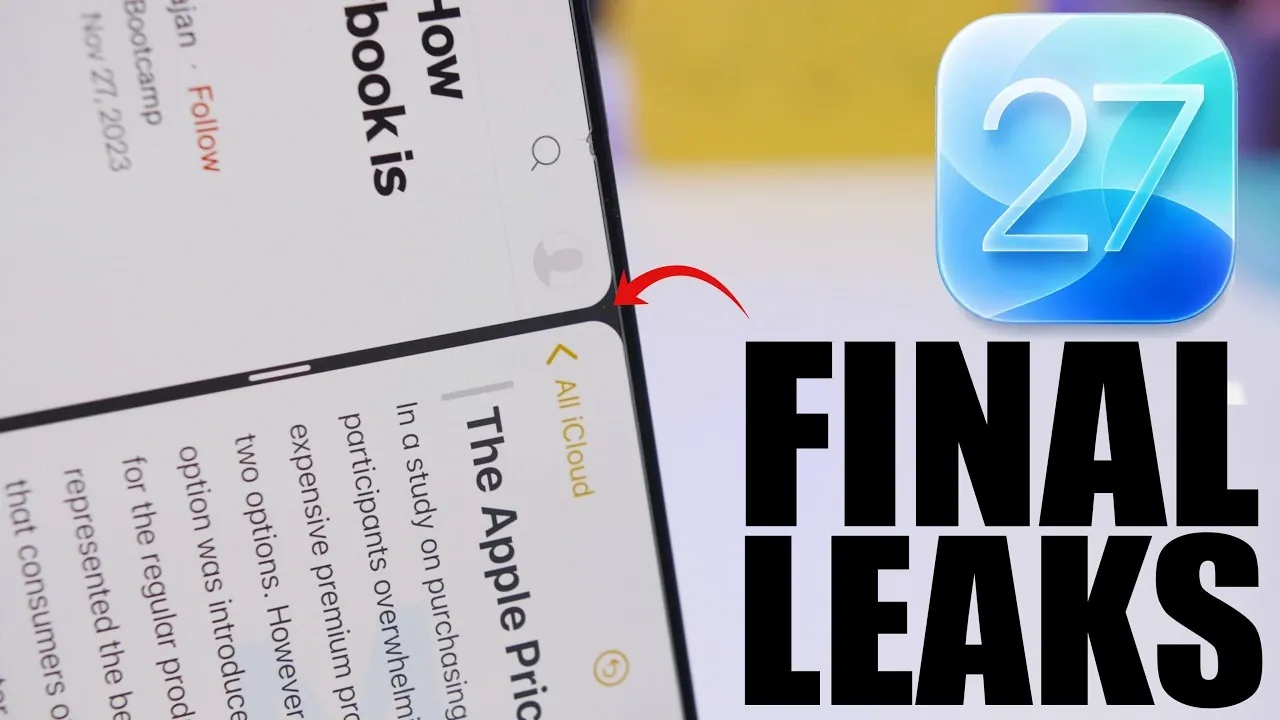
One of the standout features of iOS 27 is the introduction of Parallel View, a split-screen functionality that allows users to run two apps simultaneously in landscape mode. This feature is particularly beneficial for tasks such as comparing documents, taking notes while watching a video, or managing multiple apps at once.
However, this functionality is expected to be exclusive to devices with larger screens, such as the iPhone Max models and iPads, to ensure a seamless and efficient user experience. For users who rely on their devices for productivity, this feature could significantly enhance multitasking capabilities, making it easier to juggle work and personal tasks.
AI-Enhanced Siri: Smarter Assistance for Everyday Tasks
Siri receives a major upgrade in iOS 27 with the integration of advanced AI tools. The new “Help Me Write” button in text fields allows users to generate or refine text effortlessly, while the “Write with Siri” toggle brings AI-powered writing assistance to various apps. These enhancements aim to make Siri more intuitive and capable of handling complex tasks, from drafting emails to composing messages.
Initially, these features will be available in beta, with early access requiring users to join a waitlist. For those who frequently use Siri, these updates promise to streamline workflows and improve overall efficiency, making Siri a more indispensable part of daily life.
Natural Language Processing in Shortcuts: Simplifying Automation
The Shortcuts app in iOS 27 becomes more accessible with the integration of natural language processing. Users can now create shortcuts simply by describing their desired actions. For instance, saying, “Remind me to water the plants every Friday” will automatically generate the corresponding shortcut without requiring manual setup.
This enhancement lowers the barrier to entry for automation, making it easier for users of all experience levels to take advantage of the Shortcuts app. Whether you’re new to automation or a seasoned user, this feature simplifies the process and encourages broader adoption of time-saving tools.
Automated Bill Splitting: A Practical Solution for Shared Expenses
Managing shared expenses becomes more convenient with iOS 27’s new bill-scanning feature. By scanning a receipt, your device can calculate individual shares and send payment requests to the appropriate contacts. This tool is particularly useful for group dining, splitting rent, or managing shared costs with friends or family.
The feature not only saves time but also minimizes the risk of calculation errors, addressing a common pain point for many users. It’s a practical addition that reflects Apple’s focus on solving real-world problems through technology.
Notification Center: A Subtle Yet Effective Visual Refresh
The Notification Center in iOS 27 receives a visual update, with notifications now sliding in from the left side of the screen. This smoother and more modern animation enhances the overall user interface, contributing to a polished and cohesive experience.
While this change may seem minor, it underscores Apple’s commitment to refining even the smallest details to improve usability and aesthetics. The updated Notification Center aligns with the broader design philosophy of iOS 27, emphasizing both functionality and visual appeal.
Device Compatibility and Beta Testing: Key Considerations
Not all devices will support iOS 27, as Apple continues to phase out older hardware. Devices powered by the A13 chip, such as the iPhone 11 series and the second-generation iPhone SE, will not be eligible for this update. Additionally, some features may be hardware-dependent, meaning they will only be available on newer models equipped with advanced components.
For users eager to explore iOS 27 ahead of its official release, the first beta is expected to launch during WWDC 2026. However, beta versions often come with bugs and performance issues, such as reduced battery life. If you plan to install the beta, it’s advisable to use a secondary device to avoid disruptions to your daily routine.
Why iOS 27 Stands Out
iOS 27 represents a significant step forward in Apple’s ongoing mission to create a smarter, more intuitive mobile experience. Features like Parallel View, AI-enhanced Siri and automated bill splitting cater to a wide range of user needs, from productivity to convenience. While some features may be limited by device compatibility or the beta testing phase, the overall improvements are designed to elevate how you use your iPhone.
As the release date approaches, staying informed about additional announcements and updates will help you prepare to take full advantage of iOS 27. Whether you’re a multitasker, an automation enthusiast, or someone seeking a more seamless user experience, this update offers something for everyone.
Here are more guides from our previous articles and guides related to iOS 27 Features that you may find helpful.
- Apple Just Confirmed 8 Major Features Coming to iOS 27
- iOS 27 Rumors: Top Features We Need (and What’s Leaked So Far)
- Is Your iPhone on the List? iOS 27 Could Cut Off These Popular Models
- iOS 27 Leak: Apple Is Giving You More Control Over the ‘Liquid Glass’ Design
- The Biggest Changes Coming to Your iPhone in iOS 27
Source & Image Credit: iReviews
Disclosure: Some of our articles include affiliate links. If you buy something through one of these links, Geeky Gadgets may earn an affiliate commission. Learn about our Disclosure Policy.
