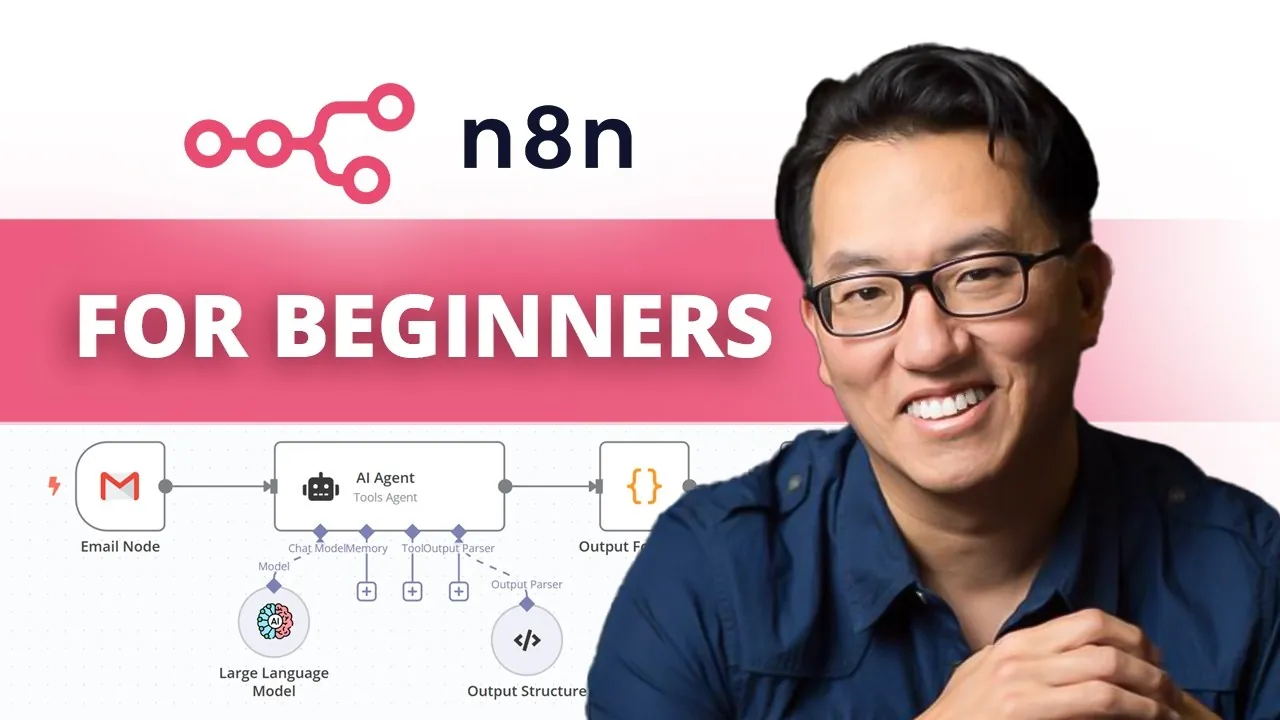
Imagine a world where your most tedious tasks, organizing files, sending notifications, or syncing data across platforms, run seamlessly in the background, freeing you to focus on what truly matters. Sounds like a dream, right? With n8n, this dream becomes a reality. This open source, no-code automation tool enables you to connect apps and services effortlessly, eliminating the need for manual intervention. Whether you’re a small business owner juggling multiple tools or a tech enthusiast exploring automation, n8n offers a flexible and intuitive solution. And here’s the kicker: you don’t need to write a single line of code to make it happen. But where do you start? For those seeking control and scalability, hosting n8n on a VPS might just be the perfect setup.
In this practical overview, Kevin Stratvert and team uncover how to harness the power of n8n to build your first no-code workflow, hosted on a robust and cost-effective Virtual Private Server. From understanding the basics of self-hosting to configuring a VPS with Docker, this guide walks you through the process step-by-step, making sure even beginners can follow along. You’ll also get a glimpse into the platform’s drag-and-drop interface, pre-built templates, and app integrations that make automation accessible to everyone. By the end, you won’t just know how to set up n8n, you’ll have the tools to transform repetitive tasks into streamlined workflows. After all, isn’t it time your technology worked as hard as you do?
n8n Workflow Automation Guide
TL;DR Key Takeaways :
- n8n is a no-code workflow automation tool that connects apps and services using an intuitive drag-and-drop interface, allowing users to automate tasks without programming skills.
- Users can choose between cloud hosting for ease of use or self-hosting for greater control, unlimited workflow executions, and advanced customization.
- Setting up n8n on a VPS involves selecting a plan, configuring the server, installing Docker, and deploying n8n for a stable automation environment.
- n8n offers over 100 pre-built templates for common automation tasks, such as AI-powered email responses and social media scheduling, to help users get started quickly.
- Key features include a visual workflow builder, customizable triggers and actions, and extensive app integrations, making it a versatile tool for enhancing productivity and efficiency.
What is n8n?
n8n is a no-code automation platform designed to simplify workflows by connecting various applications and services. Its intuitive drag-and-drop interface allows users to create workflows without requiring programming expertise. For example, you can automate tasks such as saving Gmail attachments to Dropbox or sending Slack notifications when specific events occur. By integrating multiple apps, n8n helps you save time, reduce manual effort, and improve efficiency.
Cloud Hosting vs. Self-Hosting: Which Option Fits Your Needs?
When setting up n8n, you can choose between cloud hosting and self-hosting, each offering unique advantages depending on your requirements.
- Cloud Hosting: This option is perfect for beginners or small teams. It eliminates the need for server maintenance and offers a quick, hassle-free setup. However, it may come with limitations on workflow executions and customization options.
- Self-Hosting: Ideal for advanced users or those seeking greater control, self-hosting allows you to manage your own server. While it requires some technical knowledge, it provides unlimited workflow executions, advanced customization options, and can be more cost-effective in the long run. Hosting providers like Hostinger make self-hosting accessible and affordable.
n8n for Beginners Build Your First No-Code Workflow

Browse through more resources below from our in-depth content covering more areas on n8n workflow automation.
- n8n’s Model Context Protocol: The Future of Workflow Automation
- OpenAI o3-Mini Integration Guide for n8n Workflow Automation
- 25 Essential n8n Hacks to Streamline Workflow Automation
- n8n Tutorial: No-Code Workflow Automation with AI Integration
- How to Use Claude AI to Copy & Replicate n8n Workflows Instantly
- AI Workflow Automation with n8n : A Beginner-Friendly Guide
- 10 Advanced n8n Nodes to Supercharge Your Workflow Automations
- 5 Essential n8n Nodes for Smart Automations in 2025
- How Claude Code and n8n Simplify Complex Workflow Processes
- How to Build Scalable Workflows in n8n: A Developer’s Guide
How to Set Up n8n on a Hostinger VPS
Hostinger’s VPS plans offer an excellent platform for self-hosting n8n. By using Docker, you can simplify the installation process and create a stable environment for your workflows. Follow these steps to get started:
- Choose a VPS Plan: Select a Hostinger VPS plan that meets your resource needs. Hostinger provides scalable options, allowing you to upgrade as your requirements grow.
- Set Up Your VPS: After purchasing a plan, access the VPS control panel to configure your server environment. Hostinger’s user-friendly interface makes this process straightforward.
- Install Docker: Docker is a containerization tool that simplifies deploying applications like n8n. Many Hostinger VPS setups come with Docker pre-installed, streamlining the process.
- Deploy n8n: Use Docker commands to install and launch n8n on your VPS. Once deployed, you’ll have a fully functional automation platform ready to build workflows.
Building Your First Workflow
Once n8n is set up, you can start creating workflows to automate tasks. Let’s explore an example: automating the transfer of Gmail attachments to Dropbox.
- Set Up Triggers: Add a trigger that activates the workflow whenever a new email with an attachment arrives in your Gmail inbox.
- Configure Nodes: Use nodes to define actions, such as downloading attachments from Gmail and uploading them to Dropbox.
- Authenticate Accounts: Securely connect your Gmail and Dropbox accounts using OAuth2 authentication to ensure data privacy and seamless integration.
- Test the Workflow: Run the workflow to verify its functionality. Use error logs to troubleshoot and refine the process as needed.
Using Pre-Built Templates
To simplify workflow creation, n8n offers over 100 pre-built templates. These templates are designed to handle common automation tasks, allowing you to get started quickly. Examples include:
- AI-powered email responses
- Social media scheduling
- Personalized newsletters
By starting with a template, you can adapt workflows to suit your specific needs, saving time and effort while learning the platform’s capabilities.
Key Features of n8n
n8n stands out for its robust feature set, making it a versatile tool for workflow automation. Some of its key features include:
- Visual Workflow Builder: Create workflows using an intuitive drag-and-drop interface, making it accessible for users of all skill levels.
- Customizable Triggers and Actions: Define specific triggers and actions to tailor workflows to your unique requirements.
- Extensive App Integration: Connect with a wide range of apps and services, including Gmail, Dropbox, Slack, and many others.
Tips for Getting Started
If you’re new to workflow automation, these tips can help you make the most of n8n:
- Start Simple: Begin with basic workflows to build confidence and gradually add complexity as you become more comfortable with the platform.
- Use Templates: Use pre-built templates to understand workflow structures and customize them to meet your needs.
- Consult Documentation: Refer to n8n’s official documentation for detailed guidance on troubleshooting, refining workflows, and exploring advanced features.
Maximizing the Potential of n8n
n8n enables users to automate repetitive tasks, enhancing productivity and efficiency. By selecting the right hosting option, whether cloud-based or self-hosted on a Hostinger VPS, you can create workflows tailored to your specific needs. Tools like Docker and pre-built templates make the setup process straightforward, even for beginners. Start with simple workflows, explore the platform’s features, and unlock the full potential of no-code workflow automation with n8n.
Media Credit: Kevin Stratvert
Disclosure: Some of our articles include affiliate links. If you buy something through one of these links, Geeky Gadgets may earn an affiliate commission. Learn about our Disclosure Policy.
