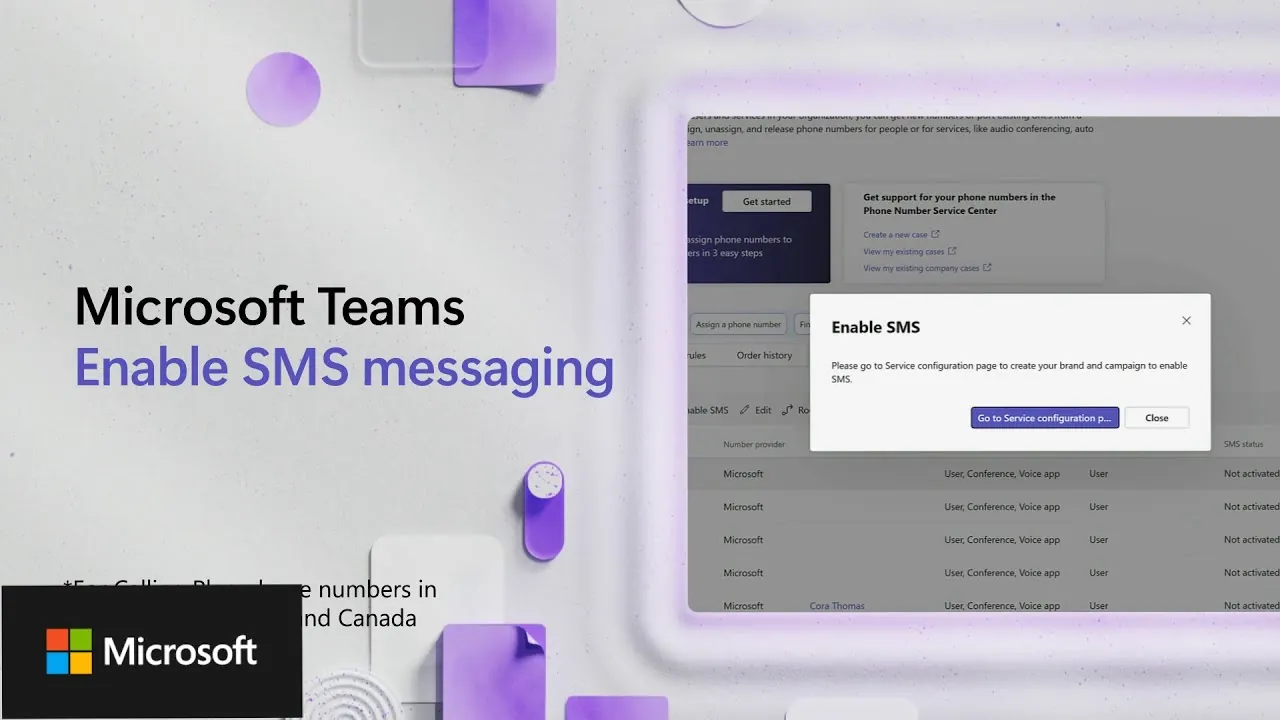
Imagine a workplace where your team juggles between emails, instant messages, and external SMS platforms just to stay connected. It’s not only inefficient but also prone to miscommunication and delays. Now, picture this: a single, unified platform where you can send and receive text messages directly alongside your video calls, chats, and file sharing. That’s exactly what Microsoft Teams offers with its new SMS messaging integration, a feature designed to streamline communication and eliminate the chaos of switching between tools. Whether you’re coordinating with clients or keeping your internal team in sync, this capability promises to transform how businesses communicate.
In this guide, we’ll explain how to enable SMS messaging within Microsoft Teams, a feature currently available in the United States, Puerto Rico, and Canada. You’ll discover the step-by-step process for activating this functionality, from registering your business to assigning SMS capabilities to users. Along the way, we’ll highlight critical compliance requirements, such as opt-in mechanisms and keyword responses, to ensure your organization remains secure and adheres to industry standards. By the end, you’ll not only understand how to implement this feature but also see how it can transform your team’s communication strategy. Because when communication flows seamlessly, so does productivity.
Microsoft Teams SMS Integration
TL;DR Key Takeaways :
- Microsoft Teams now supports SMS messaging for users in the United States, Puerto Rico, and Canada through Teams Calling Plans, allowing a unified communication system.
- Organizations must complete a structured registration process, including business and messaging service registration, to activate SMS functionality and ensure compliance with carrier regulations.
- Activating SMS involves creating a brand, registering a 10DLC campaign, and allowing SMS on Teams phone numbers, with approval typically taking up to one business week.
- Compliance requirements include opt-in mechanisms, clear Privacy Policy and Terms of Service, and automated keyword responses (e.g., START, STOP, HELP) to maintain accountability and user trust.
- SMS integration enhances communication efficiency, consolidates channels, ensures regulatory compliance, and provides a secure, seamless texting experience directly within the Teams platform.
Availability and Requirements for SMS Messaging
The SMS messaging feature in Microsoft Teams is currently available only in the United States, Puerto Rico, and Canada. To use this functionality, organizations must complete a business and messaging service registration process. This step is essential for meeting compliance requirements, making sure reliable message delivery, and maintaining accountability. Failure to register properly may result in non-compliance with carrier regulations, potentially disrupting messaging services.
To get started, organizations need the following:
- A Microsoft Teams Calling Plan subscription.
- Business registration details, including Tax ID and legal documentation.
- Access to the Microsoft Teams admin center for configuration and management.
These prerequisites ensure that your organization is prepared to implement SMS messaging effectively and in compliance with regulatory standards.
Steps to Enable SMS Messaging in Microsoft Teams
Activating SMS messaging in Microsoft Teams involves a multi-step process. Each step is designed to ensure compliance and proper functionality. Below is a detailed guide:
- Create a Brand: Submit your organization’s details, such as trade name, legal name, Tax ID, domain name, legal form, and contact information. This information is verified by a third-party service to confirm your organization’s identity and legitimacy.
- Register a Campaign: Set up a 10DLC (ten-digit long code) campaign to comply with carrier regulations. This step requires providing campaign details, including a description, call-to-action, sample messages, and links to your Privacy Policy and Terms of Service. Additionally, you must include required keywords like START, STOP, and HELP, along with automated responses for each. Campaigns undergo review by SMS aggregators and mobile network operators to ensure compliance.
- Enable SMS on Teams Phone Numbers: Once your brand and campaign are approved, assign SMS functionality to specific users through the Microsoft Teams admin center. Activation typically takes between 2 and 24 hours, depending on the complexity of the setup.
By following these steps, your organization can successfully enable SMS messaging within Microsoft Teams, providing users with a seamless texting experience.
Enabling SMS Messaging in Microsoft Teams in 2025

Take a look at other insightful guides from our broad collection that might capture your interest in Microsoft Teams SMS Messaging.
- New Microsoft 365 2025 Updates for Teams, Outlook and OneDrive
- Samsung SGH-P960
- LoRa Mesh Chat does not require cell coverage
- ChatGPT login – how to use official website and app
- Another Look at iOS 18 Developer Beta 2 (Video)
- How to add AI custom GPTs to Whatsapp
- How to setup, join and use a Meshtastic network
- How to Correctly Transfer Data from Android to iPhone
- How to set up iPhone dual SIM cards
Compliance and Best Practices
To maintain compliance and ensure effective SMS communication, organizations must adhere to specific guidelines. These include:
- Opt-In Processes: Implement clear opt-in mechanisms to ensure users consent to receive SMS messages.
- Privacy Policy and Terms: Provide publicly accessible Privacy Policy and Terms of Service documents to establish transparency and trust.
- Keyword Responses: Include accurate automated responses for required keywords such as START, STOP, and HELP. These responses should be clear and informative to guide users effectively.
These practices not only protect users but also help organizations build credibility and maintain compliance with carrier and regulatory standards.
Approval Timeline and Activation
The approval process for brand and campaign submissions involves reviews by third-party entities, including SMS aggregators and mobile network operators. Feedback is typically provided within one business week. Once approved, organizations can enable SMS functionality for users through the Microsoft Teams admin center. This process ensures that all messaging services are compliant and ready for use.
Using SMS Messaging in Microsoft Teams
Once activated, SMS messaging can be accessed directly through Teams Chat. Users can send and receive text messages without the need for external SMS tools, creating a native texting experience within the Teams platform. This integration simplifies communication workflows and enhances productivity by consolidating multiple communication channels into one platform.
Additionally, Microsoft Teams’ robust security features extend to SMS messaging, making sure that all communications remain secure and compliant with industry standards. This makes it a reliable solution for organizations that prioritize data protection and regulatory compliance.
Key Benefits of SMS Integration
Integrating SMS messaging into Microsoft Teams offers several advantages for businesses. These include:
- Streamlined Communication: Consolidate communication channels to improve efficiency and reduce the need for multiple tools.
- Enhanced Usability: Provide users with a seamless texting experience directly within the Teams platform.
- Compliance and Security: Ensure all communications meet regulatory standards while maintaining robust security measures.
- Unified Strategy: Support a cohesive communication strategy that integrates SMS with other Teams features, such as voice and video calls.
These benefits make SMS integration a valuable addition to any organization’s communication strategy, allowing teams to collaborate more effectively and efficiently.
Maximizing the Potential of SMS Messaging in Microsoft Teams
By allowing SMS messaging in Microsoft Teams, organizations can unify their communication channels, improve workflows, and maintain compliance with industry standards. The structured registration and activation process ensures that all messaging services are reliable, secure, and accountable. Once implemented, this feature provides users with a seamless texting experience, enhancing collaboration and productivity across the organization.
With Microsoft Teams, businesses can meet their communication needs within a single, unified platform, making it an essential tool for modern organizations.
Media Credit: Microsoft Teams
Disclosure: Some of our articles include affiliate links. If you buy something through one of these links, Geeky Gadgets may earn an affiliate commission. Learn about our Disclosure Policy.
