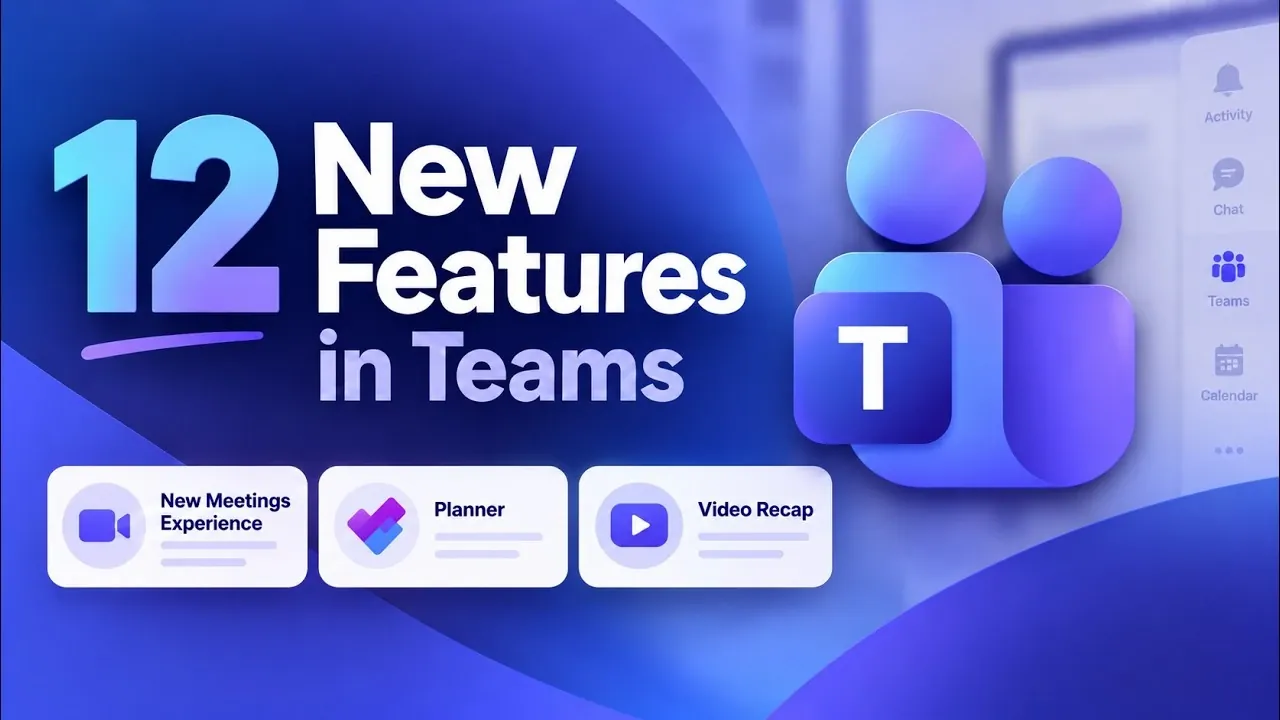
Microsoft Teams has introduced 12 new features for Fall 2026, emphasizing accessibility, communication and security improvements. According to Mike Tholfsen, one standout addition is the App Bar Collapser, which enables users to hide or auto-hide the app bar. This feature is particularly beneficial for optimizing workspace on smaller screens or when managing multiple tasks simultaneously. Other updates, such as Audio Device Testing and Suspicious Meeting Reporting, address specific challenges like verifying audio quality and identifying potential security risks during meetings.
Explore how the Planner Integration enhances task organization, learn about Webinar Enhancements designed to simplify event hosting and dive into AI-driven features like Video Recap for generating meeting summaries. Gain insight into Text Contextualization, which adds clarity to conversations and understand how these updates can be applied to streamline workflows in different contexts.
Core Features: Enhancing Accessibility and Workflow
TL;DR Key Takeaways :
- Microsoft Teams introduced 12 new features this fall, focusing on productivity, collaboration and user experience, with 8 universally accessible updates and 4 AI-powered premium tools via Copilot.
- Key updates include the App Bar Collapser for a cleaner workspace, Audio Device Testing for seamless meetings and enhanced meeting controls for better participation and usability.
- New tools like Planner Integration, Webinar Enhancements and the Events App streamline task management, event planning and collaboration within Teams.
- Copilot-powered features, such as Video Recap, Recap App, Screenshot Assistance and Text Contextualization, use AI to automate tasks, provide insights and enhance meeting productivity.
- These updates emphasize accessibility, security and innovation, making sure Teams remains a vital platform for modern workplace collaboration and efficiency.
Eight of the newly introduced features are available to all Microsoft Teams users, focusing on improving usability and functionality. These updates cater to both individual and team needs, making sure a smoother and more intuitive experience for all users.
- App Bar Collapser: The app bar can now be hidden or set to auto-hide, creating a cleaner and more focused workspace. This feature is particularly useful for multitasking or working on smaller screens, reducing visual distractions.
- Audio Device Testing: Before joining a meeting, you can test your microphone and speaker settings to ensure clear communication. This proactive feature minimizes disruptions and allows meetings to start seamlessly.
- Meeting Redesign: Meetings now feature centralized controls, enhanced reaction options and an improved raise-hand function. These updates make it easier to manage settings and encourage active participation during discussions.
- Suspicious Meeting Reporting: Overview unusual or suspicious activity during meetings directly to IT administrators and Microsoft. This feature strengthens security and fosters a safer collaboration environment.
- Planner Integration: The Planner app is now fully supported in both private and shared channels, allowing seamless task management and collaboration within Teams. This integration simplifies project tracking and team coordination.
- Notification Testing: Customize and preview notification styles and positions before applying them. This feature ensures alerts are tailored to your preferences without interrupting your workflow.
- Webinar Enhancements: Hosting webinars is now more intuitive, with tools like registration forms, waitlists and attendee participation settings. These enhancements make event management more efficient and engaging for both hosts and participants.
- Events App: A centralized hub for discovering, managing and editing organizational events and webinars. This app simplifies event planning by consolidating all relevant details in one place, making sure easy access and streamlined coordination.
Copilot-Powered Features: AI-Driven Productivity
Four premium features, powered by Copilot AI, are available to users with a Copilot license. These tools use artificial intelligence to automate tasks, provide insights and enhance meeting productivity, offering advanced capabilities for those seeking to optimize their workflows.
- Video Recap: Access AI-generated meeting highlights, including key slides, video clips and summaries. This feature saves time by allowing you to review essential points without needing to watch the entire recording.
- Recap App: Consolidate all meeting recaps, transcripts and audio summaries into a single app. This tool enables you to stay informed on the go, with options to listen to summaries directly from your mobile device.
- Screenshot Assistance: During meetings, take screenshots of text or images and ask Copilot for explanations or additional context. This feature is particularly useful for clarifying complex information in real time, enhancing understanding and decision-making.
- Text Contextualization: Right-click on any text within Teams to ask Copilot for deeper insights, related information, or connections across Microsoft 365. This tool provides valuable context, helping you make informed decisions and uncover relevant details efficiently.

Here are more detailed guides and articles that you may find helpful on Microsoft Teams.
- Microsoft Outlook Expands Business Mailboxes to 100GB Discontinues Google Calendar Sync
- 6 New Fall 2026 Updates Hit Microsoft Teams for Education
- How Microsoft Teams is Fixing Live Presentations This Summer
- Leaked Insta360 X6 Retail Box Reveals a €689 Starting Price
- How To Use Microsoft Planner To Manage Projects (Step-by-Step)
- Master Hermes Agent: Easily Automate Recurring Tasks with Skills
- Learn Copilot Chat for MS Teams : From File Analysis to Loop Pages, Custom Styles & Agents
- 5 Powerful Copilot Featurees in Microsoft Teams Meetings
- Microsoft Whiteboard : Perfect for Virtual Brainstorming and Planning in 2025
- How to upgrade to the new Microsoft Teams
Advancing Collaboration and Productivity
These 12 new features underscore Microsoft’s commitment to evolving the Teams platform to meet the diverse needs of its users. By addressing core functionalities and integrating advanced AI capabilities, Teams equips you with tools to work more efficiently and collaboratively. Whether you’re hosting webinars, managing tasks, or analyzing meeting content, these updates are designed to empower you in today’s dynamic and fast-paced work environment. With a focus on accessibility, security and innovation, Microsoft Teams continues to be a vital platform for modern workplace collaboration.
Media Credit: Mike Tholfsen
Disclosure: Some of our articles include affiliate links. If you buy something through one of these links, Geeky Gadgets may earn an affiliate commission. Learn about our Disclosure Policy.
