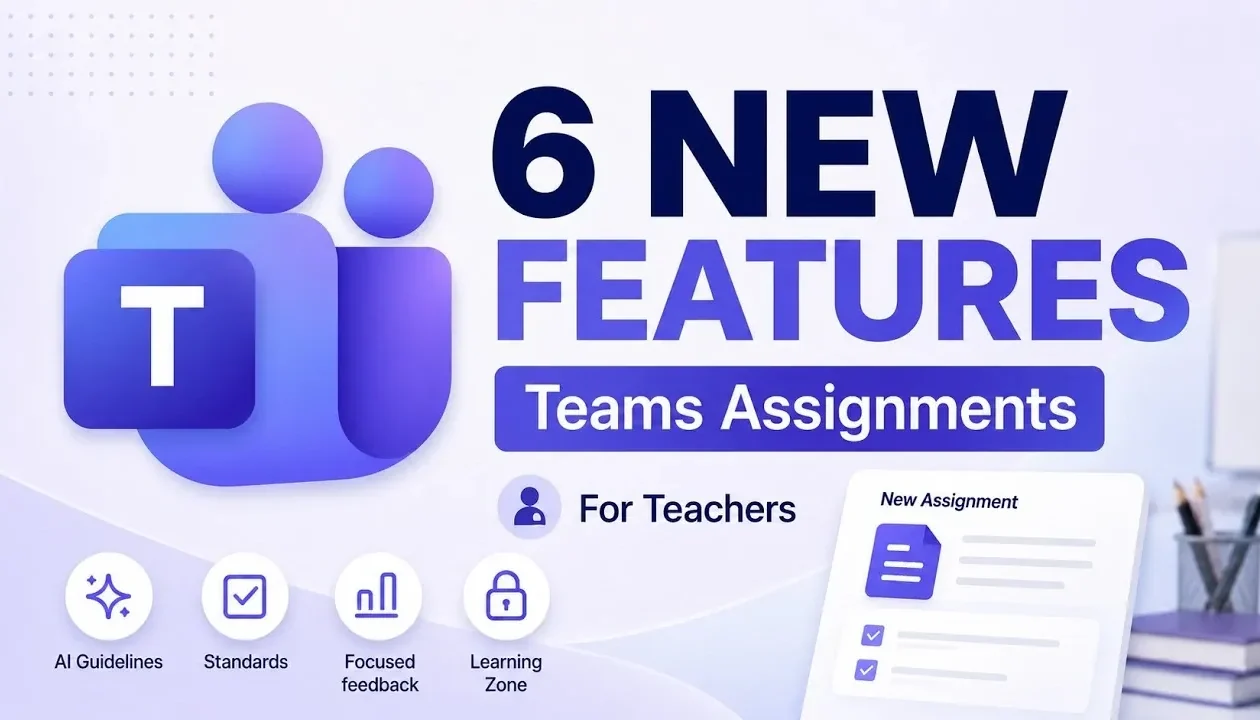
Microsoft Teams for Education has introduced six new features designed to support teachers in managing assignments more effectively in 2026. One notable addition is the ability to set AI usage guidelines for assignments, allowing educators to choose between full AI access, brainstorming assistance, or complete restriction. This flexibility allows teachers to align AI involvement with specific learning objectives while fostering responsible use among students. According to Mike Tholfsen, these updates also include editable titles and pre-configured defaults, which can simplify assignment setup and encourage thoughtful integration of AI in classroom activities.
Discover how these features can support your teaching practices. Gain insight into incorporating state or national curriculum standards directly into assignments, making sure compliance with educational requirements. Learn how standards-aligned rubrics can streamline grading by linking assessments to clear learning goals. Additionally, explore how localized settings and interactive features, such as the Learning Zone app, can improve accessibility and student engagement.
AI Usage Guidelines for Assignments
TL;DR Key Takeaways :
- Microsoft Teams for Education now includes customizable AI usage guidelines for assignments, promoting responsible AI use and aligning with teaching objectives.
- Integration of state or national curriculum standards allows educators to attach benchmarks from over 50 countries directly to assignments, making sure compliance and clear learning objectives.
- Standards-aligned rubrics, generated using AI, streamline grading by tying evaluation criteria to curriculum benchmarks, improving fairness and feedback clarity.
- An enhanced feedback interface prioritizes visibility and efficiency, allowing teachers to provide actionable, detailed feedback that fosters student engagement and improvement.
- Localized settings and the AI-powered Learning Zone app enhance accessibility and engagement by adapting assignments to regional norms and integrating interactive lessons with real-time feedback.
A standout addition to Microsoft Teams is the ability to define AI usage guidelines for assignments. This feature allows you to determine how students interact with AI tools, offering four distinct options:
- Full AI usage
- Editing assistance
- Brainstorming support
- Complete restriction of AI involvement
This flexibility ensures that assignments align with your teaching objectives while promoting responsible AI use among students. You can further customize these guidelines by editing assignment titles, descriptions and even assigning specific colors for clarity. To save time, default AI settings can be pre-configured, making sure consistency across your curriculum. This feature not only supports your teaching goals but also helps students develop critical thinking skills by understanding when and how to use AI responsibly.
Standards Integration
Microsoft Teams now enables the integration of state or national curriculum standards directly into assignments. With access to benchmarks from over 50 countries, you can easily search for and attach relevant standards to your tasks. This ensures that your assignments meet educational requirements while providing students with clear learning objectives. By embedding standards into assignments, you can simplify lesson planning and maintain alignment with institutional goals. This feature is particularly useful for educators working in diverse or multi-standard environments, as it ensures consistency and compliance with educational frameworks.
Become an expert in Microsoft Teams with the help of our in-depth articles and helpful guides.
- Microsoft Teams Just Solved Its Most Annoying Messaging Problem
- Everything New in the Latest Microsoft 365 Update
- How to setup teams of people in Microsoft Teams
- Getting Started with Microsoft Teams : Stop Juggling Apps, Run Projects End to End in Teams 2026
- How Copilot Call Delegation is Changing the Way You Manage Teams Calls
- How to Use Microsoft Teams and Microsoft Loop Together in 2025
- See the New AI Features Microsoft Just Added to Teams and Word
- What OpenAI’s Leaked Hermes Agent Studio Means for Your Workflow
- How to use PowerPoint in Teams for amazing presentations
- How Microsoft Teams’ SMS Messaging Can Boost Your Business Productivity
Standards-Aligned Rubrics
Building on the standards integration feature, Microsoft Teams introduces standards-aligned rubrics to streamline the grading process. These rubrics are generated using AI and pre-loaded with the relevant standards you select. This ensures consistency in evaluation criteria and provides transparency in grading. By using these rubrics, you can save time while offering students clear, objective feedback tied directly to curriculum benchmarks. This feature not only improves the quality of assessments but also helps students understand how their work aligns with specific learning goals. The integration of standards-aligned rubrics is a practical tool for maintaining fairness and clarity in evaluations.
Enhanced Feedback Interface
Providing meaningful feedback is a cornerstone of effective teaching and Microsoft Teams has revamped its feedback interface to make this process more efficient. Feedback is now prominently displayed, reducing distractions from other assignment details. This streamlined layout ensures that students focus on your comments, promoting better understanding and engagement. By prioritizing feedback visibility, this update helps you create a more constructive and supportive learning environment. Additionally, the improved interface allows you to provide detailed, actionable feedback more quickly, making sure that students receive the guidance they need to improve their performance.
Localized Settings for Assignments
Recognizing the diversity of educational systems worldwide, Microsoft Teams now offers localized settings for assignments. This feature automatically adjusts language, terminology and formatting to match regional norms. For example, terms like “color” and “colour” or “kindergarten” and “reception” are adapted based on your location. By tailoring assignments to local contexts, this update enhances accessibility and relevance for both teachers and students. Localized settings ensure that materials feel familiar and appropriate, making it easier for students to engage with the content and for teachers to maintain consistency with regional educational practices.
Learning Zone Integration
The integration of the AI-powered Learning Zone app introduces a dynamic way to enrich assignments. This feature allows you to attach interactive lessons to tasks, drawing from partner-created content such as NASA educational materials or Minecraft for Education. Alternatively, you can create and upload your own custom lessons. Students can complete these lessons directly within Microsoft Teams and receive real-time performance feedback. This not only makes learning more engaging but also provides you with valuable insights into student progress and understanding. By integrating interactive tools, the Learning Zone app fosters a more immersive and personalized learning experience.
Transforming Assignment Management
These six new features in Microsoft Teams for Education represent a significant step forward in assignment management and classroom technology. By incorporating AI usage guidelines, curriculum standards, localized settings and interactive tools, these updates empower you to create more effective and engaging assignments. Whether you’re aligning tasks with educational benchmarks, providing detailed feedback, or integrating interactive lessons, these tools are designed to enhance both teaching and learning outcomes. As education technology continues to evolve, Microsoft Teams remains a reliable platform for supporting educators and students in achieving their goals.
Media Credit: Mike Tholfsen
Disclosure: Some of our articles include affiliate links. If you buy something through one of these links, Geeky Gadgets may earn an affiliate commission. Learn about our Disclosure Policy.
