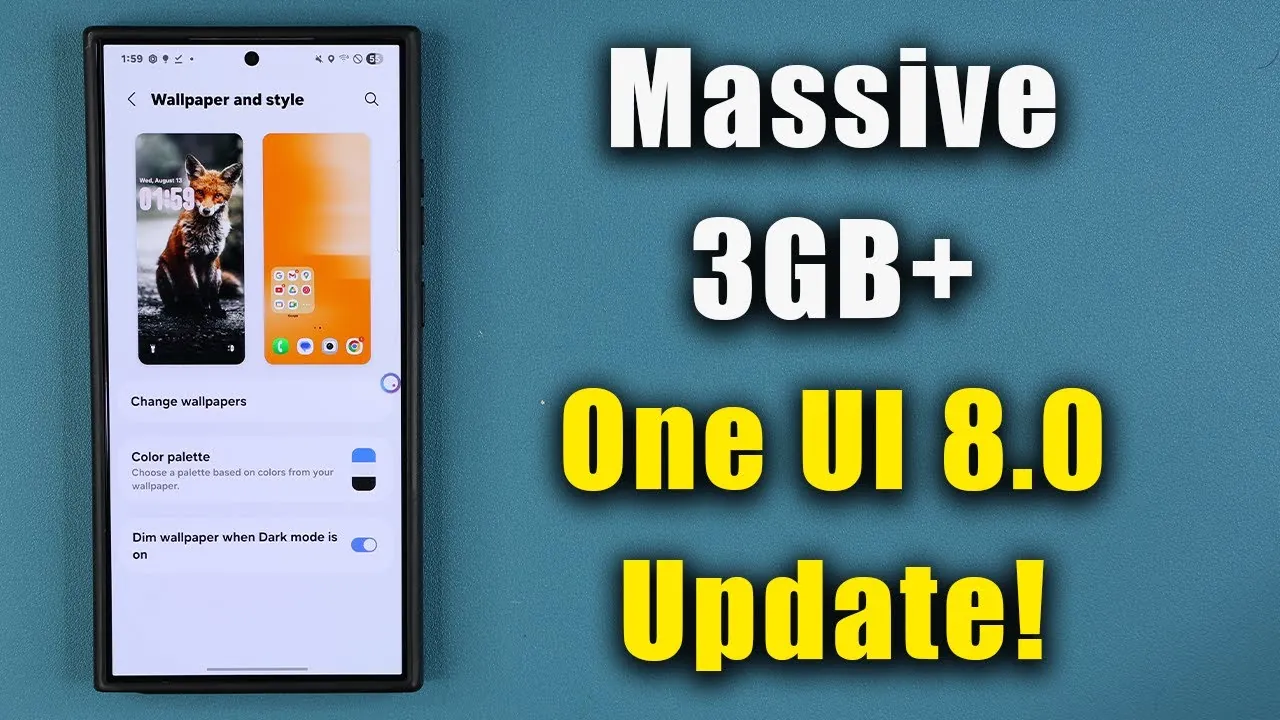
Samsung has officially rolled out the One UI 8.0 beta update for its Galaxy S24 Ultra, S24 Plus, and S24 devices. Built on the foundation of Android 16, this update introduces a host of new features, enhanced performance, and expanded customization options. If you own one of these devices, this update is designed to provide a smoother, more intuitive experience with tools that cater to both functionality and personalization. The video below from sakitech gives us more information.

How to Access the Update
The One UI 8.0 beta is now accessible to Galaxy S24 series users through the Samsung Members app. To participate, you must register for the beta program within the app. Once registered, you can download the update, which has a package size of approximately 3.25 GB. This update also includes the latest security patch, making sure your device remains protected against potential vulnerabilities.
While the beta is largely stable, it’s worth noting that minor bugs may still exist. If your device is critical for daily tasks or professional use, you should proceed with caution. For those eager to explore the latest features, this beta offers an early glimpse into Samsung’s evolving software ecosystem.
Key Features and Improvements
The One UI 8.0 beta introduces several standout features aimed at enhancing usability and personalization. Here’s a detailed look at some of the most notable updates:
- Camera Enhancements: The camera app now includes a “Swipe Preview” feature, allowing you to quickly access controls without switching modes. This allows you to swipe through recent shots or adjust settings seamlessly, making photo management faster and more intuitive.
- Always-On Display (AOD) Innovations: The AOD has been upgraded with an “Erase Background” feature, which dynamically removes backgrounds from objects such as pets or people. This enhancement makes your display more visually appealing and tailored to your preferences.
- Expanded Customization Options: Personalization is a key focus of this update. New tools allow you to customize wallpapers and lock screen clocks. For instance, the lock screen clock now dynamically adjusts its shape and position based on the contours of your wallpaper. Additionally, the “Shifting Font” style offers a fresh way to personalize your device’s interface.
- System Performance Improvements: The update introduces smoother animations and minor menu updates, resulting in a more fluid and responsive navigation experience. These refinements contribute to a polished and user-friendly system.
Beta Testing and Stability
The One UI 8.0 beta reflects Samsung’s commitment to iterative software development. By incorporating feedback from earlier beta versions tested on other devices, Samsung has refined the user experience for the Galaxy S24 series. While the beta is highly usable, it’s important to acknowledge that some bugs and inconsistencies may still be present.
If you rely on your device for essential tasks, you may prefer to wait for the official release. However, for those willing to explore the beta, it offers a unique opportunity to experience Samsung’s latest innovations firsthand.
Known Limitations
As with any beta software, there are a few limitations to consider before installing the One UI 8.0 beta:
- Minor bugs and inconsistencies may affect certain features, potentially impacting the overall user experience.
- Some third-party apps may not function optimally with the beta version, as developers may not yet have optimized their apps for Android 16.
- If stability is a top priority, it’s advisable to wait for the final release to avoid potential disruptions.
Why This Update Matters
The One UI 8.0 beta represents a significant evolution for the Galaxy S24 series. Features such as the “Swipe Preview” camera functionality and the dynamic Always-On Display enhancements demonstrate Samsung’s focus on creating a more personal and intuitive user experience. These updates, combined with improved performance and expanded customization options, highlight Samsung’s dedication to refining its user interface.
For Galaxy S24 series users, this beta provides a glimpse into the future of Samsung’s software ecosystem. Whether you’re drawn to the enhanced camera features, the innovative AOD tools, or the smoother system performance, the One UI 8.0 beta showcases the potential of what’s to come.
Unlock more potential in Samsung Galaxy S24 Ultra by reading previous articles we have written.
- How to Customize Your Samsung Galaxy S24 Ultra
- Samsung Galaxy S24 Ultra One UI 6. 1.1 Update: Top New Features
- Samsung Galaxy S24 Ultra Gets 25 New Features in One UI 6.1.1
- Samsung Galaxy S24 Ultra key specifications
- Speed Test: Google Pixel 9 Pro XL vs Samsung Galaxy S24 Ultra
Source & Image Credit: sakitech
Disclosure: Some of our articles include affiliate links. If you buy something through one of these links, Geeky Gadgets may earn an affiliate commission. Learn about our Disclosure Policy.
