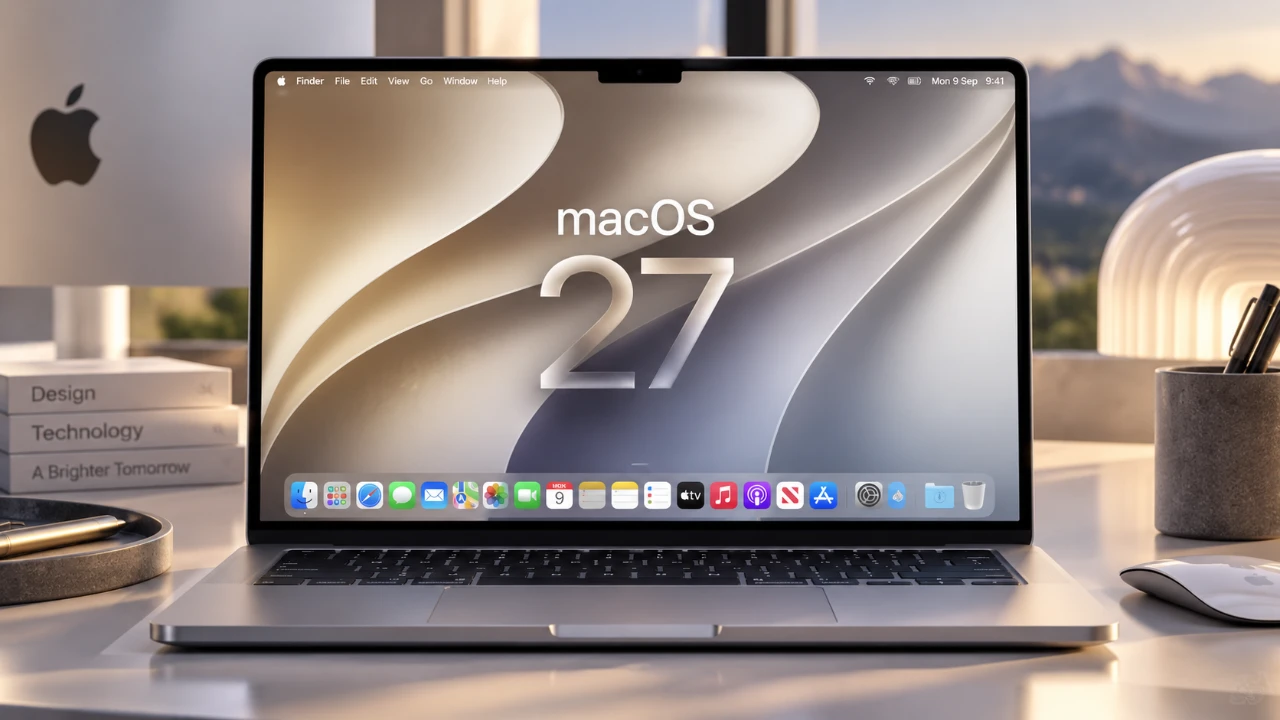
macOS 27, also known as Golden Gate, introduces a robust collection of features aimed at enhancing productivity, accessibility, and overall usability. While these updates bring significant improvements, many of the most impactful features are not enabled by default. By adjusting specific settings, you can unlock the full potential of this operating system. Whether you’re looking to streamline workflows, use smarter AI tools, or improve accessibility, this guide outlines the key settings to explore for a more optimized macOS Golden Gate experience. The video below from MacVince gives us more details on how to set up the new macOS on your Mac.

AI-Powered Personalization: Smarter Tools for Everyday Tasks
Golden Gate integrates advanced AI capabilities to simplify repetitive tasks and adapt the system to your preferences, saving time and effort.
- Smart Replies in Mail: The Mail app now offers personalized response suggestions based on your email history. This feature helps you maintain your tone and style while reducing the time spent drafting replies.
- Intelligent File Naming in Finder: Finder can analyze file content and suggest contextually relevant names, making file organization faster and more intuitive.
By automating routine tasks, these AI-driven tools allow you to focus on more critical activities, enhancing both productivity and convenience.
Siri Upgrades: A More Adaptive Virtual Assistant
Siri in macOS 27 has been significantly enhanced, offering greater customization and functionality to better meet your needs.
- Voice Personalization: Customize Siri’s tone, pace and expressiveness for a more natural and engaging interaction. This feature is available on M3 Macs with specific configurations.
- Siri Chatbot Customization: The new Siri chatbot app allows you to personalize chat views and control how Siri accesses and uses your data.
- Visual Intelligence: Siri can now analyze on-screen content to perform tasks such as reverse image searches or provide context-specific assistance tailored to your current activity.
- Silent Mode: For quieter interactions, Siri can respond via text instead of voice when not using headphones, offering a discreet and non-intrusive experience.
These updates make Siri more versatile and adaptable, making sure it aligns with your preferences and enhances your daily workflow.
Safari Improvements: Enhanced Browsing Efficiency
Safari has been upgraded with features that improve organization, customization and overall browsing efficiency.
- Automatic Tab Grouping: Automatically group related tabs or organize them manually for easier navigation, especially when managing multiple tabs simultaneously.
- Customizable Extensions: Create and use extensions to modify website appearances and functionality, tailoring your browsing experience to your specific needs.
These enhancements streamline web browsing, making it more productive and user-friendly, whether you’re working or exploring online content.
Accessibility Features: A More Inclusive Experience
Golden Gate introduces a range of accessibility tools designed to make macOS more inclusive and adaptable to diverse user needs.
- Live Captions: Automatically generate captions for videos across apps, even when muted, making sure you never miss important information.
- Enhanced Display Options: Adjust transparency levels, add borders and modify other visual elements to improve visibility and reduce eye strain.
These features demonstrate Apple’s commitment to creating a platform that is accessible to all users, regardless of their individual requirements.
Audio and Screen Recording Enhancements: Greater Control
Golden Gate introduces updates that provide more flexibility and control over audio and screen recording functionalities.
- AirPods Equalizer Settings: Customize your audio experience with EQ sliders that sync seamlessly across all your Apple devices, making sure consistent sound quality.
- Internal Audio Capture: Screen recordings can now include internal audio, making it easier to create tutorials, presentations, or save important content with sound.
These enhancements cater to both personal and professional needs, offering greater control over how you manage audio and video outputs.
Battery Display Options: A Cleaner Look
Golden Gate introduces a subtle yet practical update to battery monitoring, improving visual consistency across Apple devices.
- Compact iOS-Style Icon: The redesigned battery percentage display mirrors the compact style found in iOS, providing a cleaner and more streamlined look.
This update ensures essential information remains easily accessible while maintaining a cohesive design across the Apple ecosystem.
App Management and Transition Warnings: Staying Ahead
Managing apps and preparing for future updates is now more straightforward with new tools in macOS Golden Gate.
- Background Activity Control: Gain better visibility and control over apps running in the background, helping you optimize system performance and battery life.
- Intel-Based App Transition Warning: With macOS set to drop support for Intel-based apps next year, a new system setting identifies affected apps, giving you ample time to find alternatives or prepare for the transition.
These updates help you stay informed and proactive, making sure a smoother experience as macOS evolves.
Maximize Your macOS Golden Gate Experience
macOS Golden Gate is packed with features that prioritize personalization, accessibility and efficiency. By exploring and allowing these settings, you can tailor the operating system to suit your unique needs. From smarter AI tools to advanced accessibility options, Golden Gate reflects Apple’s dedication to creating a user-centric platform. Take the time to familiarize yourself with these updates and unlock the full potential of macOS 27, making sure a more productive and enjoyable experience.
Take a look at other insightful guides from our broad collection that might capture your interest in macOS 27.
- New iOS 27 Beta 5 Release Arrives with a Big Shift Coming
- The macOS 27 Beta 5 Release is Out: All the New Features
- Apple Releases MacOS 27 Beta 3 with New Mac Features
- macOS 27 Beta 6 is Now Available: All the Latest Features
- Why macOS 27 is Officially Apple’s Biggest Mac Update Yet
- What is New in the Just-Released macOS 27 Beta 7 Update
Source: MacVince
Disclosure: Some of our articles include affiliate links. If you buy something through one of these links, Geeky Gadgets may earn an affiliate commission. Learn about our Disclosure Policy.
