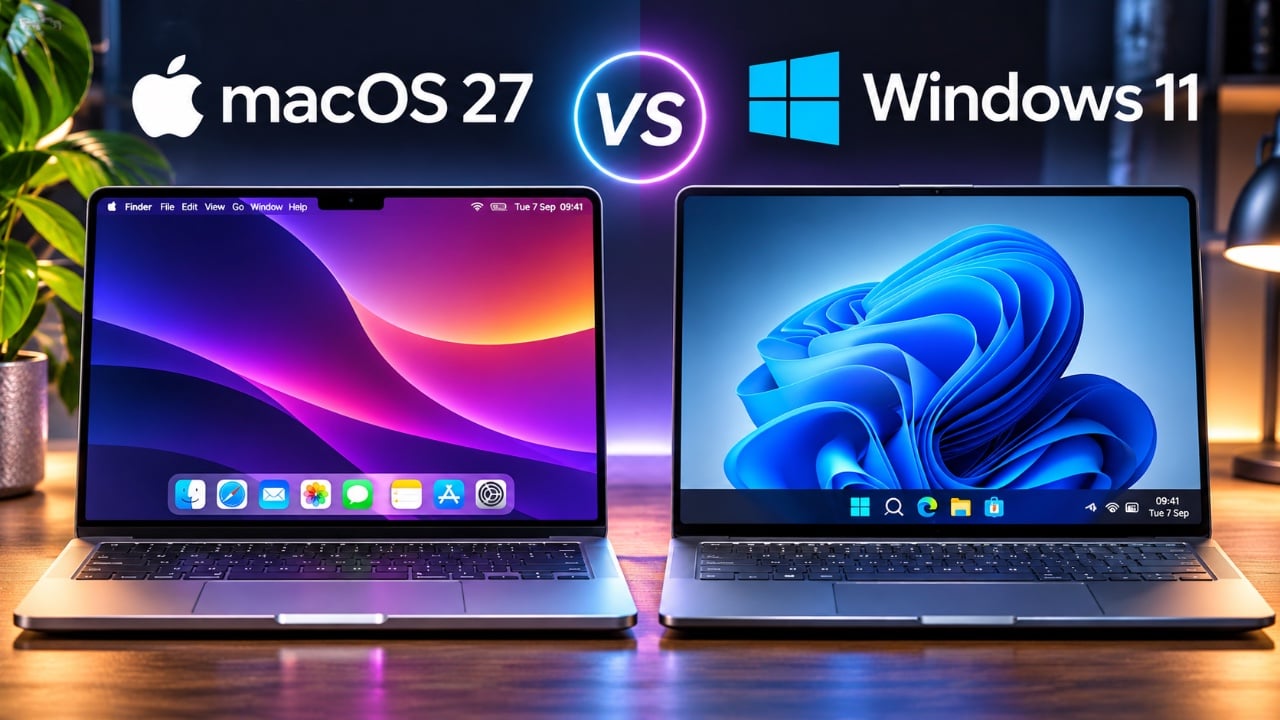
Choosing between macOS 27 and Windows 11 can be challenging, as both operating systems offer distinct advantages tailored to different user needs. While macOS 27 emphasizes simplicity, seamless integration with Apple’s ecosystem, and a polished user experience, Windows 11 stands out for its flexibility, extensive customization options, and broad compatibility with hardware and software. To help you make an informed decision, this detailed comparison video from Mac Vince explores their key features, strengths, and limitations.
TL;DR Key Takeaways :
- Multitasking Philosophies: Windows 11 excels with advanced Snap Improvements and window management, whereas macOS 27 relies on Mission Control, virtual desktops, and smooth app-centric animations.
- Customization Depth: Windows remains the undisputed king of deep hardware/software personalization, while Apple enforces a clean, uniform ecosystem style.
- Gaming Dominance: Windows 11 maintains a massive lead for PC gaming through DirectX 12, Game Pass, and broad peripheral compatibility.
- Ecosystem Synergy: macOS 27 wins outright for Apple users needing flawless cross-device continuity via Handoff, AirDrop, and iCloud.
macOS 27 vs Windows 11 (spoiler: it’s not even close)
Multitasking and Window Management: Productivity at a Glance
Efficient multitasking is essential for productivity, and macOS 27 and Windows 11 take different approaches to help users manage their workflows.
– Windows 11: Known for its robust multitasking capabilities, Windows 11 offers tools like taskbar previews, Alt+Tab switching and snapping layouts. The Snap Assist feature allows users to quickly organize multiple windows on the screen, making it ideal for complex workflows. Additionally, virtual desktops provide flexibility for separating tasks, which is particularly useful for professionals managing diverse projects.
– macOS 27: Focuses on an app-centric approach with tools like Mission Control and virtual desktops. While visually clean and organized, macOS’s multitasking features require more steps for tasks like snapping windows side-by-side, which can disrupt workflow efficiency. However, its smooth animations and intuitive gestures enhance the overall user experience for those who prefer simplicity.
Customization: Tailoring the Experience
The ability to personalize your operating system can significantly impact how well it aligns with your preferences and workflow.
– Windows 11: Offers extensive customization options, allowing users to modify window layouts, create custom keyboard shortcuts and even enhance functionality with tools like PowerToys. Third-party applications further expand these possibilities, making Windows 11 highly adaptable. However, the interface can feel inconsistent due to the coexistence of modern design elements and legacy features from older versions.
– macOS 27: While Apple has introduced features like desktop widgets, icon tinting and a customizable control center, its customization options remain limited compared to Windows. This reflects Apple’s focus on maintaining a consistent, polished design rather than offering extensive personalization. For users who prioritize a clean and uniform interface, macOS delivers a refined experience.
File Management: Navigating and Organizing
Effective file management is a cornerstone of productivity, and the two systems cater to different user preferences.
– Windows 11: File Explorer is a powerful tool equipped with features like tabs for managing multiple folders, editable file paths, and detailed file transfer information. These features are particularly beneficial for power users who require granular control over their files. Additionally, the integration of OneDrive ensures seamless cloud storage and synchronization across devices.
– macOS 27: Finder provides a visually appealing and straightforward interface for file management. While it excels in simplicity, it lacks some of the advanced functionalities found in File Explorer. Tasks like batch renaming or accessing hidden files often require third-party tools, which may frustrate users with more complex file management needs. However, iCloud integration ensures that files are easily accessible across Apple devices.
Built-in Apps and Software Ecosystem
The pre-installed apps and software ecosystems of macOS 27 and Windows 11 reflect their respective priorities and user bases.
– macOS 27: Comes with a suite of polished, free applications like Pages, GarageBand and Preview, which are ideal for everyday tasks. These apps integrate seamlessly with Apple’s ecosystem, enhancing their usability for users already invested in Apple devices. The App Store also offers a curated selection of high-quality software, though it may lack the variety available on Windows.
– Windows 11: Supports a broader range of professional and niche software, making it a better choice for specialized workflows. Whether you’re a developer, designer, or gamer, Windows offers more options to meet your needs. The Microsoft Store has improved over time, but many users still rely on third-party platforms like Steam or Adobe Creative Cloud for their software needs.
Gaming Compatibility: A Clear Winner
For gaming enthusiasts, the differences between macOS 27 and Windows 11 are stark.
– Windows 11: Dominates the gaming category with its compatibility for a wide range of games, support for DirectX 12, and access to platforms like Steam and Xbox Game Pass. It also supports advanced gaming hardware, including high-refresh-rate monitors and VR headsets, making it the preferred choice for serious gamers.
– macOS 27: While Apple has made strides in improving gaming performance, macOS still lags behind Windows in terms of compatibility and hardware support. Limited availability of popular titles and a lack of optimization for gaming peripherals make it less appealing for gamers.
AI and Search Features: Smarter Tools
Both operating systems use AI and advanced search functionalities to enhance user experience, but their implementations differ.
– macOS 27: Spotlight provides a seamless, integrated experience, combining calculations, conversions, and shortcuts in one interface. It’s fast, intuitive, and deeply embedded into the macOS ecosystem, making it a powerful tool for users who rely on quick access to information.
– Windows 11: Features a robust search tool, but it’s often cluttered with ads and recommendations. While tools like PowerToys can enhance its functionality, the experience feels less streamlined compared to Spotlight. Windows Copilot, an AI-driven feature, shows promise but is still in its early stages, offering limited functionality compared to Apple’s mature AI integration.
Ecosystem Integration: A Unified Experience
The level of integration with other devices and services is a key factor for many users when choosing an operating system.
– macOS 27: Offers unparalleled ecosystem integration for Apple users. Features like Handoff, AirDrop, and iCloud ensure seamless connectivity between devices, making it an excellent choice for those already invested in Apple products. The ability to start a task on one device and continue it on another exemplifies the convenience of Apple’s ecosystem.
– Windows 11: Provides more flexibility by supporting a wide range of hardware and software. While it lacks the cohesive integration that Apple’s ecosystem delivers, Windows compensates with compatibility across diverse devices and platforms, making it a versatile choice for users with mixed hardware setups.
User Preferences: What Matters Most to You?
Ultimately, the decision between macOS 27 and Windows 11 depends on your priorities and how you use your devices.
– macOS 27: Prioritizes simplicity, polished design, and ease of use. It’s ideal for users who value aesthetic consistency and seamless integration with other Apple devices.
– Windows 11: Caters to those who prioritize customization, compatibility, and a broader range of software options. Its flexibility makes it a better choice for power users, gamers, and professionals with specialized needs.

By carefully evaluating your specific requirements and preferences, you can select the operating system that best aligns with your workflow and lifestyle.
Become an expert in macOS 27 with the help of our in-depth articles and helpful guides.
- macOS 27 is Here: Apple Silicon Just Got Its Biggest Upgrade Yet
- Apple Releases macOS 27 RC: Everything New in the Update
- Apple Releases macOS 27.0.1 with New Changes Available Now
- New Apple Notes Features in macOS 27, iOS27 and iPadOS Guide 2026
- macOS 27 Beta 6 is Now Available: All the Latest Features
- Apple Releases macOS 27.2 Beta 4: Here’s Every New Feature and Change
Source : MacVince
Disclosure: Some of our articles include affiliate links. If you buy something through one of these links, Geeky Gadgets may earn an affiliate commission. Learn about our Disclosure Policy.
