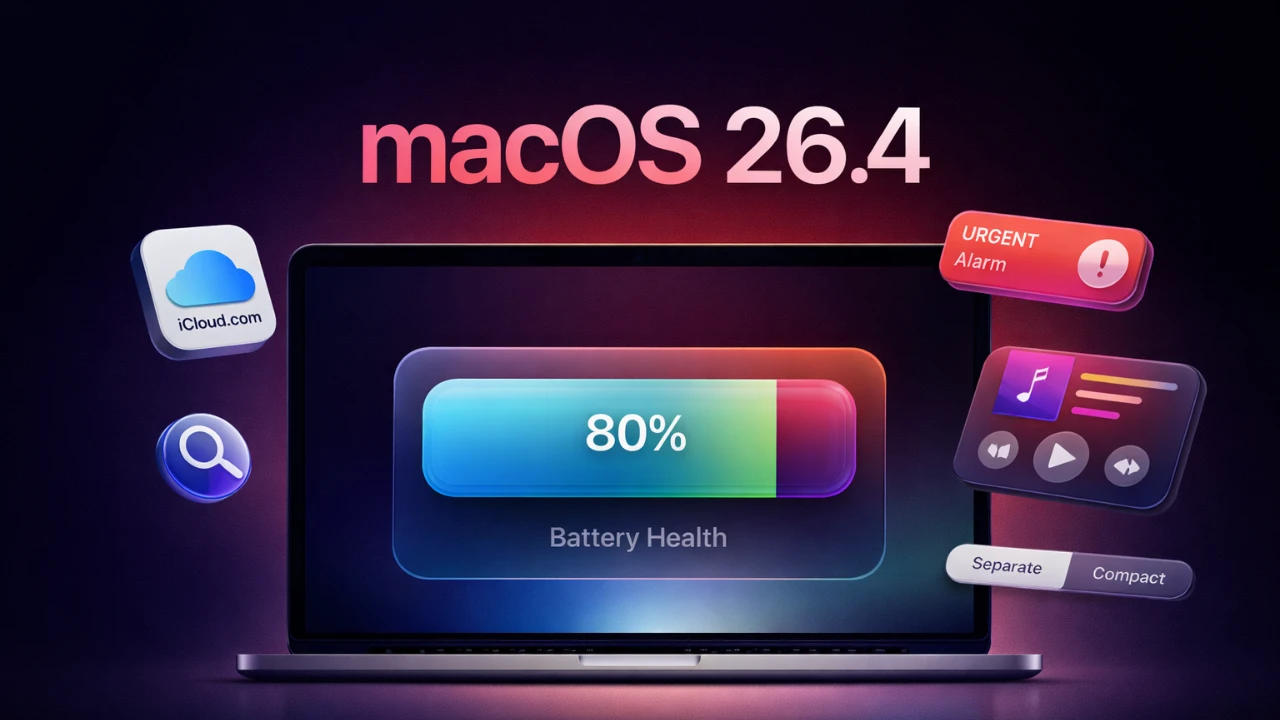
Apple has officially launched macOS 26.4, a comprehensive update designed to enhance your Mac’s functionality, improve performance, and refine the overall user experience. This release introduces a variety of updates across key areas, including Safari, Reminders, Apple Music, battery management, Spotlight search, iClou,d and app compatibility. Each feature has been carefully crafted to address user needs while maintaining Apple’s commitment to seamless integration and usability. Below is a detailed look at the most notable changes in this release in a new video from Mac Vince.

Safari: A Cleaner, More Efficient Browser
Safari has been updated with a redesigned interface that merges the tabs and address bar into a single streamlined row. This change maximizes screen space, particularly on smaller displays, while maintaining intuitive navigation. The new design not only simplifies the browsing experience but also ensures that essential tools remain easily accessible. By focusing on efficiency and clarity, Safari continues to position itself as a leading browser for macOS users.
Reminders: Stay on Top of Critical Tasks
The Reminders app now includes an “Urgent” category, allowing you to prioritize tasks that require immediate attention. This feature allows you to flag critical items and set alarms that sync seamlessly across all your Apple devices. Whether you’re managing work deadlines, personal errands, or collaborative projects, the updated Reminders app ensures that your most important responsibilities are always highlighted. This enhancement is particularly useful for users who rely on structured task management to stay organized.
Apple Music: A Redesigned, Immersive Interface
Apple Music has undergone a significant redesign to provide a more engaging and user-friendly listening experience. The full-screen player now showcases larger album artwork, synchronized lyrics and an improved “Up Next” queue for better playlist management. Additionally, the mini-player can now be pinned above other apps, allowing you to control playback without interrupting your workflow. These updates make Apple Music more versatile, catering to both casual listeners and multitaskers who value seamless integration with their daily activities.
Battery Management: Protect Your MacBook’s Longevity
A new battery management feature has been introduced to help extend the lifespan of your MacBook. Users can now cap battery charging at 80%, a feature particularly beneficial for devices that remain plugged in for extended periods. By reducing battery wear and tear, this proactive measure ensures consistent performance over time. This update reflects Apple’s focus on sustainability and device longevity, offering practical benefits for users who depend on their MacBooks for daily tasks.
Spotlight Search: More Control, Less Clutter
Spotlight search has been refined to offer greater customization and precision. Users can now exclude specific file types or extensions from search results, making it easier to locate exactly what they need. This update is especially valuable for professionals and power users who rely on Spotlight for quick access to files, applications and other resources. By reducing unnecessary clutter, the enhanced Spotlight search improves productivity and streamlines the user experience.
iCloud: Enhanced Flexibility and Privacy
iCloud has received two significant updates aimed at improving usability and security. First, family members on shared accounts can now use separate payment methods, providing greater financial flexibility for households. Second, iCloud.com now features a search function that uses local device indexing, making sure that your data remains private while enhancing accessibility. These updates make iCloud more adaptable to diverse user needs while maintaining Apple’s commitment to privacy and security.
App Compatibility: Preparing for the Transition
Apple has issued an important notice regarding the future of Intel-based apps, signaling their eventual discontinuation in macOS 28. Users who rely on such software are encouraged to explore alternatives or transition to Apple Silicon-compatible versions. This move aligns with Apple’s broader strategy to optimize performance and efficiency across its ecosystem. By addressing this transition early, macOS 26.4 provides users with ample time to adapt and prepare for the future.
Additional Features: Small but Impactful Updates
macOS 26.4 also includes several smaller updates that enhance the overall user experience:
- Six new emojis, including landslide, orca, Bigfoot, and trombone, to add variety and creativity to your communication.
- The Freeform app now features a content hub stocked with images and graphics, simplifying the creation of visually compelling projects.
- Improved system stability and bug fixes to ensure smoother performance across all supported devices.
A Comprehensive Update for All Users
macOS 26.4 delivers a well-rounded set of enhancements that cater to a wide range of user needs. From the streamlined interface in Safari and the immersive redesign of Apple Music to practical tools like battery management and Spotlight customization, this update offers meaningful improvements for both casual users and professionals. The updates to iCloud and the proactive approach to app compatibility transitions further demonstrate Apple’s commitment to refining the macOS ecosystem. Whether you’re managing tasks, enjoying media, or safeguarding your device’s longevity, macOS 26.4 provides valuable tools and features to elevate your experience.
Below are more guides on macOS features from our extensive range of articles.
- macOS 26.4 Beta 1 Tahoe Features: Battery, Safari and More
- Everything You Need to Know About macOS 26.3 Tahoe
- macOS 26.1 Tahoe Features and Updates Explained
- macOS 26 Tahoe: Is This The Mac Update You’ve Been Waiting For?
- macOS 26 Tahoe: A Stunning ‘Liquid Glass’ Overhaul for Your Mac
Source & Image Credit: MacVince
Disclosure: Some of our articles include affiliate links. If you buy something through one of these links, Geeky Gadgets may earn an affiliate commission. Learn about our Disclosure Policy.
