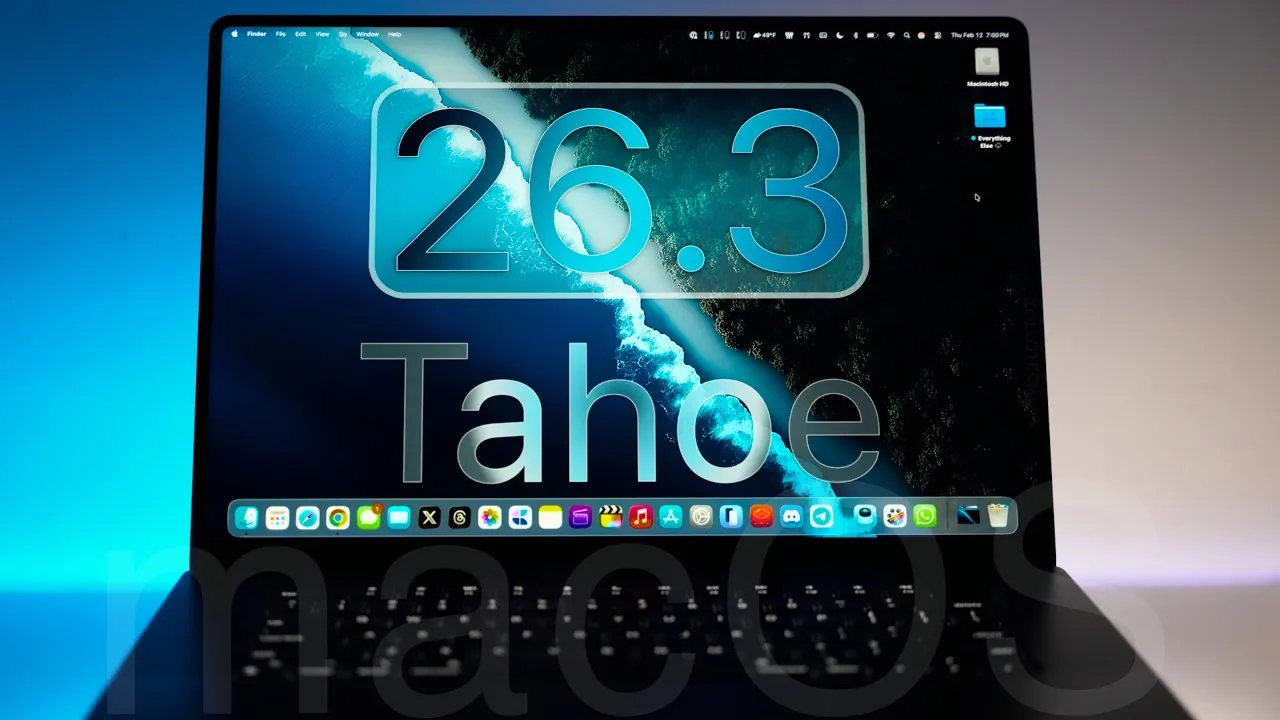
Apple has officially released macOS 26.3 Tahoe, a significant update aimed at improving system reliability, security, and overall performance. While it does not introduce major new features, it focuses on resolving critical issues and refining the user experience. If your device is compatible with macOS 26, installing this update is highly recommended to ensure your system remains secure and functions optimally. The video below from Zollotech gives us more details on the latest version of macOS.

Key Features and Improvements
macOS 26.3 Tahoe, identified by build number 25D125, is now available globally with a download size of 3.68 GB. This update was launched alongside updates for iOS, iPadOS, tvOS, watchOS, HomePod OS, and Vision OS, reflecting Apple’s ecosystem-wide commitment to enhancing its software. Additionally, it includes security patches for older macOS versions, making sure broader device protection. Below is a closer look at the most notable updates and improvements.
Bug Fixes That Improve Usability
This update addresses several bugs that may have previously disrupted workflows or caused inconvenience. The fixes are designed to enhance usability and ensure a smoother experience across various applications and system functions. Key bug fixes include:
- Resolved an issue in the Dictionary app where the menu bar obstructed text visibility, improving readability and functionality.
- Fixed a problem with FileVault, which now operates correctly for standard users when enforced by device management during setup.
- Screen recording permissions now display accurately in system settings, particularly under device management configurations.
- Addressed Platform SSO login issues, especially when identity provider passwords were changed outside macOS, making sure seamless authentication.
These fixes contribute to a more reliable and efficient user experience, minimizing interruptions and enhancing productivity.
Enhanced Security Measures
Security remains a top priority for Apple, and macOS 26.3 Tahoe reinforces this commitment by addressing over 50 vulnerabilities. These updates target critical areas to protect devices from potential threats. Key security enhancements include:
- Fixes for Wi-Fi vulnerabilities that previously exposed devices to unauthorized access, making sure safer network connections.
- Patches for WebKit flaws, reducing the risk of malicious attacks through browsers and web-based applications.
- Updates to GPU drivers, mitigating risks associated with graphics processing and enhancing system stability.
- Improvements to the kernel, preventing memory corruption and bolstering overall system security.
- Optimized memory handling, reducing the likelihood of crashes and improving performance under heavy workloads.
These measures significantly strengthen your device’s defenses, providing a safer digital environment for both personal and professional use.
Performance and Stability Refinements
macOS 26.3 Tahoe also focuses on maintaining and enhancing performance and stability. Users have reported smoother operation across a variety of tasks, including video editing, photo editing, and web browsing. Battery performance remains consistent, with no noticeable degradation after the update. These refinements ensure that your device continues to perform reliably, regardless of the workload or application demands.
What’s Next: macOS 27 and Hardware Updates
While macOS 26.3 Tahoe emphasizes incremental improvements, Apple’s development efforts are already shifting toward the upcoming macOS 27. Expected updates include advancements in design, usability, and system optimization. Speculation also surrounds potential hardware releases, such as the highly anticipated M5 Pro and M5 Max MacBook Pros, as well as updated studio displays. Additionally, future updates may integrate advanced Siri contextual capabilities, potentially transforming how users interact with their devices.
Additional Updates Beyond macOS
Beyond macOS, Apple has released beta firmware updates for AirPods Pro 2, Pro 3, and AirPods 4. These updates primarily focus on improving reliability and security, rather than introducing new features or design changes. This reflects Apple’s broader strategy of making sure consistent performance and security across its entire product ecosystem.
Why You Should Update
macOS 26.3 Tahoe is an essential update for anyone using macOS 26. By addressing critical bugs, enhancing security, and refining performance, Apple ensures that your device remains both secure and efficient. This update not only resolves existing issues but also lays the groundwork for future innovations, demonstrating Apple’s ongoing commitment to delivering a reliable and user-friendly experience. If you haven’t updated yet, now is the time to take advantage of these enhancements and keep your device running at its best.
Uncover more insights about macOS 26.3 Tahoe in previous articles we have written.
- macOS 26.2 Tahoe: The Innovative Update You Can’t Miss!
- iOS 26.3 Beta 1 Features and Updates Explained
- Discover 15 Innovative macOS Tahoe Features
- Best Hidden Features in macOS Tahoe
- What’s New in MacOS 26 Beta 8 Tahoe
Source & Image Credit: zollotech
Disclosure: Some of our articles include affiliate links. If you buy something through one of these links, Geeky Gadgets may earn an affiliate commission. Learn about our Disclosure Policy.
