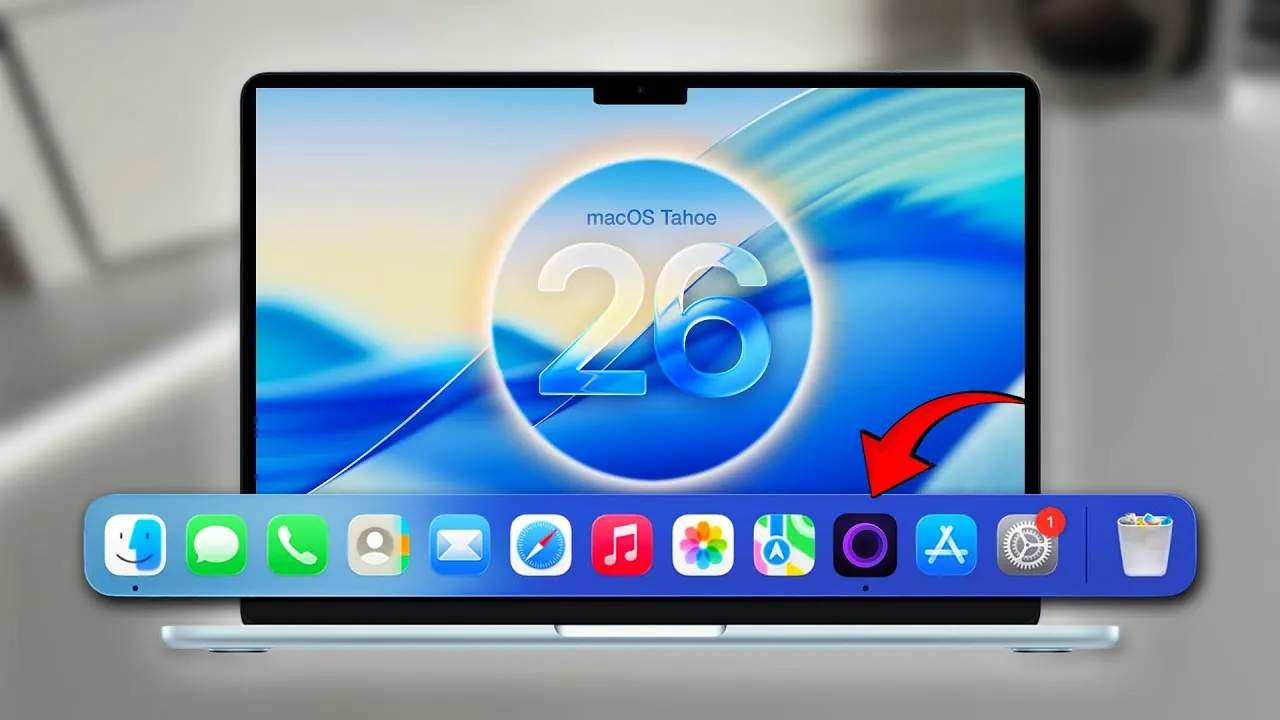
macOS Tahoe, the latest iteration of its operating system, designed to enhance usability, customization, and accessibility, is expected to launch next month. This update emphasizes seamless integration, personalization, and functionality, catering to a wide range of users, from casual enthusiasts to professionals. In the video below, AppleDsign explores the most notable features and updates, showcasing how macOS Tahoe can elevate your computing experience.

Design Updates: A Modern and Polished Interface
macOS Tahoe introduces a visually stunning “liquid glass” design, characterized by translucent elements that create a unified and modern aesthetic across the system. The menu bar has been refined for a cleaner, distraction-free appearance, making sure that essential tools are always within reach. Dynamic wallpapers and scenic screensavers further enhance the visual appeal, offering users the ability to customize their desktops with personalized clock displays and vibrant imagery. These design updates not only improve the system’s appearance but also contribute to a more immersive and enjoyable user experience.
Customization Features: Tailor macOS to Your Style
Customization is a cornerstone of macOS Tahoe, allowing users to adapt the system to their preferences. Folder colors, symbols, and emojis can now be personalized, making file organization more intuitive and visually engaging. App icons and widgets have been refreshed with options for clear or tinted styles, giving users greater control over their desktop’s appearance. The control center has also been revamped, adopting iOS-inspired animations and offering customizable controls for quick access to frequently used settings. These enhancements ensure that macOS Tahoe feels uniquely tailored to each user.
Productivity Enhancements: Tools to Work Smarter
macOS Tahoe introduces several productivity-focused upgrades designed to streamline workflows and improve efficiency. Spotlight search has been significantly enhanced, delivering faster results, quick actions, and clipboard history, making it easier to locate files, launch apps, and manage tasks. The Shortcuts app now supports advanced automation, allowing users to create complex workflows with ease. Additionally, the Preview app has been upgraded with advanced document editing tools, providing a versatile solution for managing PDFs and images. These productivity enhancements make macOS Tahoe an invaluable tool for both personal and professional use.
Accessibility Improvements: Features for Everyone
Apple continues its commitment to inclusivity with a range of accessibility improvements in macOS Tahoe. Live captions are now available for communication apps, providing real-time transcription for users with hearing impairments. The new Magnifier app offers enhanced zooming capabilities, making it easier for users with visual challenges to navigate the system. For individuals prone to motion sickness, vehicle motion cues have been introduced to reduce discomfort during use in cars or airplanes. These updates ensure that macOS Tahoe is accessible to a diverse audience, empowering all users to make the most of their devices.
App Updates: Upgraded Everyday Tools
macOS Tahoe brings significant updates to several core apps, enhancing their functionality and usability:
- Games App: Seamlessly integrates Apple Arcade with multiplayer options and a centralized hub for gaming enthusiasts.
- Journal App: A new application designed for documenting thoughts, ideas, and daily reflections directly on your Mac.
- Native Phone App: Enables seamless call management, allowing users to make and receive calls directly from their Mac.
- Music App: Redesigned with the liquid glass aesthetic, offering improved navigation and a more immersive listening experience.
- Passwords App: Introduces history tracking, providing users with better credential management and security oversight.
System Changes: A Streamlined Experience
macOS Tahoe introduces several system-level changes aimed at simplifying and enhancing the user experience. The traditional Launchpad has been replaced with an app library, mirroring the iOS approach for more intuitive app access. Apple Intelligence tools have been upgraded, with beta features like Image Playground offering advanced capabilities for creative projects. The Notes app has also received significant improvements, including better writing tools and deeper integration with other apps, making it easier to organize and share information. These system changes reflect Apple’s dedication to creating a cohesive and efficient operating system.
Additional Features: Subtle Yet Impactful Updates
Beyond the major updates, macOS Tahoe includes a variety of smaller enhancements that contribute to a more refined user experience:
- Live translations: Integrated into Messages, FaceTime, and the Phone app, allowing real-time communication across different languages.
- New animations: Smooth and visually appealing animations for folder interactions and file management add a polished touch to everyday tasks.
- Apple-branded SSD icon: A unique design element for storage visualization, offering a sleek and modern representation of your system’s storage.
A Refined and Personalized macOS
macOS Tahoe represents a thoughtful evolution of Apple’s operating system, blending innovative design with practical functionality. From the striking liquid glass aesthetic to the expanded customization options and advanced productivity tools, this update offers a comprehensive suite of features tailored to meet the needs of a diverse user base. By integrating elements from iOS and introducing new capabilities, macOS Tahoe delivers a seamless, user-friendly experience that enables users to work, create, and connect with greater ease and efficiency.
Uncover more insights about macOS Tahoe features in previous articles we have written.
- Top 15 Features of macOS You Need to Know
- M4 MacBook Air and macOS Tahoe: Features, Price, and More
- macOS Tahoe Features: Everything You Need to Know
- What’s New in macOS Tahoe 26 Beta 2? Full Breakdown
- You WON’T Believe the New Features in macOS Tahoe 26 Beta 5!
Source & Image Credit: AppleDsign
Disclosure: Some of our articles include affiliate links. If you buy something through one of these links, Geeky Gadgets may earn an affiliate commission. Learn about our Disclosure Policy.
