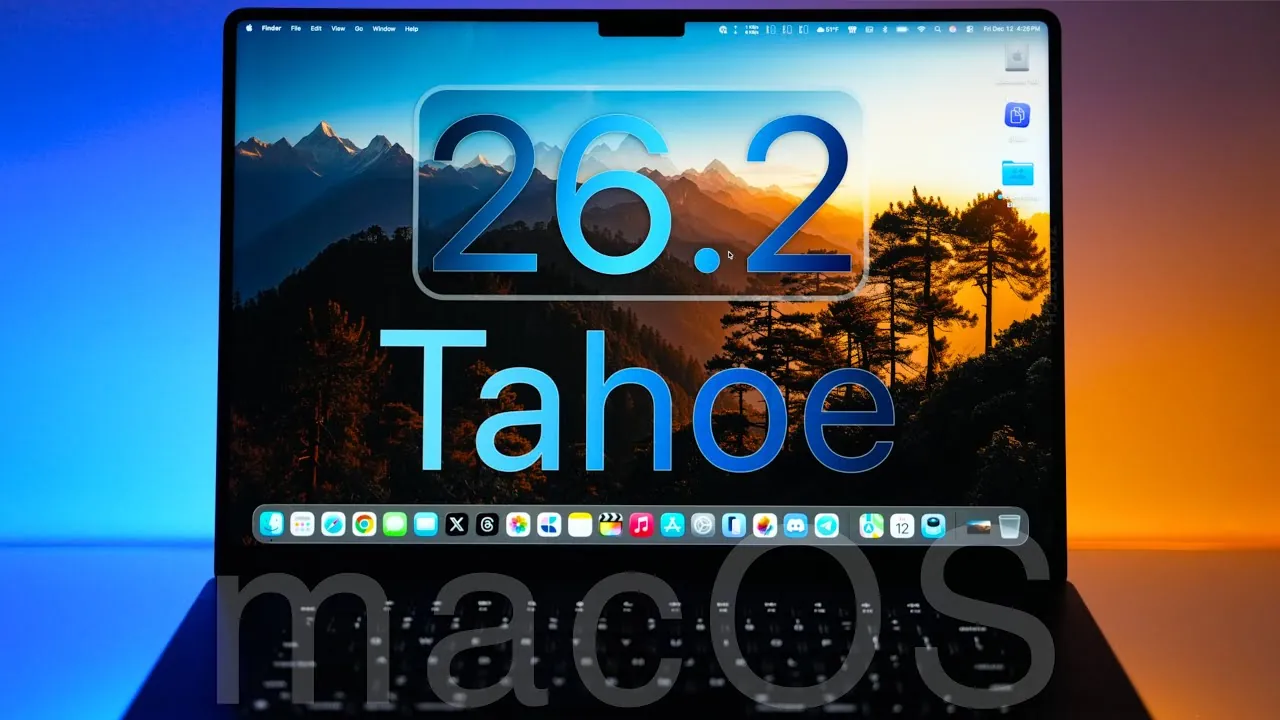
Apple has officially released macOS 26.2 Tahoe, a significant update designed to elevate usability, security, and performance across its macOS ecosystem. This update is now available globally for all supported devices, offering a range of new features and refinements aimed at enhancing your overall experience. The video below from Zollotech gives us a detailed exploration of what this release brings to the table, highlighting its key features, improvements, and future roadmap.
Key Features and Enhancements
macOS 26.2 Tahoe introduces a variety of updates that cater to both casual users and professionals. These enhancements focus on improving functionality, accessibility, and convenience while addressing critical performance and security concerns.
- Liquid Glass UI Enhancements: The updated “tinted” and “clear” options in the Appearance settings improve text readability, making the interface more accessible in diverse lighting conditions. This ensures a more comfortable user experience, whether you’re working during the day or at night.
- AirDrop Security Updates: A new one-time code requirement for sharing files with unknown devices adds an extra layer of security. Recognized contacts remain accessible for up to 30 days, streamlining future transfers without compromising safety.
- Edge Light for Video Calls: This innovative feature uses your screen’s edges to simulate a ring light, offering adjustable brightness and color temperature. It eliminates the need for external lighting equipment, making video calls more professional and visually appealing.
- Reminders App Alarms: The addition of an “urgent” alarm option ensures critical reminders stand out. Other enhancements include time zone support and automatic categorization for grocery lists, making task management more efficient.
- Podcasts App Chapters: Chapter support allows for easier navigation within episodes. Users can also click links in episode notes and follow referenced podcasts directly from transcripts, enhancing the overall listening experience.
- Freeform App Tables: The introduction of tables improves organization and collaboration, making the app more versatile for brainstorming sessions and project planning.
- Games App Controller Support: Enhanced controller compatibility, library filtering, and challenge score tracking make gaming on macOS more seamless and engaging for users of all skill levels.
- News App Sidebar Navigation: A redesigned sidebar organizes content into categories such as sports, puzzles, and business, making it easier to find topics of interest quickly.
- Safari Glyph Icons: Updated glyph icons and centered volume/brightness indicators in full-screen mode provide a cleaner and more intuitive browsing experience.
Performance and Security Improvements
Security remains a cornerstone of macOS 26.2 Tahoe, with over 45 vulnerabilities patched across core components, including Safari, FaceTime, and the App Store. These updates ensure a safer environment for your data and devices, reinforcing Apple’s commitment to user privacy and security.
Performance has also been fine-tuned to deliver smooth operation across all supported devices. Early testing indicates consistent battery life and reliable day-to-day usage, with no significant issues reported. These improvements make the system more dependable for both casual and professional users.
Advanced Features for Professionals
Professionals will find several enhancements in macOS 26.2 Tahoe tailored to meet the demands of high-performance workflows and enterprise environments.
- Thunderbolt 5 Support: The update enables users to connect up to four Mac Studios with improved speed and low latency. This is particularly beneficial for tasks such as AI model training, video editing, and other resource-intensive activities.
- Enterprise Improvements: Enhanced app privacy permissions, resolved lock screen issues with smart card authentication, and improved stability for log file viewing to streamline enterprise-level operations. These updates ensure a more secure and efficient work environment.
These features make macOS 26.2 Tahoe a robust tool for professionals who require reliability and performance in demanding scenarios.
Bug Fixes and Stability Enhancements
Apple has addressed several bugs in this release, contributing to a more stable and polished user experience. Key fixes include:
- Resolved sidebar display issues in the Maps app, ensuring smoother navigation.
- Fixed pre-release album availability problems in the Music app, improving content accessibility.
These fixes enhance the overall reliability of the system, making sure that users encounter fewer disruptions during daily use.
Future Updates and Roadmap
Apple has outlined a clear roadmap for future updates, demonstrating its commitment to continuous improvement and innovation. Upcoming releases include:
- macOS 26.3 Beta: Expected by the end of 2025, this update will bring additional refinements and minor feature enhancements.
- macOS 26.4 and Siri 2.0: Scheduled for March 2026, these updates will focus on deeper integration and usability improvements, particularly in voice-assisted functionalities.
- macOS 27 Preview: Set to debut at WWDC in June 2026, this version will emphasize stability and performance enhancements, laying the groundwork for the next generation of macOS.
These planned updates highlight Apple’s dedication to delivering a consistently evolving and user-focused operating system.
macOS 26.2 Tahoe: A Comprehensive Update
macOS 26.2 Tahoe represents a well-rounded update that prioritizes security, usability, and performance. With meaningful enhancements across apps and system features, it offers a more streamlined and secure experience for all users. Whether you’re a casual user exploring new conveniences or a professional relying on advanced tools, this update ensures macOS remains a reliable and efficient platform for your needs.
Master macOS 26.2 Tahoe with the help of our in-depth articles and helpful guides.
- macOS 26.2 Release Candidate: Key Features and Enhancements
- macOS Tahoe 26 Beta 4: Should You Install
- macOS 26.1 Tahoe Features and Updates Explained
- macOS Tahoe: Key Features and Benefits Explained
- How Apple’s 26.2 Update Improves iOS, iPadOS, and macOS
Source & Image Credit: zollotech
Disclosure: Some of our articles include affiliate links. If you buy something through one of these links, Geeky Gadgets may earn an affiliate commission. Learn about our Disclosure Policy.
