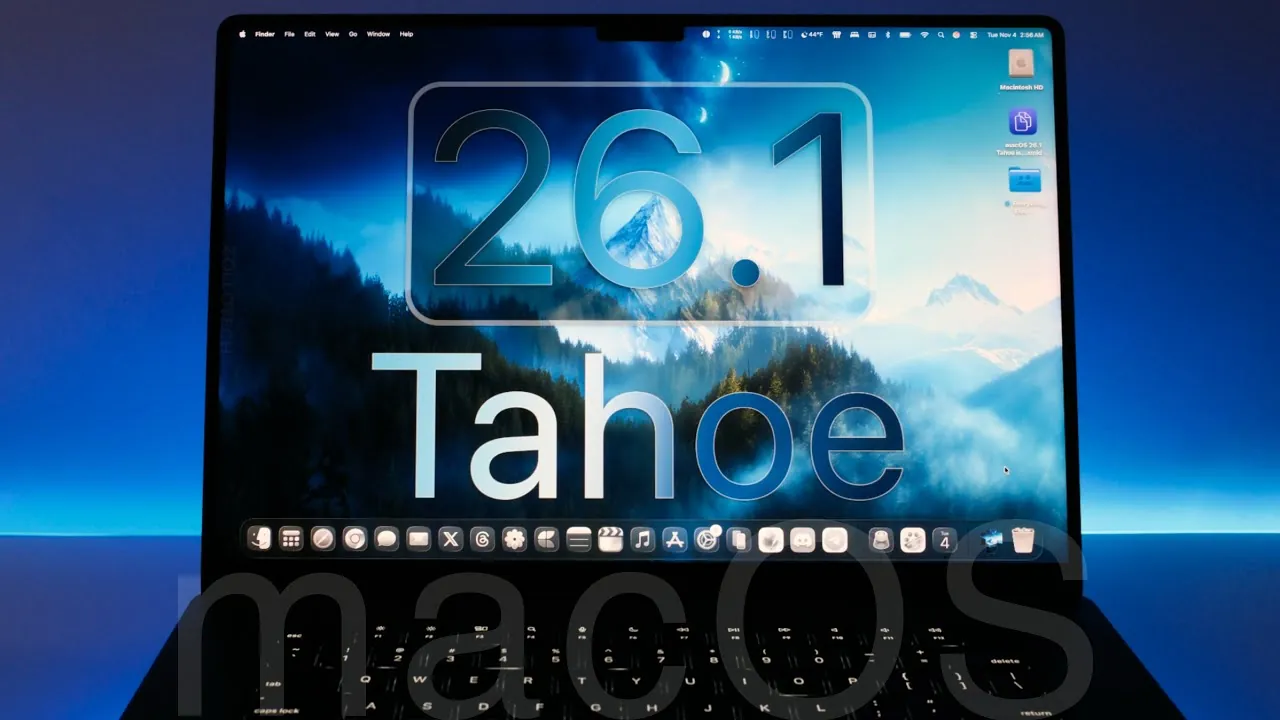
Apple has officially released macOS 26.1 Tahoe, a feature-rich update designed to enhance performance, usability, and security across supported devices. This update introduces a variety of improvements, ranging from visual refinements to advanced enterprise tools, ensuring a seamless experience for users. By addressing current needs while laying the groundwork for future innovations, macOS 26.1 Tahoe continues Apple’s tradition of delivering meaningful updates. The video below from Zollotech gives us more details.
Key System and Interface Updates
macOS 26.1 Tahoe introduces a series of interface enhancements aimed at modernizing the user experience while maintaining the platform’s signature simplicity. Notable updates include:
- Redesigned Icons: Hard drive and connected drive icons now feature a sleek, modern aesthetic, aligning with Apple’s evolving design language.
- Liquid Glass Appearance: A new visual option offers clear or tinted effects, improving readability and adding a touch of personalization.
- Updated Application Icons: Refined app icons and menu glyphs create a more cohesive and visually appealing interface.
- Expanded App Grid View: The Applications folder now supports an expanded grid view, simplifying navigation and improving accessibility.
These updates aim to deliver a polished and intuitive interface, making sure users can navigate their devices with ease and efficiency.
Enhanced Privacy and Security Features
Privacy and security remain at the forefront of Apple’s priorities, and macOS 26.1 Tahoe introduces several enhancements to protect user data and ensure a secure environment:
- Automatic Security Updates: Background updates between major releases provide continuous protection without requiring manual intervention.
- Communication Safety: Enabled by default for child accounts, this feature offers region-specific protections to safeguard younger users.
- Improved FaceTime Audio: Enhanced audio quality in low-bandwidth conditions ensures clearer and more reliable communication.
These features underscore Apple’s commitment to maintaining user trust by prioritizing data security and privacy.
Application Updates and New Functionalities
macOS 26.1 Tahoe brings updates to both native and third-party applications, enhancing functionality and broadening accessibility:
- Apple TV App: Rebranded to “Apple TV,” reflecting its expanded content offerings and simplifying its identity within the ecosystem.
- Music App: The new AutoMix feature allows seamless transitions between songs during SharePlay sessions, enhancing group listening experiences.
- Language Support: Apple Intelligence now supports additional languages, including Danish, Dutch, and Turkish, making the system more accessible to a global audience.
- Third-Party App Updates: Popular apps like Pixelmator Pro and GarageBand have received updates, further enriching the macOS ecosystem with new features and optimizations.
These updates reflect Apple’s dedication to improving user experiences and catering to a diverse range of needs.
Enterprise Device Management Enhancements
For enterprise users and IT professionals, macOS 26.1 Tahoe introduces advanced tools to streamline device management and deployment:
- Streamlined Setup: Administrators can now skip OS showcase panes during deployment, reducing setup time and complexity.
- Declarative Software Update Enforcement: Improved tools provide better control over software updates, making sure compliance with organizational policies.
- Enhanced Platform SSO Registration: Simplified single sign-on registration improves device management across large organizations.
These features are designed to balance robust administrative capabilities with macOS’s user-friendly design, making it an ideal choice for enterprise environments.
Bug Fixes and Security Patches
macOS 26.1 Tahoe addresses several known issues and vulnerabilities, making sure a more stable and secure operating environment:
- Resolved Bugs: Fixes include issues affecting the Apple TV app, game controllers, and SwiftUI, improving overall functionality.
- Security Patches: Vulnerabilities in core services, disk images, and shortcuts have been addressed, reinforcing system security.
These updates ensure that users can rely on their devices for both personal and professional tasks without interruptions or security concerns.
Performance and Battery Optimization
This update focuses on delivering a smoother and more efficient user experience, with improvements in both performance and battery life:
- Improved Responsiveness: System settings and other areas now respond more quickly, reducing lag and enhancing usability.
- Stable Battery Performance: Even during resource-intensive tasks like video editing, battery life remains consistent, making sure uninterrupted productivity.
These optimizations highlight Apple’s commitment to providing a reliable and efficient platform for all users.
What’s Next for macOS?
Apple continues to innovate, with future updates already in development:
- macOS 26.2 Beta: Expected to launch soon, with a public release anticipated in December 2025, bringing additional refinements and features.
- Major Siri Updates: Projected for macOS 26.4, scheduled for release in March 2026, these updates aim to enhance voice assistant capabilities.
These upcoming releases demonstrate Apple’s dedication to continuous improvement, making sure macOS remains at the forefront of technology.
Enhance your knowledge on macOS 26.1 Tahoe by exploring a selection of articles and guides on the subject.
- macOS Tahoe 26.1 RC Features and Release Date
- macOS 26.0.1 Update: Features, Fixes, and Performance
- macOS Tahoe 26 Beta 4: Should You Install
- How to Optimize macOS Tahoe: 26 Essential Settings for Your Mac
- macOS Tahoe Beta 9: The Final Polish Before Launch?
Source & Image Credit: zollotech
Disclosure: Some of our articles include affiliate links. If you buy something through one of these links, Geeky Gadgets may earn an affiliate commission. Learn about our Disclosure Policy.
