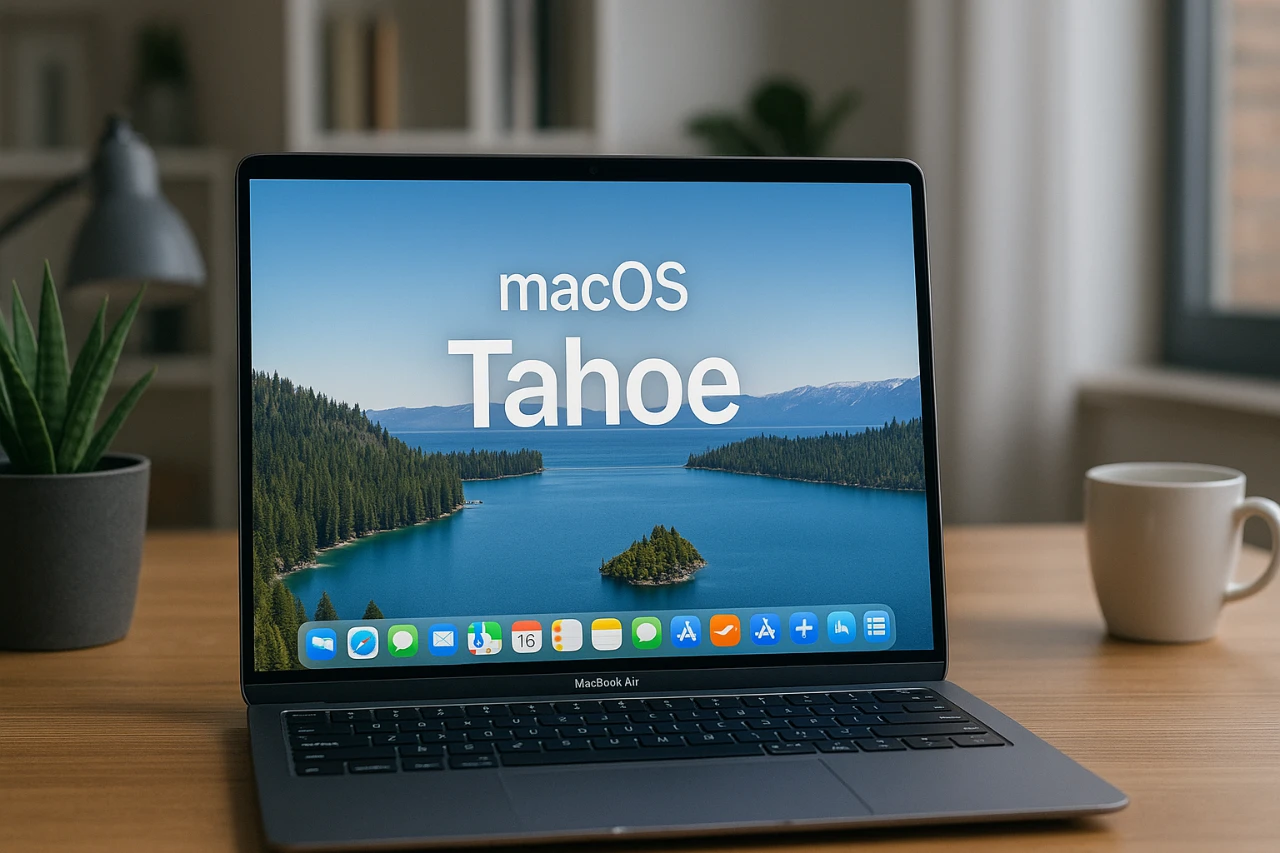
Apple’s latest operating system, macOS 26 (Tahoe), represents a significant milestone in the evolution of macOS. With a strong emphasis on design, functionality, and seamless integration across Apple’s ecosystem, this update caters to a wide range of users, from casual individuals managing daily tasks to professionals handling complex workflows. By introducing features that enhance usability, productivity, and connectivity, macOS Tahoe redefines the desktop experience while maintaining Apple’s hallmark of innovation and reliability. The video below from MacRumors gives us a detailed look at the new macOS 26 and its range of features

Key Design Enhancements: A Blend of Style and Function
The “Liquid Glass” design serves as the centerpiece of macOS Tahoe’s visual transformation. This aesthetic introduces frosted and translucent UI elements, creating a sleek and modern interface. The transparent menu bar allows your desktop wallpaper to shine, while customizable icons and widgets provide extensive options for personalization. Users can now select between clear, dark, and tinted themes to suit their preferences, offering a more tailored experience.
These design updates go beyond mere aesthetics. The frosted effects and transparency deliver subtle visual cues that improve navigation and focus. By reducing visual clutter, macOS Tahoe ensures a cleaner and more intuitive user experience, making it easier to stay productive and organized.
Spotlight Search: A Smarter, More Versatile Tool
Spotlight Search in macOS Tahoe has been reimagined as a powerful productivity hub. The redesigned interface organizes search results into distinct categories such as apps, files, actions, and clipboard history, allowing faster and more efficient access to information. A new clipboard manager with a 24-hour history further simplifies retrieving previously copied items, saving time and effort.
Spotlight now extends its functionality beyond search. Users can perform direct actions such as sending emails, setting timers, or initiating calls—all without leaving the interface. These enhancements streamline workflows, making Spotlight an indispensable tool for multitasking and improving overall efficiency.
Control Center: Customization Meets Consistency
The Control Center in macOS Tahoe adopts the Liquid Glass aesthetic, making sure a cohesive visual identity across Apple devices. Beyond its polished appearance, the redesigned Control Center offers greater customization options. Users can rearrange controls to prioritize frequently used features, tailoring the interface to their specific needs.
Additionally, Apple has introduced support for third-party app integration within the Control Center. This opens the door to expanded functionality, allowing developers to create tools that seamlessly integrate into the macOS ecosystem. The result is a more personalized and versatile user experience that adapts to individual workflows.
Phone Integration: A Unified Device Ecosystem
For the first time, macOS Tahoe includes a dedicated phone app, bridging the gap between Mac and iPhone. This app enables users to make and receive calls, access voicemails, and use advanced features such as call screening and hold assist directly from their Mac. By integrating these capabilities, macOS Tahoe strengthens the connection between devices, delivering a unified and seamless experience that enhances productivity and convenience.
Enhanced Productivity Tools: Smarter Everyday Apps
macOS Tahoe introduces meaningful updates to its suite of productivity apps, making everyday tasks more efficient and user-friendly. Key improvements include:
- Reminders: Auto-categorization organizes tasks into groups like “Today” or “Scheduled” without requiring manual input, streamlining task management.
- Notes: Markdown export enhances compatibility with other platforms and formats, catering to technical users and professionals.
- Messages: Group chats now feature personalized backgrounds, polls, and typing indicators, improving communication and collaboration.
- Photos: Pinned collections allow quick access to favorite albums or projects, simplifying photo organization.
These updates ensure that macOS Tahoe meets the diverse needs of personal and professional users alike, offering tools that adapt to a variety of workflows and preferences.
Gaming Integration: Entertainment at the Forefront
Gaming takes center stage in macOS Tahoe with the introduction of the Games app. This centralized hub integrates Game Center, Apple Arcade, and third-party game libraries, making it easier to access and manage gaming content. Whether you’re a casual gamer or a dedicated enthusiast, these updates position macOS as a more viable platform for entertainment.
The Games app also supports cross-platform play and cloud saves, making sure a seamless gaming experience across Apple devices. With improved hardware optimization and support for high-performance graphics, macOS Tahoe aims to attract a broader audience of gamers.
Performance and Stability: Built for Reliability
Under the hood, macOS Tahoe prioritizes performance and stability, making sure a dependable experience for all users. During beta testing, resource-intensive applications such as Final Cut Pro and Logic Pro ran smoothly, demonstrating the system’s ability to handle demanding tasks. These improvements make macOS Tahoe a reliable choice for professionals engaged in video editing, software development, and other high-performance workflows.
Additionally, macOS Tahoe introduces enhanced power management features, optimizing battery life for MacBooks. This ensures that users can work or play for longer periods without interruption, further solidifying the operating system’s reputation for reliability and efficiency.
A Balanced and Polished Update
macOS Tahoe combines aesthetic innovation with practical enhancements, delivering a cohesive and polished experience. From the striking Liquid Glass design to the improved Spotlight Search and expanded app functionality, this release caters to a wide range of user needs. Whether your focus is on productivity, creativity, or entertainment, macOS Tahoe sets a new benchmark for Apple’s desktop operating system, reinforcing its position as a leader in technology and user experience.
Expand your understanding of macOS Tahoe with additional resources from our extensive library of articles.
- How macOS Tahoe Enhances Performance and Productivity
- M4 MacBook Air and macOS Tahoe: Features, Price, and More
- What’s New in macOS Tahoe 26 Beta 2? Full Breakdown
- Apple macOS Tahoe: What You Need to Know
- macOS Tahoe Features: 60 Updates That Transform Your Mac
Source & Image Credit: MacRumors
Disclosure: Some of our articles include affiliate links. If you buy something through one of these links, Geeky Gadgets may earn an affiliate commission. Learn about our Disclosure Policy.
