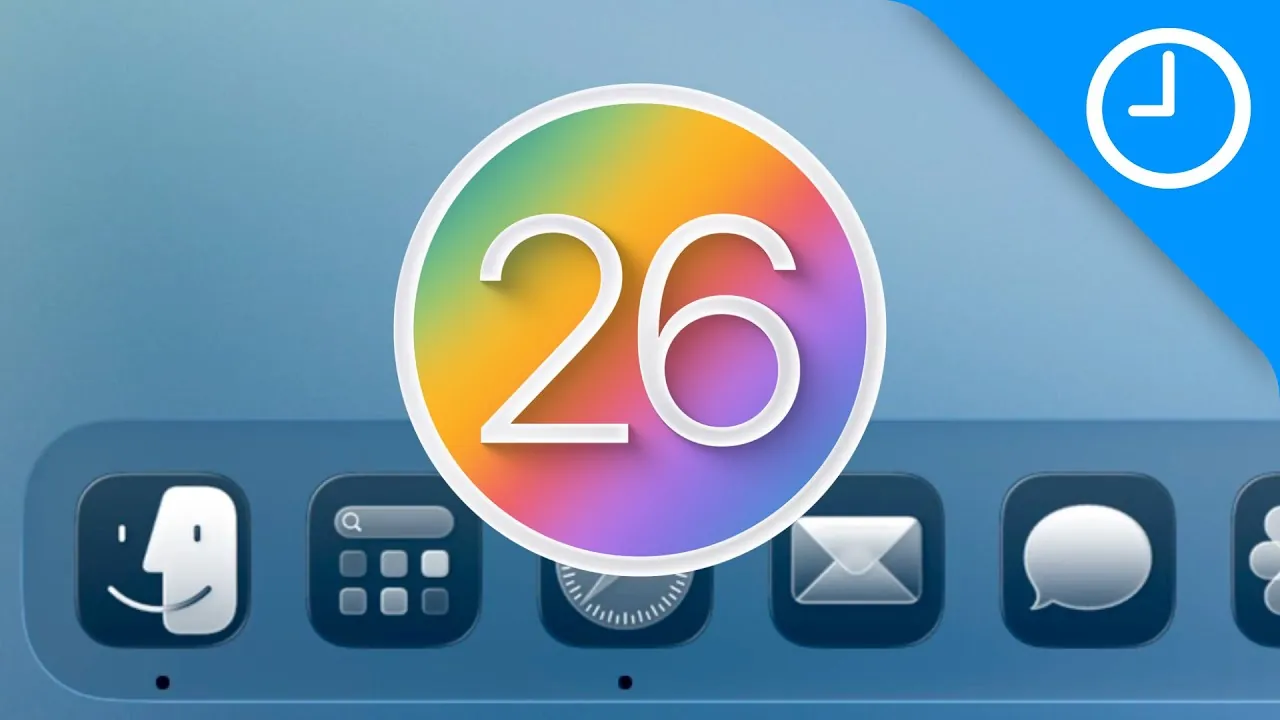
Apple’s macOS 26 Tahoe delivers a significant update to Apple’s desktop operating system, combining a sleek, modern design with advanced tools aimed at enhancing both productivity and device integration. This release emphasizes creating a seamless experience across Apple devices while introducing features tailored to casual users and professionals alike. Below is an in-depth exploration of the standout elements of this update. The video below from 9to5Mac gives us more details on what to expect from macOS 26 Tahoe

Visual Overhaul: A Sleek and Personalized Interface
Mac OS 26 Tahoe introduces a refined visual identity that transforms the desktop experience. The transparent menu bar, sidebars, and toolbars create a unified and fluid design, while liquid glass effects add depth and sophistication to widgets, the dock, and app icons. Personalization is a key focus, allowing users to customize folders and icons with colors and emojis, allowing a workspace that reflects individual preferences. Additionally, dynamic wallpapers adapt to light and dark modes, making sure a visually comfortable environment that aligns with your surroundings and preferences.
Control Center and Menu Bar: Tailored for Your Workflow
The redesigned Control Center in Mac OS 26 Tahoe offers enhanced customization options to suit your workflow. Widgets can now be resized, rearranged, and grouped, providing quick access to essential tools. Third-party integration further expands its functionality, making it a versatile hub for managing tasks and settings. The menu bar also receives updates, including the ability to disable third-party icons, resulting in a cleaner and more focused interface that minimizes distractions.
Spotlight: Smarter Search and Automation
Spotlight evolves into a more intelligent and versatile tool in this release. Its advanced file filtering capabilities make locating specific files or applications faster and more efficient. The built-in clipboard manager, integrated with universal clipboard support, allows seamless copying and pasting across Apple devices, streamlining multitasking. Additionally, expanded automation options enable users to create quick commands for repetitive tasks, significantly improving workflow efficiency.
Enhanced Apps: Expanding Capabilities
Mac OS 26 Tahoe introduces substantial updates to several core apps, enhancing their functionality and integration across devices:
- Phone App: Full iPhone integration brings features like live voicemail, call recording, and contact posters directly to your Mac, making sure a seamless communication experience.
- Journal App: Cross-device syncing supports multiple journals, making it easier to document thoughts and experiences wherever you are.
- Games App: A unified gaming platform combines Game Center, Apple Arcade, and App Store games, complete with a new in-game settings overlay for a more immersive gaming experience.
These updates strengthen the connection between devices, making sure a cohesive and intuitive user experience within the Apple ecosystem.
Productivity Features: Tools for Efficiency
Mac OS 26 Tahoe introduces a suite of features designed to optimize productivity and streamline workflows. Live Activities from your iPhone can now be mirrored on your Mac, keeping you updated on real-time events without switching devices. The Reminders app benefits from auto-categorization and Spotlight integration, simplifying task management and organization. Meanwhile, the Notes app now supports markdown import/export and phone call transcription, catering to users who rely on detailed documentation for personal or professional purposes.
Messages: Communication Made Smarter
Messaging in Mac OS 26 Tahoe becomes more dynamic and engaging. Customizable animated backgrounds add a personal touch to conversations, visible to all participants. Multilingual auto-translate ensures smooth communication across languages, breaking down barriers in global interactions. New features such as poll creation and group typing indicators enhance collaboration in group chats, making it easier to coordinate and share ideas.
Shortcuts and Automation: Smarter Assistance
Automation capabilities in Mac OS 26 Tahoe take a significant leap forward. New triggers based on time, device connections, or app activity allow users to automate tasks effortlessly. Additionally, text and image generation tools powered by Apple Intelligence provide creative solutions for various projects, allowing users to complete tasks more efficiently and with greater precision.
Additional Updates: Refining the User Experience
Mac OS 26 Tahoe also introduces several smaller updates that collectively enhance usability and accessibility:
- A modernized Finder design for improved navigation and file management.
- New terminal presets tailored for developers and power users.
- Expanded accessibility options to accommodate diverse user needs, making sure inclusivity.
- Lock screen customization with personalized clock designs and widgets for quick access to essential information.
These refinements contribute to a polished and user-friendly experience, making sure that the operating system meets the needs of a wide range of users.
Mac OS 26 Tahoe: A Step Forward
Mac OS 26 Tahoe represents a significant evolution in operating system design, prioritizing personalization, seamless integration, and productivity. Whether you’re managing daily tasks, collaborating with others, or tackling complex projects, this update offers tools and features that adapt to your needs. By bridging the gap between devices and enhancing user workflows, Mac OS 26 Tahoe ensures a more efficient and enjoyable computing experience for all users.
Check out more relevant guides from our extensive collection on Mac OS 26 Tahoe that you might find useful.
- macOS 26 Tahoe: Spotlight Actions, Custom Control Center & AI
- Discover the Top Features of macOS 26 Tahoe
- macOS 26 Tahoe Beta 1: Key Features Explained
- MacOS 26 Tahoe: A Complete Guide to Apple’s Latest OS
- macOS 26 Tahoe vs. macOS 15 Sequoia
Source & Image Credit: 9to5Mac
Disclosure: Some of our articles include affiliate links. If you buy something through one of these links, Geeky Gadgets may earn an affiliate commission. Learn about our Disclosure Policy.
