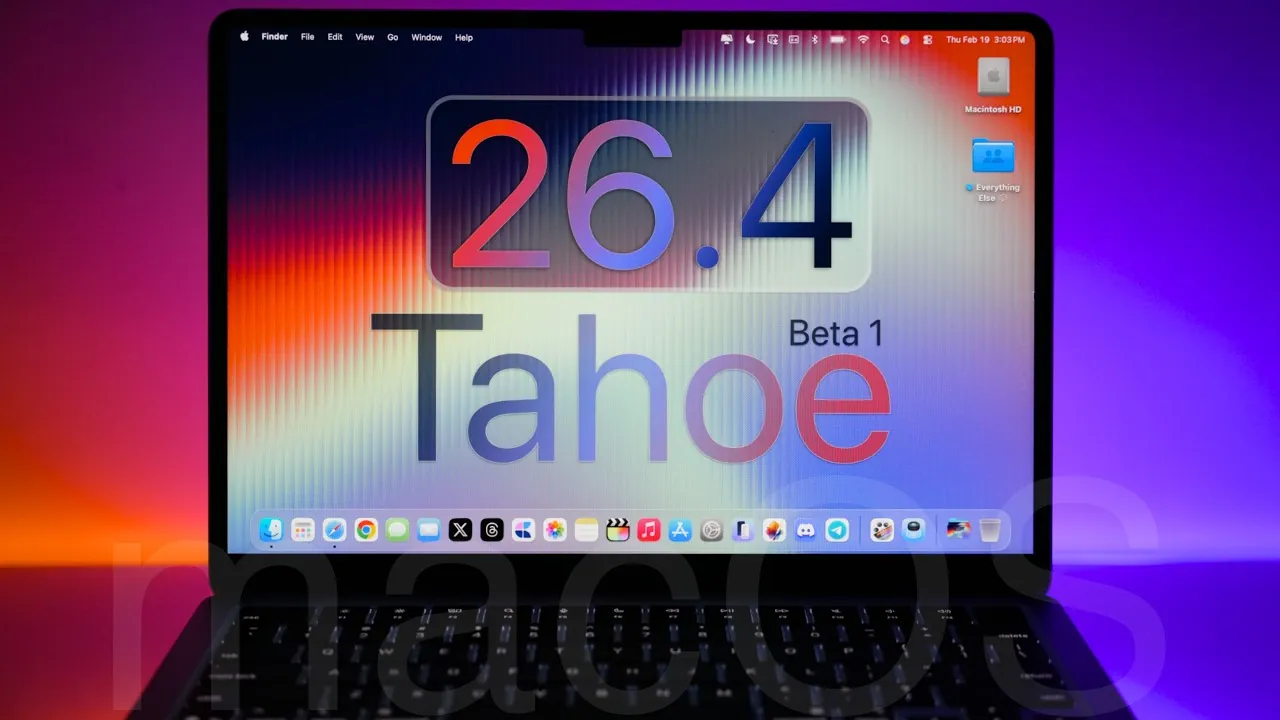
Apple has officially released macOS 26.4 Beta 1, codenamed “Tahoe,” for developers and public beta testers. This update introduces a variety of new features, refinements, and bug fixes aimed at enhancing the overall macOS experience. However, as with any beta release, it is important to note that this version may include unresolved bugs and performance inconsistencies. If you plan to test this beta, it is strongly recommended to install it on a secondary device to avoid disruptions to your primary workflow. The video below from Zollotech gives us more details about the new beta.

Top Features in macOS 26.4 Beta 1
This beta version brings several significant updates across the operating system. Below are the most noteworthy changes:
- Battery Management Enhancements: New options to set charge limits, such as 80% or 100%, help preserve battery health, particularly for users who keep their MacBooks plugged in for extended periods.
- Safari Tab Management: The return of the compact tab view simplifies navigation for users managing multiple tabs in a single window.
- Podcasts App Improvements: Seamless switching between audio and video podcasts enhances multimedia consumption and flexibility.
- Reminders App Updates: Features like an “Urgent” category and auto-categorization make task prioritization more intuitive and efficient.
- Control Center and Settings Refinements: Visual updates, reorganized sections, and new options for iPhone mirroring and widgets improve customization and usability.
Detailed Feature Highlights
Battery Management: Prolonging Device Longevity
macOS 26.4 Beta 1 introduces advanced battery management options, allowing users to set a charge limit of either 80% or 100%. This feature is particularly beneficial for those who frequently keep their MacBooks connected to power, as it helps reduce long-term battery wear and maintain overall battery health. By offering this level of control, Apple aims to extend the lifespan of MacBook batteries and improve user satisfaction.
Safari: Compact Tab View Returns
The compact tab view in Safari has made a comeback, providing a cleaner and more efficient way to manage multiple tabs. This update is especially useful for users who frequently multitask or work with numerous tabs open simultaneously. By streamlining navigation, the compact tab view enhances the browsing experience and reduces visual clutter.
Podcasts App: Audio-Video Flexibility
The Podcasts app now supports seamless integration of video podcasts, allowing users to switch effortlessly between audio and video formats. This update caters to a growing audience that consumes multimedia content on the go, offering a more versatile and engaging experience. Whether you prefer listening or watching, the enhanced Podcasts app adapts to your needs.
Reminders App: Prioritize with Ease
The Reminders app has been updated with an “Urgent” category, making it easier to focus on high-priority tasks. Additional features, such as auto-categorization and time zone support, further enhance task management. These updates are designed to help users stay organized and manage their schedules more effectively, whether for personal or professional purposes.
Control Center and Settings: Enhanced Customization
Apple has refined the Control Center and Settings interface in macOS 26.4 Beta 1. Improved transparency effects, reorganized sections, and new customization options make these tools more user-friendly. For instance, the “AirDrop and Continuity” section has been streamlined, and new features for iPhone mirroring and widgets have been added. These changes provide greater flexibility and improve overall usability.
Additional Updates and Improvements
iCloud Drive and Spotlight: Smarter Search
iCloud Drive now includes enhanced search capabilities, making it easier to locate files and photos across devices. Spotlight has also been updated to allow users to customize file search results and display hidden file types. These improvements are designed to boost productivity and streamline file management.
Freeform: Tables and Glyphs for Collaboration
Freeform, Apple’s collaborative brainstorming app, has been updated to support tables and new glyphs. These additions make the app more versatile for team projects and creative workflows. By allowing better organization and visual representation of ideas, Freeform becomes an even more powerful tool for collaboration.
Rosetta Deprecation: Preparing for the Future
Apple has announced plans to phase out Rosetta, the translation layer that allows Intel-based apps to run on Apple Silicon Macs. This move underscores Apple’s commitment to its ARM-based architecture and encourages developers to optimize their apps for the latest hardware. While this transition may pose challenges for some users, it signals a clear direction for the future of macOS.
New Unicode Emojis: Expanded Expression
The update includes a range of new emojis aligned with the latest Unicode standard. These additions provide users with more ways to express themselves in messages, emails, and social media interactions, reflecting Apple’s ongoing commitment to personalization and creativity.
Bug Fixes and Known Issues
macOS 26.4 Beta 1 addresses several bugs, including a corner radius resizing issue in Safari. However, some problems remain unresolved. Known issues include difficulties with external media mounting, login processes, and virtualization. These limitations highlight the developmental nature of the beta and the potential risks associated with early adoption.
Performance and Stability: Proceed with Caution
As with most beta software, macOS 26.4 Beta 1 exhibits performance inconsistencies. Users have reported occasional stuttering, minor glitches, and unclear impacts on battery life. These factors emphasize the importance of testing beta software on a secondary device to avoid disruptions to your primary workflow. While the new features are exciting, it is crucial to weigh the potential risks before installation.
Here are more detailed guides and articles that you may find helpful on macOS 26.4 Beta 1 Tahoe.
- Everything You Need to Know About macOS 26.3 Tahoe
- macOS 26.1 Tahoe Features and Updates Explained
- macOS 26 Tahoe: Is This The Mac Update You’ve Been Waiting For?
- macOS 26 Tahoe: A Stunning ‘Liquid Glass’ Overhaul for Your Mac
- Powerful Apple Mac Studio AI Supercomputer with 2TB of RAM
Source & Image Credit: zollotech
Disclosure: Some of our articles include affiliate links. If you buy something through one of these links, Geeky Gadgets may earn an affiliate commission. Learn about our Disclosure Policy.
