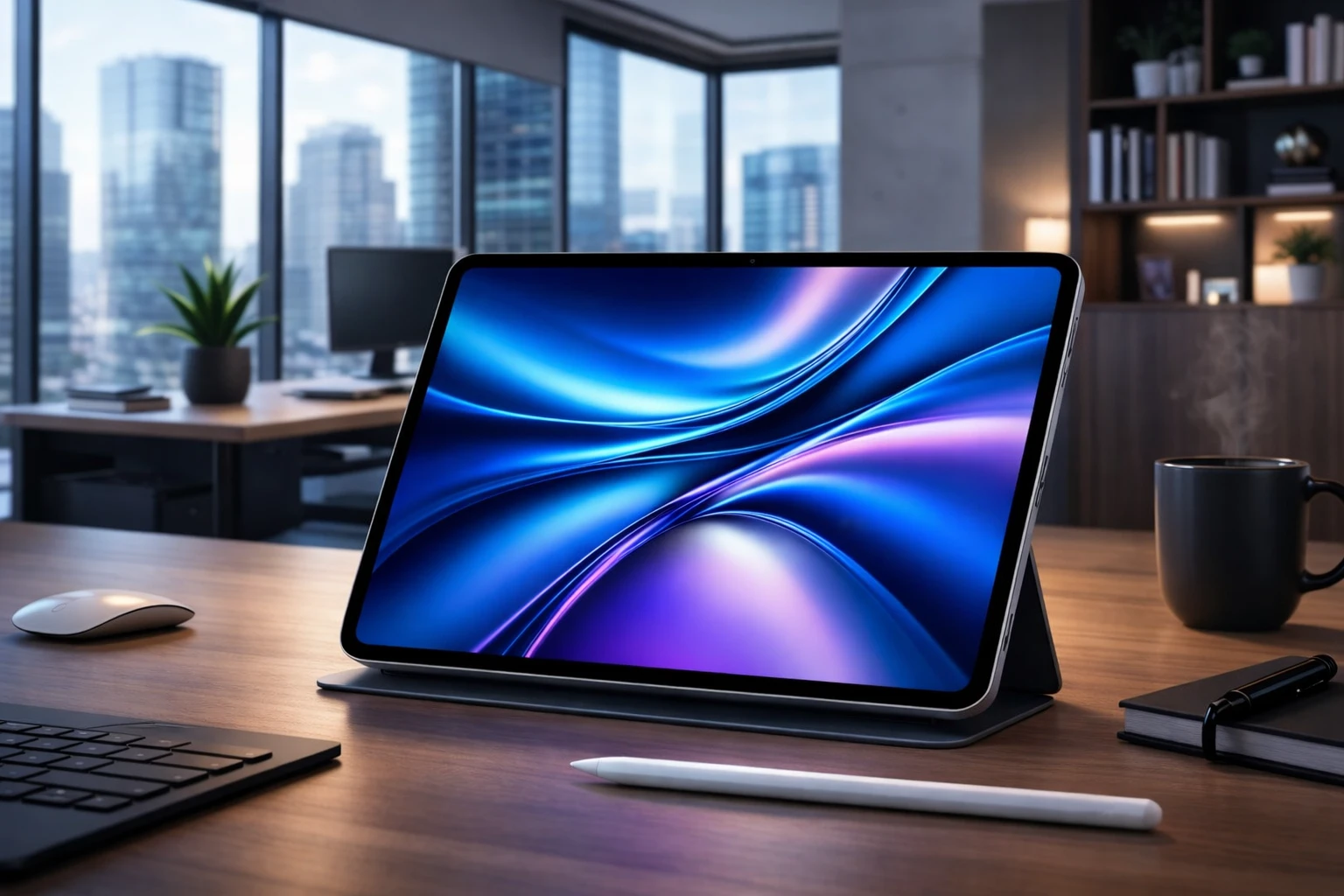
The M4 iPad Air offers a compelling blend of performance and affordability, positioning itself as a strong contender in Apple’s tablet lineup. Powered by the advanced M4 chip and equipped with enhanced connectivity features, it caters to users seeking reliable performance without the premium price tag of the iPad Pro. However, its absence of advanced features like ProMotion and Thunderbolt support underscores its role as a mid-tier option, appealing to those willing to trade high-end perks for cost savings. In the video below, Stephen Robles gives us a detailed look at the new M4-powered iPad Air.

Performance: A Capable Workhorse
At the heart of the M4 iPad Air lies the M4 chip, engineered to handle demanding tasks with efficiency and speed. Whether you’re editing videos, working on graphic design projects, or multitasking across multiple apps, the device delivers consistent and reliable performance. For short bursts of activity, its capabilities rival those of the M4 MacBook Air, though it may exhibit slight limitations during prolonged, resource-intensive workloads.
Creative professionals will find the M4 iPad Air particularly appealing for its ability to run apps like Pixelmator Pro and Logic Pro smoothly. This makes it a versatile tool for productivity and content creation. While it doesn’t quite match the sustained performance of the iPad Pro, the M4 iPad Air is more than adequate for semi-professional tasks and everyday use, offering a balance of power and practicality.
Connectivity: Future-Proof Features
The M4 iPad Air introduces notable connectivity upgrades, thanks to the inclusion of the N1 and C1X chips, which enhance wireless and cellular performance.
- Wi-Fi 7 and Bluetooth 6: The N1 chip ensures faster wireless speeds and more stable connections, making tasks like streaming, file transfers and device pairing seamless and efficient.
- Enhanced Cellular Performance: For cellular models, the C1X chip improves mobile data speeds, making sure a smoother experience for users who rely on on-the-go connectivity.
These advancements position the M4 iPad Air as a forward-looking device, ideal for users who prioritize staying connected in an increasingly fast-paced and tech-driven world.
Design and Display: Familiar Yet Functional
The design of the M4 iPad Air remains consistent with its predecessor, featuring Touch ID for security and a lightweight, portable build. While this familiarity may appeal to users who value continuity, it also highlights some of the device’s limitations compared to the iPad Pro.
- No ProMotion: The absence of a 120 Hz refresh rate results in a display that feels less fluid, particularly noticeable during activities like scrolling or gaming.
- Standard LCD Display: Unlike the iPad Pro’s advanced OLED screen, the M4 iPad Air uses a traditional LCD, which is adequate but falls short in color accuracy and contrast for professional-grade visual tasks.
- No New Colors: Apple has opted to maintain the same color options as previous models, offering no fresh aesthetic choices for this iteration.
While the design is functional and well-built, users seeking a more premium visual experience may find the iPad Pro’s display and design features more appealing.
Trade-offs Compared to iPad Pro
To maintain its lower price point, the M4 iPad Air makes several compromises that differentiate it from the iPad Pro. These trade-offs are worth considering, especially for users evaluating the two models.
- Face ID: The M4 iPad Air relies on Touch ID, whereas the iPad Pro offers the added convenience of Face ID for seamless authentication.
- ProRes Video Recording: Advanced video recording capabilities are absent, limiting its appeal for professional videographers.
- Thunderbolt Support: The lack of Thunderbolt restricts high-speed data transfers and compatibility with advanced peripherals.
- Audio and Keyboard: The Air features only two speakers and the Magic Keyboard lacks backlighting, further distinguishing it from the Pro lineup.
With a price gap of $300-$400 between the Air and Pro models, these differences may be acceptable for budget-conscious buyers. However, users with specific professional needs should weigh these trade-offs carefully.
Use Cases: Who Is It For?
The M4 iPad Air is a versatile device that caters to a broad spectrum of users. Its performance and affordability make it a practical choice for several key demographics.
- Students: The M4 iPad Air is ideal for note-taking, research and multimedia consumption, offering a balance of performance and cost that suits academic needs.
- Creatives: Artists and designers will appreciate its compatibility with the Apple Pencil Pro, though the lack of ProMotion may be a drawback for those requiring ultra-smooth input for detailed work.
- General Users: Casual users seeking a reliable, larger-screen device for everyday tasks like browsing, streaming and light productivity will find it a solid choice.
For users requiring advanced display technology or professional-grade video capabilities, the iPad Pro remains a better fit.
Pricing and Storage: Balancing Cost and Capability
The M4 iPad Air starts at $700 for the 256 GB Wi-Fi model, offering a more affordable alternative to the iPad Pro. The pricing gap becomes even more pronounced with the larger 13-inch models, making the Air a cost-effective option for users who don’t need the Pro’s advanced features. For those on a tighter budget, the base model iPad remains an option, though its performance may not meet the demands of creative professionals or power users.
Apple Pencil and Accessories: Enhancing Productivity
The M4 iPad Air supports the Apple Pencil Pro, allowing seamless workflows for artists, designers and note-takers. The Magic Keyboard, while functional, lacks premium features like backlighting, which may be a drawback for users who frequently work in low-light environments. Despite these limitations, the accessories complement the device well, enhancing its versatility and productivity for a variety of use cases.
A Balanced Choice for Diverse Needs
The M4 iPad Air strikes a thoughtful balance between performance and affordability, making it a versatile option in Apple’s tablet lineup. While it lacks the advanced display technology and features of the iPad Pro, it delivers strong performance, future-proof connectivity and a more accessible price point. Whether you’re a student, creative professional, or casual user, the M4 iPad Air offers a capable and reliable experience, making it a practical choice for those willing to forgo premium enhancements in favor of cost savings.
Here are more guides from our previous articles and guides related to the M4 chip that you may find helpful.
- M5 Mac Mini Leak: Features, Release Date and More
- M4 iPad Air Release Date, Features and Pricing Explained
- M4 Pro & M4 Max: Apple’s New A17 Pro Chipsets Benchmarked
- MacBook Air M4 is COMING! Price & Release Date
- Apple M4 iPad Air: Everything You Need to Know
Source & Image Credit: Stephen Robles
Disclosure: Some of our articles include affiliate links. If you buy something through one of these links, Geeky Gadgets may earn an affiliate commission. Learn about our Disclosure Policy.
