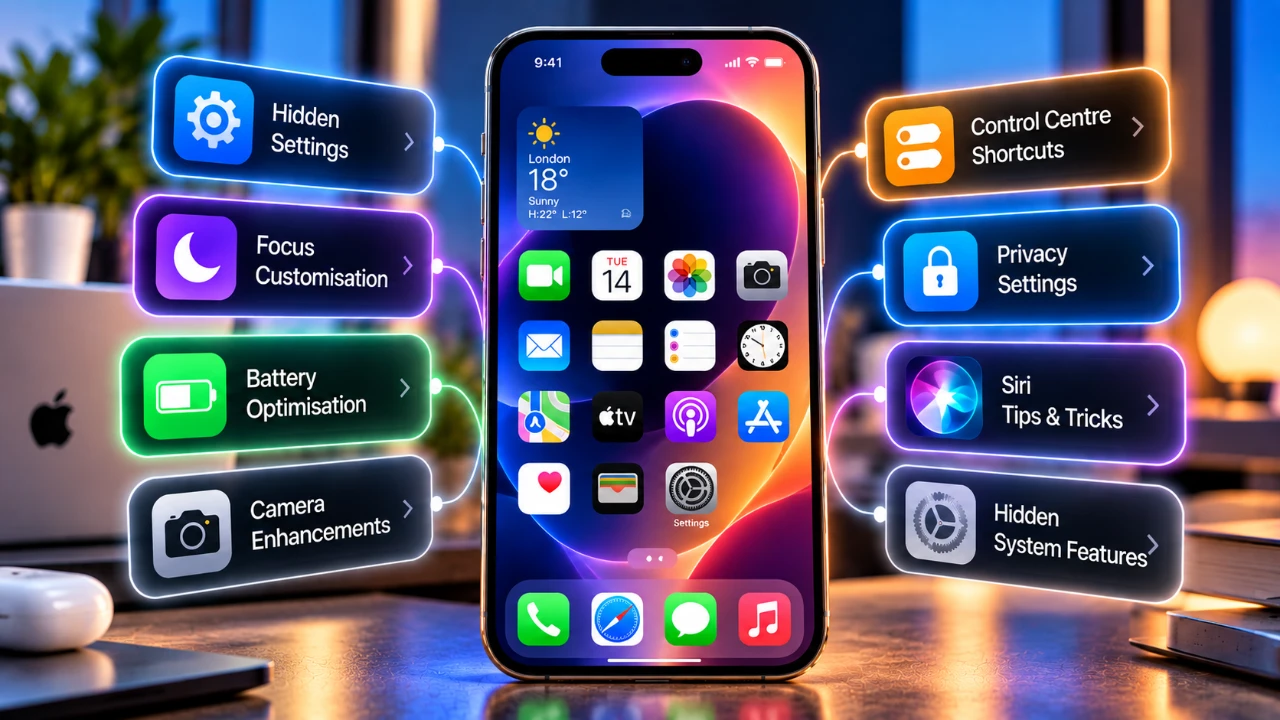
The iPhone 18 Pro is a sophisticated device packed with advanced features and customization options that can significantly improve usability and efficiency. By exploring and fine-tuning its settings, you can optimize battery performance, personalize your display, enhance camera functionality, and streamline daily tasks. The video below from TT Technology provides a detailed walkthrough of the most impactful adjustments, helping you tailor your device to your unique needs while maintaining a seamless and efficient experience.

Optimize Battery Life
Battery performance is a critical aspect of the iPhone 18 Pro, making sure reliability and longevity. Regularly monitoring your battery health and cycle count under the Settings menu provides valuable insight into its condition, helping you plan for long-term use.
Key battery optimization strategies include:
- Enable Optimized Battery Charging to reduce battery aging by learning and adapting to your charging habits.
- Activate Low Power Mode during extended use or when your battery is running low. Automate this feature using shortcuts triggered by specific times or locations.
- Turn on the Battery Percentage Display for precise monitoring of your charge levels.
Implementing these settings ensures your device remains efficient throughout the day, minimizing unnecessary power consumption and extending battery life.
Fine-Tune Display and Screen Settings
The iPhone 18 Pro’s display is a standout feature, offering vibrant visuals and advanced customization options. Adjusting these settings can enhance usability, improve readability and conserve energy.
Steps to optimize your screen include:
- Set the Auto-Lock duration to balance convenience with battery conservation, making sure your screen doesn’t stay active unnecessarily.
- Disable the Always-On Display if you find it less useful, as it can consume additional power over time.
- Customize Text Size and Boldness under Display settings to improve readability or match your aesthetic preferences.
These adjustments allow you to create a display experience that aligns with your personal preferences while maintaining energy efficiency.
Customize Camera Settings for Professional Results
The iPhone 18 Pro’s camera system is a powerful tool for capturing high-quality photos and videos. By customizing its settings, you can elevate your content creation and streamline your workflow.
Key camera customization tips include:
- Select your preferred photo resolution; use 48MP for detailed images or 24MP for faster sharing and storage efficiency.
- Enable Gridlines to improve composition and framing for more professional-looking shots.
- Adjust Photographic Styles to maintain consistent editing preferences across your photos.
- For video recording, configure settings to 4K at 60fps for ultra-high-definition footage or tweak slow-motion settings for creative effects.
These settings ensure you’re maximizing the potential of your device’s advanced camera capabilities, whether for casual photography or professional projects.
Streamline Tasks with Custom Buttons and Shortcuts
Customizing button functions and creating shortcuts can save time and simplify your daily tasks, making your iPhone 18 Pro more intuitive and efficient.
Here’s how to enhance your workflow:
- Assign specific tasks to buttons, such as launching frequently used apps or activating features like QR code scanning.
- Modify the camera control button to perform alternative functions, such as switching between photo and video modes instantly.
- Create shortcuts for repetitive tasks, like sending pre-written messages, toggling specific settings, or automating routines with a single tap.
These customizations make your device more responsive to your needs, reducing the time spent navigating menus or performing repetitive actions.
Personalize Your Home Screen and Control Center
The home screen and Control Center are central to your iPhone experience, offering quick access to essential apps and settings. Personalizing these areas can improve functionality and reflect your unique style.
Tips for customization include:
- Organize widgets and folders to keep frequently used apps easily accessible.
- Customize app icons, wallpapers, and blur effects to create a visually appealing interface.
- Add shortcuts to the Control Center for essential functions like Wi-Fi, Bluetooth, flashlight, or screen recording.
These adjustments ensure your device is not only practical but also tailored to your preferences, making everyday interactions more enjoyable.
Enhance Siri’s Functionality
Siri on the iPhone 18 Pro has evolved into a more capable personal assistant, offering expanded customization options to suit your needs.
Ways to optimize Siri include:
- Adjust Siri’s voice, pace, and expressiveness to create a more natural and personalized interaction.
- Choose between voice commands or manual activation depending on your environment and usage habits.
- If available, join the Siri AI waitlist to access advanced features and capabilities.
These settings make Siri a more effective tool for managing tasks, accessing information, and enhancing your overall user experience.
Refine Photo and Video Editing with Built-In Tools
The iPhone 18 Pro includes powerful AI-driven editing tools that allow you to refine your photos and videos directly on the device, eliminating the need for third-party apps.
Notable editing features include:
- Use Cleanup to remove unwanted elements from your photos seamlessly.
- Use Extend to expand the background or adjust framing for a more balanced composition.
- Apply Reframe to crop or reposition subjects in videos for better focus.
- Add depth-of-field effects to videos for a cinematic look, even after recording.
These tools empower you to achieve professional-level results with minimal effort, enhancing the quality of your content.
Unlock the Full Potential of Your iPhone 18 Pro
By exploring and adjusting these essential settings, you can unlock the full potential of your iPhone 18 Pro. From optimizing battery life and customizing the display to enhancing camera functionality and using Siri’s capabilities, these changes ensure a more efficient and enjoyable user experience. Take the time to tailor your device to your preferences, and you’ll discover just how versatile and powerful the iPhone 18 Pro can be in meeting your everyday needs.
Find more information on iPhone 18 Pro settings by browsing our extensive range of articles, guides and tutorials.
- Got an iPhone 18 Pro or Pro Max? Change These Settings Immediately
- Just Got an iPhone 18 Pro Max? Do These Things Immediately
- iPhone 18 Pro vs 17 Pro vs 16 Pro Cameras: Is It Worth The Upgrade?
Source: TT Technology
Disclosure: Some of our articles include affiliate links. If you buy something through one of these links, Geeky Gadgets may earn an affiliate commission. Learn about our Disclosure Policy.
