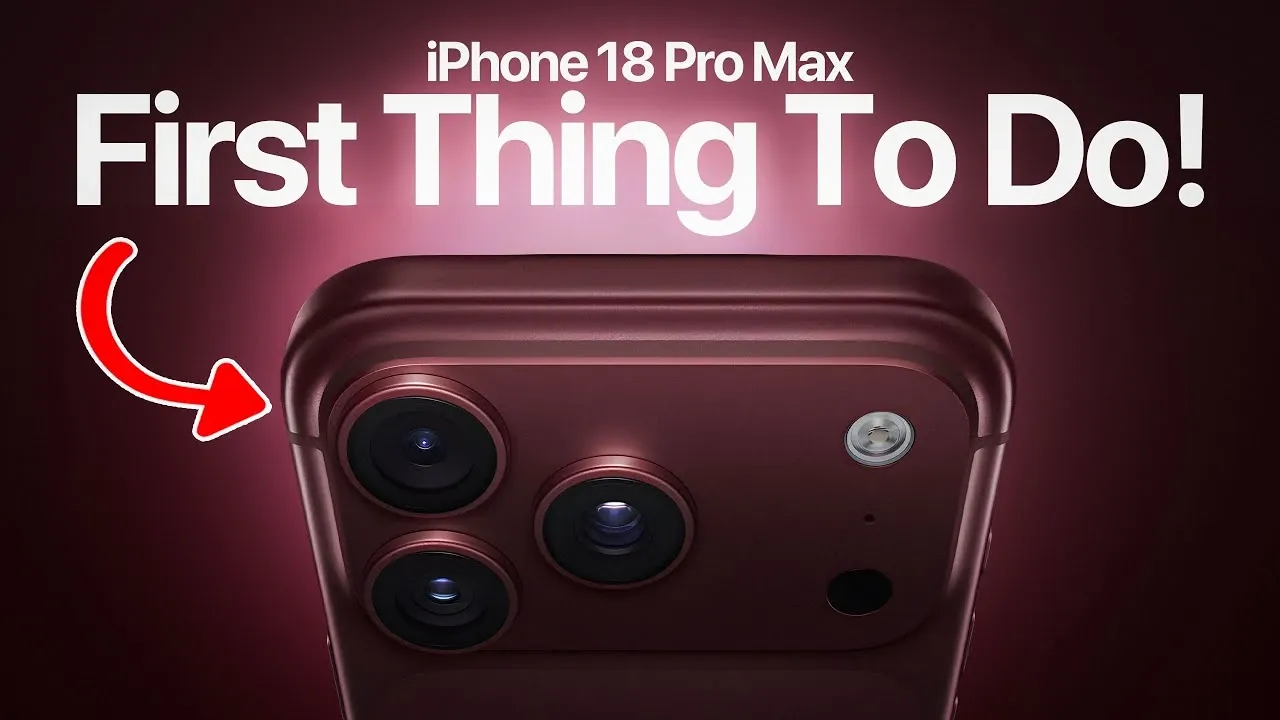
The iPhone 18 Pro Max introduces a suite of advanced features and technologies designed to redefine the smartphone experience. To fully use its capabilities, it’s crucial to complete several key setup tasks, activate its innovative functionalities, and customize settings to align with your preferences. By following these steps, you can optimize performance, extend battery life, and enhance usability, ensuring a seamless and efficient experience with Apple’s latest flagship device. The video below from iDeviceHelp gives us more details.

Update iOS and Network Settings
Keeping your iPhone 18 Pro Max up to date is essential for maintaining peak performance and security. Apple’s iOS 27 updates deliver system enhancements, address vulnerabilities, and introduce new features. To check for updates, navigate to Settings > General > Software Update and follow the prompts to install the latest version. Regular updates ensure your device operates smoothly and remains compatible with the latest apps and services.
In addition to iOS updates, updating your carrier settings is equally important. This step improves call quality, enhances data speeds, and ensures seamless connectivity with your network provider. To update carrier settings, go to Settings > General > About. If an update is available, you’ll receive a prompt to install it. These updates are critical for optimizing your device’s communication capabilities.
Customize Siri AI and Apple Intelligence
The iPhone 18 Pro Max features an upgraded Siri AI, offering enhanced personalization options to suit your preferences. You can now select from a variety of voices, accents and expressive tones, making Siri feel more tailored to your needs. To set up Siri, go to Settings > Siri & Search and enable voice activation by following the on-screen instructions. This customization ensures a more intuitive and engaging interaction with your device.
Apple Intelligence has also been improved, delivering more accurate on-device dictation. This feature allows you to convert speech to text seamlessly, whether you’re composing messages, drafting notes, or conducting hands-free searches. By using these tools, you can boost productivity and streamline everyday tasks.
Optimize Battery Performance
Battery life is a critical aspect of any smartphone and the iPhone 18 Pro Max includes advanced tools to help you manage power consumption effectively. One of the standout features is Adaptive Power Mode, which automatically adjusts background activity and performance based on your usage patterns. To enable this feature, go to Settings > Battery. It’s particularly useful during periods of heavy usage or when traveling, as it helps conserve battery life without compromising functionality.
Additionally, Apple has incorporated improved battery efficiency into the iPhone 18 Pro Max, allowing for longer usage between charges. You can monitor your battery health and usage statistics in the same settings menu to identify power-hungry apps and adjust your habits accordingly. These tools ensure that your device remains reliable throughout the day.
Explore Advanced Camera Features
The iPhone 18 Pro Max introduces a new variable aperture camera, a first for Apple devices. This feature allows you to switch between f/1.8 and f/4.0 apertures, providing greater control over depth of field and low-light performance. Whether you’re capturing vibrant landscapes or detailed close-ups, this functionality enhances your photography experience.
For photography enthusiasts, the camera settings now include customizable quick actions. You can manually adjust aperture, shutter speed and white balance to achieve professional-grade results. These tools empower you to create stunning compositions, whether you’re documenting everyday moments or pursuing creative projects. The iPhone 18 Pro Max’s camera system is a versatile companion for both casual users and photography professionals.
Use Dynamic Island Enhancements
Dynamic Island, Apple’s innovative multitasking interface, has been refined in the iPhone 18 Pro Max. The updated design now supports up to three simultaneous live activities, such as tracking a timer, monitoring a workout and controlling music playback. This enhancement simplifies multitasking, allowing you to stay informed and in control without the need to switch between apps.
To customize Dynamic Island, navigate to Settings > Notifications > Live Activities. Here, you can adjust preferences to suit your needs, making sure that the interface aligns with your workflow. By using these enhancements, you can streamline your daily tasks and improve overall efficiency.
Fine-Tune Sound Settings
With iOS 27, sound customization has reached new heights. The iPhone 18 Pro Max allows you to independently adjust volume levels for ringtones, alarms, timers and system alerts. This level of control ensures that you won’t miss important notifications while maintaining a comfortable audio experience for other functions.
To configure these settings, go to Settings > Sounds & Haptics. Adjust the individual volume sliders to match your preferences, creating a personalized audio environment. These options provide greater flexibility and ensure that your device’s sound settings are tailored to your specific needs.
Maximizing Your iPhone 18 Pro Max Experience
Taking the time to properly set up your iPhone 18 Pro Max is essential for unlocking its full potential. By updating iOS and carrier settings, customizing Siri AI, optimizing battery performance, exploring advanced camera features, using Dynamic Island and fine-tuning sound settings, you can create a personalized and efficient user experience. These initial steps not only enhance usability but also ensure that you’re making the most of Apple’s latest technological advancements. With these optimizations in place, your iPhone 18 Pro Max becomes a powerful tool for productivity, creativity and connectivity.
Source & Image Credit: iDeviceHelp
Disclosure: Some of our articles include affiliate links. If you buy something through one of these links, Geeky Gadgets may earn an affiliate commission. Learn about our Disclosure Policy.
