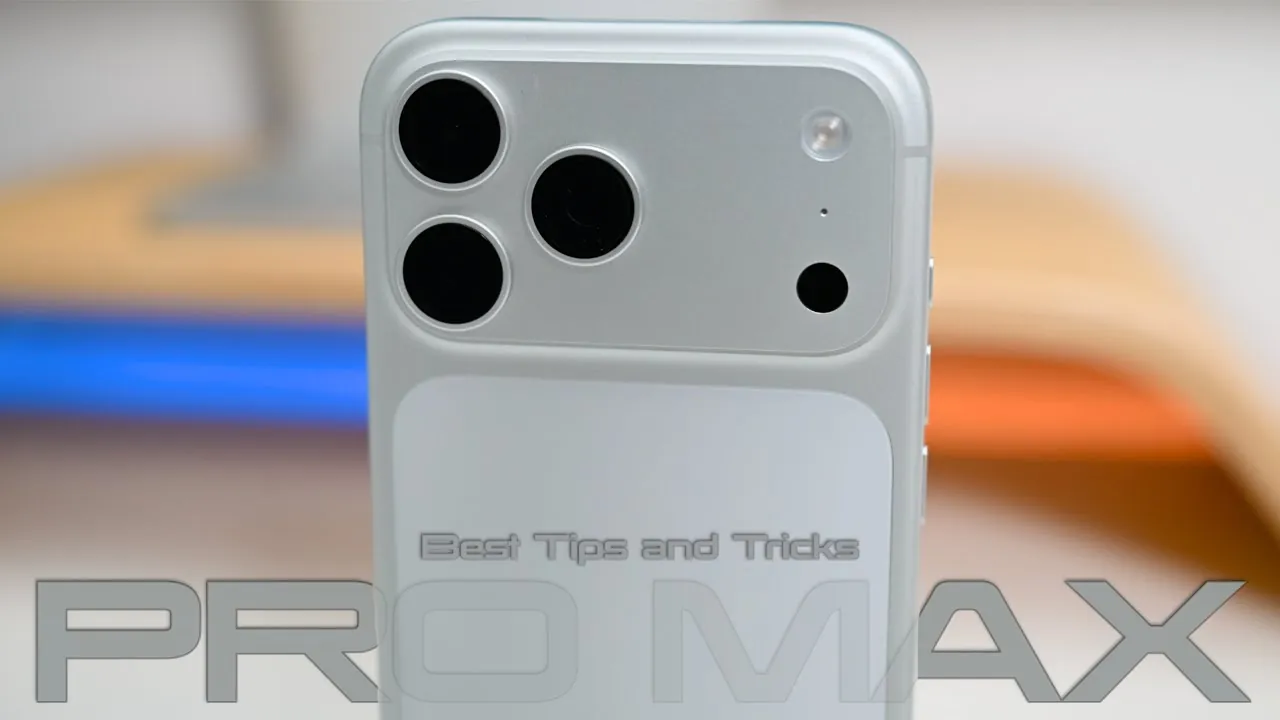
Unboxing the iPhone 17 Pro Max is an exciting experience, but its advanced features and innovative technology can make the setup process feel daunting. This guide provides 25 essential tips to help you configure your device effectively. Covering areas such as camera settings, display customization, battery optimization, accessibility features, gaming enhancements, and maintenance, these steps will help you unlock the full potential of your iPhone 17 Pro Max and ensure a seamless, personalized experience. The video below from Zollotech gives us more details on a range of tips for the iPhone 17 Pro Max.

Mastering Camera Settings
The iPhone 17 Pro Max features a state-of-the-art camera system, but proper configuration is essential to take full advantage of its capabilities. These tips will help you capture stunning photos and videos with ease:
- Disable accidental camera access from the lock screen to avoid unintended shots and ensure privacy.
- Customize camera controls to quickly adjust zoom, exposure, and depth settings for different scenarios.
- Enable ProRAW and ProRes formats to capture professional-quality images and videos with resolutions up to 48MP.
- Use dual recording to simultaneously capture video from both the front and rear cameras, perfect for vlogging or interviews.
- Activate the center stage feature for auto-framing during video calls, keeping you centered even as you move.
- Optimize video settings by allowing 4K resolution, enhanced stabilization, and locking white balance for consistent results.
Personalizing Your Display
The iPhone 17 Pro Max offers extensive display customization options, allowing you to tailor the screen to your preferences and improve usability. Consider these tips to enhance your viewing experience:
- Adjust True Tone and Night Shift settings to reduce eye strain by adapting the display to ambient lighting conditions.
- Modify PWM (Pulse Width Modulation) settings to minimize screen flicker, especially helpful for users sensitive to brightness changes.
- Customize your home screen layout with unique icon styles, lock screen widgets, and dynamic wallpapers for a personalized touch.
- Enhance visibility in bright environments by adjusting the liquid glass transparency feature for better clarity.
Optimizing Battery Performance
Battery life is a critical aspect of any smartphone experience. The iPhone 17 Pro Max includes advanced features to help you manage and extend battery performance. Follow these steps to maximize its lifespan:
- Enable optimized battery charging to slow the charge rate after reaching 80%, reducing long-term battery wear.
- Use adaptive power mode to intelligently adjust performance based on your usage patterns, making sure efficiency without compromising functionality.
- Reserve low power mode for emergencies, as it limits background processes and reduces performance to conserve energy.
Exploring Accessibility Features
Apple continues to prioritize accessibility, and the iPhone 17 Pro Max includes a range of features designed to enhance usability for all users. Explore these options to make your device more inclusive and convenient:
- Enable visual intelligence for object recognition, allowing the camera to identify items and provide helpful descriptions.
- Adjust display pulse smoothing to reduce eye strain during extended use, particularly for users sensitive to screen flicker.
- Customize the action button to perform specific tasks or shortcuts, such as launching an app or activating a feature with a single press.
Enhancing Your Gaming Experience
The iPhone 17 Pro Max is designed to deliver an exceptional gaming experience. Whether you’re a casual player or a dedicated gamer, these features can elevate your gameplay:
- Activate game mode to optimize performance, making sure smoother frame rates and reduced latency for a more immersive experience.
- Connect external controllers for a console-like gaming experience, compatible with a wide range of games.
- Enable background music options to enjoy your favorite tracks while gaming without interruptions or performance drops.
Maintaining Your Device
Proper care and maintenance are essential to keep your iPhone 17 Pro Max in excellent condition. These tips will help you protect your investment and ensure long-term performance:
- Protect the anodized aluminum finish with a durable case to prevent scratches and maintain the device’s sleek appearance.
- Clean your device regularly using recommended alcohol wipes to remove dirt and smudges without causing damage.
- Periodically clean your case to prevent dirt buildup that could wear down the surface or compromise the fit.
Additional Features to Explore
The iPhone 17 Pro Max includes a variety of additional features that can further enhance your experience. Take advantage of these options to unlock even more functionality:
- Use AirPods voice isolation to minimize background noise during video recordings, making sure clear and professional audio.
- Take advantage of the video scrubber haptic feedback for precise control when editing or navigating through video content.
- Customize app settings shortcuts to quickly access frequently used features, saving time and improving efficiency.
Unlock more potential in iPhone 17 Pro Max setup by reading previous articles we have written.
- iPhone 17 Pro Max Event: Hidden Features and Key Takeaways
- How to Maximize Your iPhone 17 Pro Max: Top Features Explained
- iPhone 17 Pro Max Settings Guide: Unlock Advanced Features
- The Ultimate iPhone 17 Pro Max Home Screen Setup
- How the iPhone 17 Pro Max Redefines Smartphone Performance
Source & Image Credit: zollotech
Disclosure: Some of our articles include affiliate links. If you buy something through one of these links, Geeky Gadgets may earn an affiliate commission. Learn about our Disclosure Policy.
