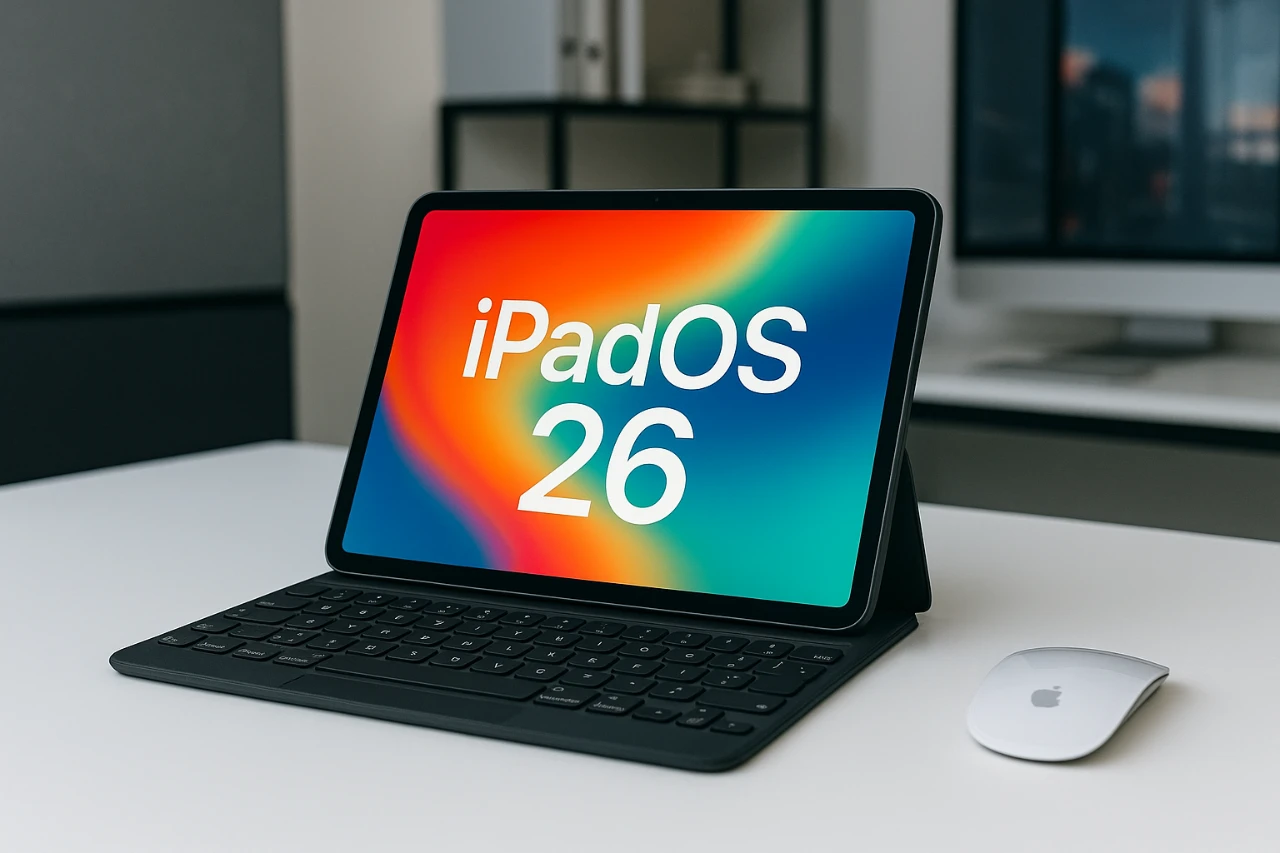
Apple’s iPadOS 26 Beta 5 brings a host of updates, bug fixes, and usability enhancements as the company prepares for its official release, anticipated in mid-September. Whether you’re a developer testing the beta or a tech enthusiast tracking Apple’s progress, this update offers a glimpse into the future of iPadOS. From app upgrades to interface refinements and performance boosts, here’s a detailed look at what’s included in this release. The video below from 9to5Mac gives us a detailed look at the changes and new features that Apple has introduced in the new iPadOS 26 beta 5.

Release Information
The iPadOS 26 Beta 5 update is now available for developers and public beta testers. Depending on your device, the download size ranges between 3GB and 15GB. Apple is expected to release the final version between September 18 and 20, aligning with its traditional software rollout schedule. If you’re part of the beta program, you can access the update via the Settings app under the Software Update section.
For those considering joining the beta program, it’s worth noting that beta versions often include experimental features and unresolved bugs. While they provide early access to new functionalities, they may not be fully stable for everyday use.
Enhanced App Features
Apple has introduced significant updates to several core apps, enhancing their functionality and usability for a wide range of users, from casual consumers to professionals.
- Notes App: The Notes app now integrates seamlessly with the Apple Watch, allowing users to save call transcripts directly into their notes. A new Markdown export feature caters to users who work with structured text, while improved handwriting tools make annotating and brainstorming more efficient and precise.
- Freeform App: Creative users will appreciate the addition of calligraphy pen tools, offering greater control for artistic projects. Enhanced image creation workflows and scene navigation tools simplify the process of organizing and exploring your workspace, making the app more intuitive for both beginners and experienced users.
- Music App: The Music app introduces an Automix feature that ensures seamless transitions between tracks, ideal for playlists and parties. Real-time listening stats provide insights into your music habits, while a lyrics translation feature supports multilingual users. Additionally, users can now pin favorite tracks or albums for quicker access.
These updates reflect Apple’s commitment to improving both productivity and entertainment experiences, making sure that iPadOS remains versatile for various use cases.
Interface Refinements
The iPadOS 26 Beta 5 includes subtle yet impactful interface changes designed to enhance both aesthetics and usability.
- The lock screen now features a smoother, more responsive animation for the number pad, creating a refined unlocking experience.
- The dock outline has been thickened for improved visibility, while jiggle mode now includes transparent, glass-like edit buttons, adding a modern touch to the interface.
- Visual updates include a redesigned AirDrop icon in the share sheet and a bounce effect in the Control Center. New Notes app shortcuts in the Control Center also improve accessibility, allowing quicker access to frequently used features.
These refinements aim to create a more polished and user-friendly interface, making sure that the operating system feels modern and intuitive.
Camera and Performance Enhancements
The camera app now includes a classic mode toggle, allowing users to switch between modes more easily when capturing photos or videos. This feature is particularly useful for those who prefer a straightforward, no-frills interface for photography and videography.
Battery performance has also been optimized in this beta. Task-intensive apps now consume less power, extending battery life to an estimated 6–12 hours depending on usage patterns. This improvement is especially beneficial for users who rely on their iPads for work, creative projects, or entertainment throughout the day.
Additionally, overall system performance has been fine-tuned to reduce lag and improve responsiveness, making sure a smoother experience across various tasks.
Known Issues
While iPadOS 26 Beta 5 introduces numerous improvements, some issues remain unresolved. These are important to consider if you plan to test the beta version.
- File Management: Users may encounter occasional glitches during file transfers or while organizing files, which could disrupt workflows.
- Screen Recording: The screen recording feature requires further refinement to enhance compatibility and ease of use, particularly when working with third-party apps.
- Overheating: Although overheating has been reported more frequently on iPhones during beta testing, some iPad users have noted similar issues, albeit less commonly.
These issues highlight the experimental nature of beta software, emphasizing the importance of caution when using it on primary devices.
Looking Ahead
iPadOS 26 Beta 5 demonstrates Apple’s dedication to refining its software ahead of the public release. The update delivers noticeable improvements in stability, performance, and user experience, while also introducing new features that cater to a diverse range of users. From enhanced app functionalities to polished interface elements and improved battery performance, this beta lays the groundwork for a promising final release.
For those eager to explore the latest features, the beta offers an exciting preview of what’s to come. However, it’s important to remain mindful of the potential for bugs and incomplete functionality. As Apple approaches the official launch, these updates signal a continued focus on blending innovation with user-centric design, making sure that iPadOS remains a powerful tool for productivity, creativity, and entertainment.
Uncover more insights about iPadOS 26 Beta 5 in the previous articles we have written.
- iOS 26 Beta 5: Everything You Need to Know
- iOS 26 Beta 5 Release Date, Features, and Updates
- iOS 26 Beta 5 and Public Beta 2 Release Dates and Features
- iPadOS 26 Beta 3: Everything You Need to Know
- iPadOS 26 Beta 3 Features and Changes: A Complete Breakdown
Source & Image Credit: 9to5Mac
Disclosure: Some of our articles include affiliate links. If you buy something through one of these links, Geeky Gadgets may earn an affiliate commission. Learn about our Disclosure Policy.
