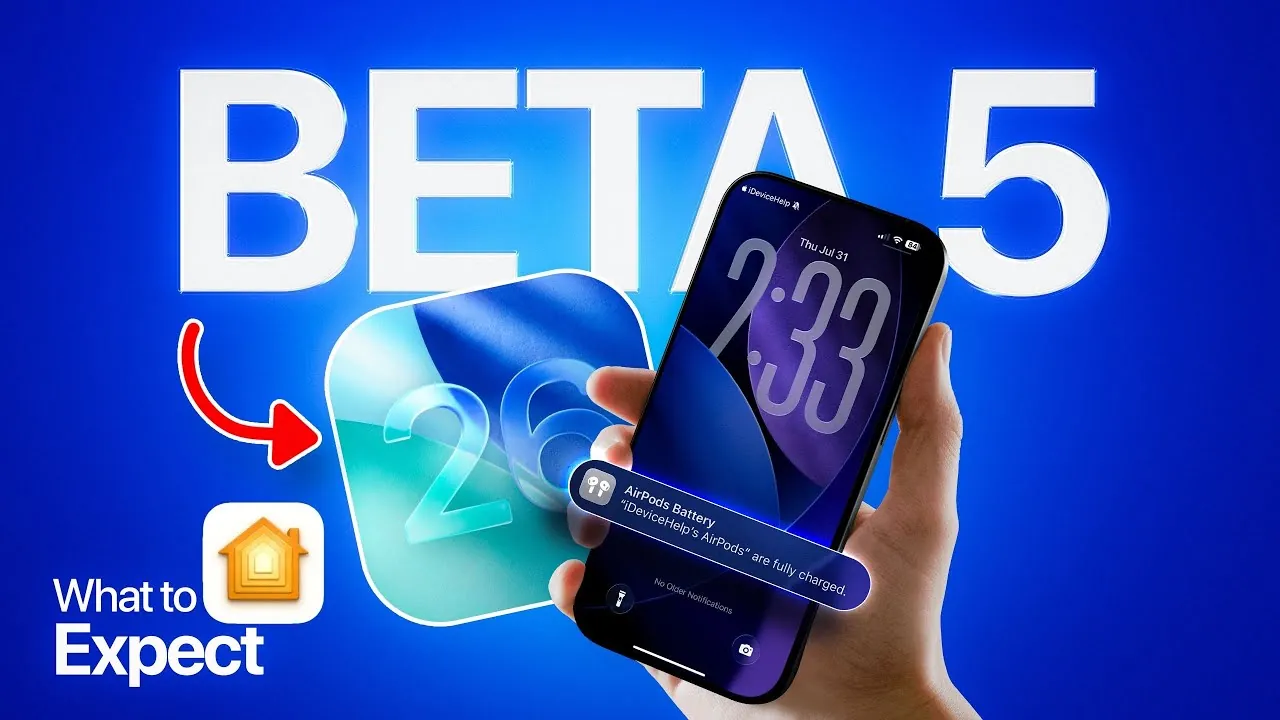
Apple is gearing up to release iOS 26 developer beta 5 alongside public beta 2, bringing a host of updates aimed at enhancing performance, extending battery life, and introducing practical new features. These updates are designed to refine your interaction with Apple devices, making sure they are more efficient, reliable, and user-friendly. Below is an in-depth look at the key updates and their potential impact on your daily experience. The video below from iDeviceHelp gives us more details.

Bug Fixes and Performance Enhancements
A primary focus of iOS 26 beta is addressing persistent bugs and improving overall system reliability. These updates are essential for making sure smoother operation across Apple devices, particularly in areas where users have reported recurring issues. Key improvements include:
- Phone App Stability: Frequent issues such as app crashes during calls, errors with the hold assist feature, and inaccuracies in voicemail transcription have been resolved. These fixes ensure a more seamless communication experience.
- System Performance: General stability enhancements reduce unexpected interruptions, making your device more dependable for everyday tasks like messaging, browsing, and app usage.
Battery optimization is another critical area of focus. Apple has refined its power management algorithms to extend battery life, allowing your device to handle power-intensive activities like streaming, multitasking, and navigation more efficiently. These improvements aim to reduce the frequency of charging, making sure your device remains functional throughout the day.
New Features to Watch
iOS 26 beta introduces several innovative features designed to integrate seamlessly into your lifestyle. These updates reflect Apple’s commitment to enhancing convenience and functionality:
- Adaptive Temperature Integration: This feature works in conjunction with HomeKit and App Maps to automatically adjust your home’s thermostat settings based on your location. For instance, if you’re returning home on a cold evening, your thermostat can preheat your living space for added comfort, making sure a welcoming environment upon arrival.
- Real-Time Translation for AirPods: AirPods Pro 2 and the upcoming AirPods 4th generation now support live language translation. This feature is particularly beneficial for travelers and professionals, allowing smooth, multilingual communication without the need for additional devices or apps.
- Public Wi-Fi Login Sync: Devices linked to the same Apple ID will now automatically synchronize login credentials for public Wi-Fi networks. This eliminates the need to repeatedly enter login details across multiple devices, streamlining connectivity and saving time.
These features not only enhance usability but also demonstrate Apple’s focus on creating a more interconnected and intelligent ecosystem for its users.
Visual Design Updates: Liquid Glass Refinements
Apple continues to refine the visual design of its liquid glass interface, a hallmark of its user experience. After experimenting with changes in earlier beta versions, the company has decided to revert to the original design, which many users found more visually appealing and intuitive. This decision underscores Apple’s commitment to delivering a polished and user-friendly interface that aligns with user preferences.
The liquid glass refinements aim to provide a more cohesive and aesthetically pleasing experience, making sure that the interface remains both functional and visually engaging. These updates reflect Apple’s dedication to balancing innovation with user feedback.
Release Timeline and Broader Implications
The developer beta 5 is scheduled for release on Monday, August 4, with public beta 2 following shortly after. These beta versions provide developers and early adopters with an opportunity to explore new features, test system performance, and offer valuable feedback before the official rollout.
The iOS 26 beta represents a significant step forward in enhancing the Apple ecosystem. With improvements in system stability, battery life, and the introduction of practical features like adaptive temperature control and real-time translation, this update is designed to make your devices more efficient, intuitive, and interconnected. Whether you’re a developer exploring new functionalities or an everyday user eager to experience the latest advancements, iOS 26 promises a more seamless and integrated experience that aligns with Apple’s vision for the future.
Dive deeper into iOS 26 Beta Features with other articles and guides we have written below.
- iOS 26 Beta 4 Release Date and Key Improvements Explained
- iOS 26 Beta 3 Features, Updates, and Bug Fixes Explained
- Apple CarPlay iOS 26 Beta 3: Key Features and Updates
- iOS 26 Beta: Features, Performance and More
- iOS 26 Beta 1 Features, Updates, and Compatibility
Source & Image Credit: iDeviceHelp
Disclosure: Some of our articles include affiliate links. If you buy something through one of these links, Geeky Gadgets may earn an affiliate commission. Learn about our Disclosure Policy.
