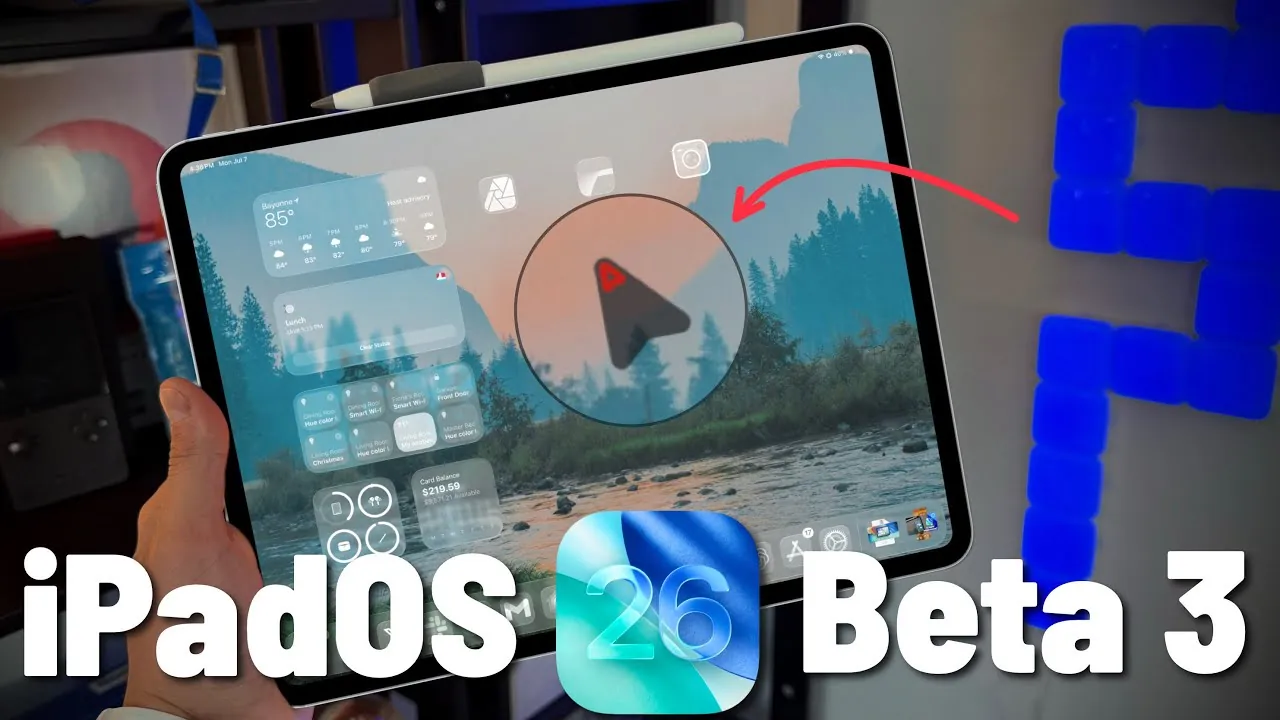
Apple has officially released iPadOS 26 Beta 3, marking another significant milestone in the development of its next-generation operating system. This update introduces a combination of new features, refinements, and bug fixes designed to enhance the overall user experience. While developers are already exploring the beta, the public release is anticipated soon, offering you the chance to experience these updates firsthand.

Key Details About the Update
The iPadOS 26 Beta 3 update is substantial in size, with a download of approximately 8.7 GB for iPads and 10 GB for iPhones. The build number, 23A5287G, reflects incremental progress toward the final release. This iteration addresses issues identified in Beta 2 while introducing subtle yet impactful improvements to functionality and design. For those following the beta closely, this update represents a continuation of Apple’s iterative approach to refining its software.
What’s New in Beta 3?
Apple has introduced several notable features and changes in this beta, potentially reshaping how you interact with your device. These updates aim to improve usability, customization, and functionality. Here are the standout additions:
- Lock Screen Customization: Three new wallpaper hues—Sky, Halo, and Ruby—offer fresh options for personalizing your lock screen. These additions provide a modern aesthetic, allowing you to tailor your device’s appearance to your preferences.
- Dock Enhancements: The iPad dock has been refined to better align with the overall user interface. On iPhones, the dock now centers applications more effectively, improving accessibility and visual balance.
- Files App Upgrades: The native media player within the Files app now supports playback speed adjustments and dialogue enhancement. These features make media consumption more flexible and accessible, catering to a variety of user needs.
- Cursor Visibility: Borrowing from macOS, a new cursor enlargement feature improves visibility, particularly when multitasking on extended displays. This enhancement is especially beneficial for users who frequently connect their iPads to external monitors.
- Liquid Glass Design: Transparency levels have been reduced to enhance readability across the interface. While this change improves clarity, it may divide users, as some preferred the more visually striking aesthetic of the previous design.
Bug Fixes: What’s Been Resolved?
Apple continues to address issues from earlier beta versions, focusing on delivering a smoother and more reliable experience. The following fixes stand out in Beta 3:
- AirPods Connectivity: Persistent disconnection issues with AirPods have been resolved, making sure a more stable and reliable wireless audio experience.
- File Compatibility: Problems with external SSDs and file type recognition, including PNG and JPEG formats, have been addressed. These fixes improve compatibility with third-party storage devices, streamlining workflows for users who rely on external drives.
These fixes demonstrate Apple’s commitment to resolving user-reported issues and enhancing the overall functionality of its operating system.
Battery Performance: A Work in Progress
Battery performance remains an area of focus in this beta phase. Users have reported screen-on times ranging from 6 to 8 hours under intensive use, which represents a slight decline compared to earlier versions. While this may concern some users, it is important to note that battery optimization is typically fine-tuned in the final stages of development. Apple is expected to address these concerns in subsequent updates, making sure improved power management by the time of the official release.
Looking Ahead: What’s Next?
The public beta for iPadOS 26 is expected to launch next week, providing you with an early opportunity to explore these updates before the official release, which is likely scheduled for September. Apple will continue to refine the operating system, incorporating user feedback and further optimizing performance and usability. This iterative process underscores Apple’s commitment to delivering a polished and user-friendly experience.
As the final release approaches, it will be interesting to see how Apple balances innovation with user expectations. The updates introduced in Beta 3 suggest a focus on practical enhancements and resolving existing issues, which could set the stage for a successful launch.
Final Observations
iPadOS 26 Beta 3 represents a thoughtful step forward in Apple’s software evolution. The update introduces meaningful new features, such as enhanced lock screen customization and improved cursor visibility, while addressing critical bugs that have impacted usability. However, some changes, like the reduced transparency in the Liquid Glass design, may not appeal to all users, highlighting the subjective nature of design preferences.
Ultimately, whether this update feels like progress or a step back will depend on your individual needs and how you use your device. With the public beta on the horizon and the final release drawing closer, iPadOS 26 continues to shape up as a promising iteration of Apple’s operating system.
Discover other guides from our vast content that could be of interest on iPadOS 26 Beta 3.
- Should You Install iOS 26 Beta 3? Pros and Cons Explained
- iOS 26 Beta 3 Features, Release Date, and More
- iPhone 17 and iOS 26 Beta 3: Apple’s Biggest Updates Explained
- Everything You Need to Know About iOS 26 Beta 3
- iOS 26 beta 3 Release Date, Features, and What to Expect
Source & Image Credit: 9to5Mac
Disclosure: Some of our articles include affiliate links. If you buy something through one of these links, Geeky Gadgets may earn an affiliate commission. Learn about our Disclosure Policy.
