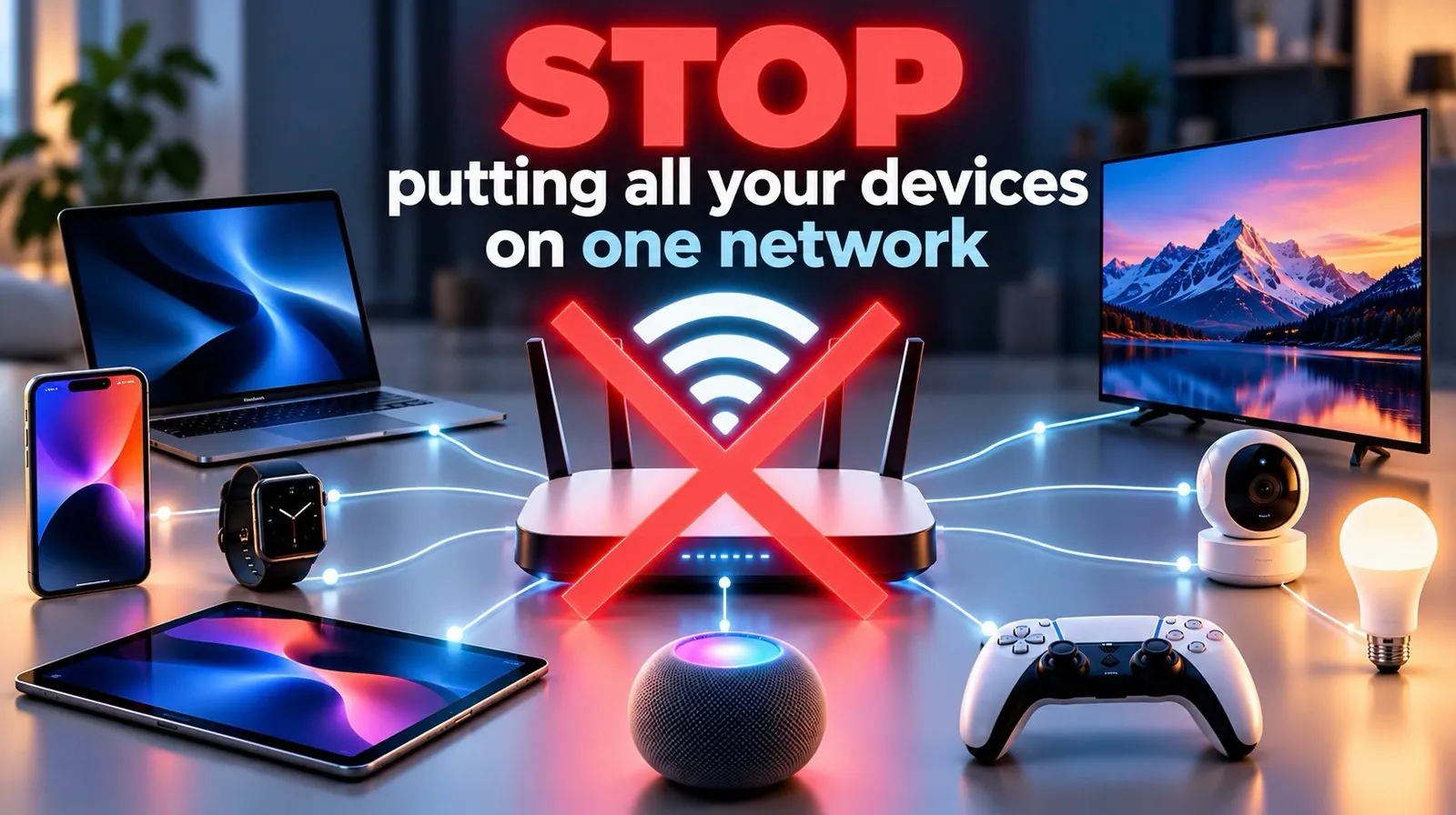
Connecting all your devices to a single network might seem convenient, but it can expose your entire system to significant security risks. As NetworkChuck explains, IoT devices like smart thermostats, cameras and locks often lack robust security features, making them prime targets for cyberattacks. Once compromised, these devices can serve as entry points for attackers to access sensitive systems or deploy malware. By implementing network segmentation, such as using Virtual Local Area Networks (VLANs), you can isolate IoT devices from critical systems, limiting the potential damage of a breach and enhancing overall security.
Explore practical strategies to safeguard your network, including how to set up VLANs and configure firewalls to control traffic between segments. You’ll also learn how to address common challenges, such as VLAN tagging errors and firewall rule conflicts, to ensure a smooth implementation. Additionally, discover advanced measures like creating separate Wi-Fi networks and keeping IoT firmware updated to further reduce vulnerabilities. These steps will help you build a more secure and resilient network environment, protecting both your devices and your data.
The Risks of IoT Devices
TL;DR Key Takeaways :
- Connecting IoT devices to a single network increases security risks; isolating them on a separate network reduces exposure to cyberattacks.
- IoT devices often have vulnerabilities like weak passwords and outdated firmware, making them targets for cybercriminals to access sensitive systems or deploy malware.
- Network segmentation using VLANs helps isolate IoT devices, limiting attacker movement, reducing risk exposure and improving traffic control.
- Configuring VLANs and firewalls involves creating separate networks, setting up DHCP and applying strict firewall rules to control communication between segments.
- Advanced security measures, such as separate Wi-Fi networks, AI-powered monitoring and regular firmware updates, further enhance network protection against evolving threats.
IoT devices are designed to enhance convenience, but they often come with inherent vulnerabilities that can compromise your network. Common issues include weak default passwords, outdated firmware and limited security updates. These vulnerabilities create exploitable entry points for attackers. Once an IoT device is compromised, cybercriminals can use it to:
- Access sensitive systems: Attackers can move laterally within your network to target personal computers, work devices, or other critical systems.
- Deploy malware: Compromised devices can be used to launch malware infections or even participate in botnet attacks.
- Conduct surveillance: Unauthorized access to devices like cameras or microphones can lead to privacy violations and spying.
The consequences of these breaches can range from personal data theft to large-scale cyberattacks, emphasizing the need for proactive measures to address these vulnerabilities.
Why Network Segmentation Matters
Network segmentation is a proven method to mitigate the risks associated with IoT devices. By isolating IoT devices on a separate network, you can prevent unauthorized access to your primary systems and reduce the overall attack surface. One effective way to achieve this is through the use of Virtual Local Area Networks (VLANs). VLANs allow you to divide your network into distinct segments, making sure that IoT devices operate independently from personal or work devices. This separation:
- Limits attacker movement: Even if an IoT device is compromised, attackers cannot easily access other parts of your network.
- Reduces risk exposure: Sensitive systems remain isolated from less secure devices.
- Improves control: You can manage and monitor traffic between segments more effectively.
By implementing VLANs, you create a more secure and organized network environment that minimizes the potential impact of cyber threats.

Here are more guides from our previous articles and guides related to IoT that you may find helpful.
- 10 Weekend IoT Projects to Build with ESP8266 and ESP32
- Microsoft Official Releases Windows Lite an Unbloated Windows 11 for Pros
- ThinkCentre M75n IoT compact mini PC now available from $503
- New Arduino IoT Cloud Remote app
- New Microsoft Copilot Notebooks : AI Notes That Think for You – (NotebookLM Alternative)
- iPhone 18 Pro Max vs. iPhone Duo: Differences That Matter
- iPhone Duo vs. Galaxy Z Fold 8: Did Apple Just Catch Samsung?
- Samsung Galaxy S27 Ultra Leak: is Samsung Copying Apple?
- Automate Project Plans with 6 Microsoft 365 Copilot Upgrades
- Microsoft Outlook Expands Business Mailboxes to 100GB Discontinues Google Calendar Sync
Steps to Configure VLANs and Firewalls
Setting up VLANs and firewalls is a practical way to implement network segmentation. Follow these steps to get started:
- Create VLANs: Use a managed switch or VLAN-capable router to establish separate networks for IoT devices. Assign unique VLAN IDs to each segment to ensure proper isolation.
- Set Up DHCP: Configure a DHCP server to assign specific IP address ranges to each VLAN. This ensures that devices on different VLANs receive the correct network settings.
- Apply Firewall Rules: Use a firewall to control traffic between VLANs. Start with a default-deny policy, blocking all traffic by default and then create rules to allow only necessary communication.
For example, you might allow your smartphone to communicate with your smart thermostat while blocking the thermostat from accessing your work laptop. This level of granular control enhances security without compromising functionality.
Overcoming Configuration Challenges
While VLANs and firewalls provide significant security benefits, they can also introduce technical challenges. Common issues include:
- VLAN Tagging Errors: Ensure that devices are assigned to the correct VLAN by properly configuring VLAN tags on your managed switch or router.
- DHCP Misconfigurations: Verify that each VLAN has the correct IP address range and DHCP settings to avoid connectivity problems.
- Firewall Rule Conflicts: Test your firewall rules to ensure they allow necessary communication while blocking unauthorized access.
To address these challenges, carefully review your configurations and test each network segment individually. Regular testing and troubleshooting can help you identify and resolve errors before they become security risks.
Advanced Security Enhancements
Beyond VLANs and firewalls, there are additional measures you can take to further strengthen your network security:
- Separate Wi-Fi Networks: Use multiple Wi-Fi SSIDs to isolate IoT devices from critical systems. Many modern routers support this feature, allowing you to create dedicated networks for different device types.
- AI-Powered Monitoring: Deploy AI-based tools to monitor network traffic for unusual patterns, such as unauthorized access attempts or data exfiltration.
- Regular Firmware Updates: Keep IoT devices updated with the latest firmware to patch known vulnerabilities and improve security.
These enhancements provide an additional layer of protection, helping you stay ahead of emerging threats and maintain a secure network environment.
Looking Ahead: Preparing for the Future
As IoT adoption continues to grow, so do the associated security risks. To stay ahead, consider integrating AI-driven solutions for real-time network monitoring. These tools can detect and respond to threats more quickly, providing an extra layer of protection. Additionally, expanding your segmented network to include guest Wi-Fi and work-from-home setups can enhance both security and usability. This forward-thinking approach ensures that your network remains resilient in the face of evolving cyber threats.
Key Takeaways
Isolating IoT devices on separate networks is a critical step in reducing the risk of cyberattacks and unauthorized access. By using VLANs, firewalls and proper configuration practices, you can create a more secure and resilient network. While the setup process may require some technical effort, the long-term benefits of enhanced security and peace of mind are well worth it. Take control of your network today, don’t leave everything on one network.
Media Credit: NetworkChuck
Disclosure: Some of our articles include affiliate links. If you buy something through one of these links, Geeky Gadgets may earn an affiliate commission. Learn about our Disclosure Policy.
