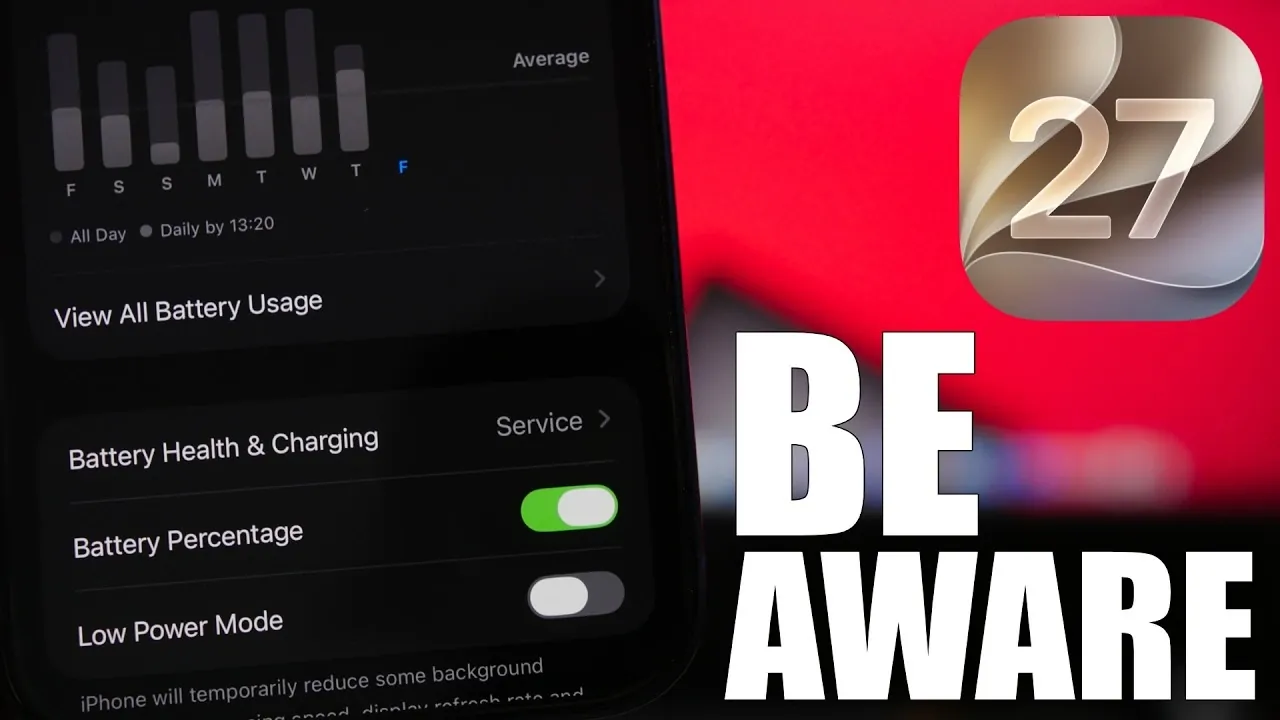
The release of iOS 27 has sparked discussions among iPhone users about its potential impact on battery health. Some users have reported a drop in their battery health percentage after updating, leading to concerns about whether the update itself is to blame. However, this change is often misunderstood. The recalibration of battery health metrics by iOS is the primary reason for these shifts, not the update itself. The video below from iReviews provides more insights into the facts, explores the new features of iOS 27, and provides actionable tips to help you maintain your iPhone’s battery health over time.

Why Battery Health Percentages Change
If you’ve noticed a decrease in your iPhone’s battery health percentage after installing iOS 27, it’s essential to understand the underlying cause. The lithium-ion batteries used in iPhones naturally degrade over time due to chemical aging. This process is inevitable and results in a gradual reduction in the battery’s maximum capacity.
When you update to a new iOS version, the system recalibrates the battery health metrics to provide a more accurate assessment of your battery’s condition. For example, if your battery health was previously displayed as 90% but recalibration adjusts it to 85%, this doesn’t mean the update caused the drop. Instead, it reflects the battery’s actual state more accurately. This recalibration ensures that users have a clearer understanding of their battery’s performance and longevity.
Battery Life Enhancements in iOS 27
Despite concerns about battery health percentages, iOS 27 introduces several improvements aimed at enhancing battery life. During beta testing, many users reported longer usage times and more consistent performance compared to previous versions. These enhancements are the result of system-wide optimizations that reduce background activity and improve power efficiency.
Additionally, iOS 27 includes features designed to boost system stability and app performance. These updates ensure that your iPhone operates smoothly, even during demanding tasks, without placing unnecessary strain on the battery. By focusing on efficiency, iOS 27 helps users get the most out of their devices without compromising battery life.
How Battery Health is Measured
The battery health percentage displayed in your iPhone’s settings represents an estimate of your battery’s maximum capacity compared to when it was new. However, this figure is not updated in real-time. Over time, recalibration during iOS updates may adjust this percentage to better reflect the battery’s true condition.
For instance, if your iPhone has consistently shown 85% battery health for several months, an update might recalibrate the system and reveal that the actual capacity is closer to 80%. While this adjustment might seem concerning, it’s important to note that it doesn’t indicate sudden degradation. Instead, it provides a more precise representation of your battery’s state, helping you make informed decisions about its usage and maintenance.
Practical Tips to Maintain Your iPhone’s Battery Health
To extend the lifespan of your iPhone’s battery and maintain its health, consider adopting these best practices:
- Enable “Optimized Battery Charging”: This feature reduces battery aging by learning your daily charging habits and minimizing the time your battery spends fully charged.
- Avoid charging to 100% regularly: Keeping your battery level between 20% and 80% can significantly improve its longevity.
- Disable “Clean Energy Charging” if necessary: While this feature prioritizes charging during periods of cleaner energy availability, you can temporarily turn it off if faster charging is required.
- Keep your device cool: Avoid exposing your iPhone to high temperatures, as heat accelerates battery degradation.
- Use official chargers and cables: Non-certified accessories can negatively impact your battery’s performance and health over time.
By following these simple yet effective steps, you can preserve your battery’s health and ensure consistent performance, even as your device ages.
What’s New in iOS 27?
iOS 27 is more than just a routine update, it’s a comprehensive upgrade designed to enhance user experience and device performance. Some of the standout features include:
- Refined user interface: The updated UI offers smoother navigation and a more intuitive experience.
- Faster app performance: Apps now load more quickly, making everyday tasks more efficient.
- Enhanced system stability: The update ensures reliable performance, even during heavy usage.
- Improved battery life: System optimizations reduce background activity, helping your device last longer on a single charge.
The final release of iOS 27 is scheduled for mid-September, following Apple’s annual iPhone event. Early feedback from beta testers has been overwhelmingly positive, with many praising the update’s stability and reliability. These improvements make iOS 27 a compelling choice for users looking to enhance their device’s performance.
Should You Update to iOS 27?
If you’re hesitant to update to iOS 27 due to concerns about battery health, it’s important to note that the update itself does not harm your battery. Instead, it recalibrates the health metrics to provide a more accurate reading of your battery’s condition. This recalibration ensures transparency and helps users better understand their device’s performance.
In addition to recalibration, iOS 27 offers significant improvements in performance, stability and battery life. By adopting best practices for battery maintenance, you can enjoy these benefits without compromising your iPhone’s longevity. Updating to iOS 27 is a practical step forward, offering a more efficient and reliable user experience while making sure your device remains in optimal condition.
Advance your skills in iOS 27 by reading more of our detailed content.
- Apple Delaying iOS 27 Beta 5? Here’s When to Expect the Next Update
- New iOS 27 Beta 5 Release Arrives with a Big Shift Coming
- iOS 27 Beta 5 Is Late: What’s Holding Up Apple’s Next Release?
- The iOS 27 Beta 5 Release Imminent with More New Features
- Apple’s iOS 27 Beta 3 Is Just Days Away: Here’s When It Drops
- Apple iOS 27 Beta 5 Preview: a Look at the Next Release
Source & Image Credit: iReviews
Disclosure: Some of our articles include affiliate links. If you buy something through one of these links, Geeky Gadgets may earn an affiliate commission. Learn about our Disclosure Policy.
