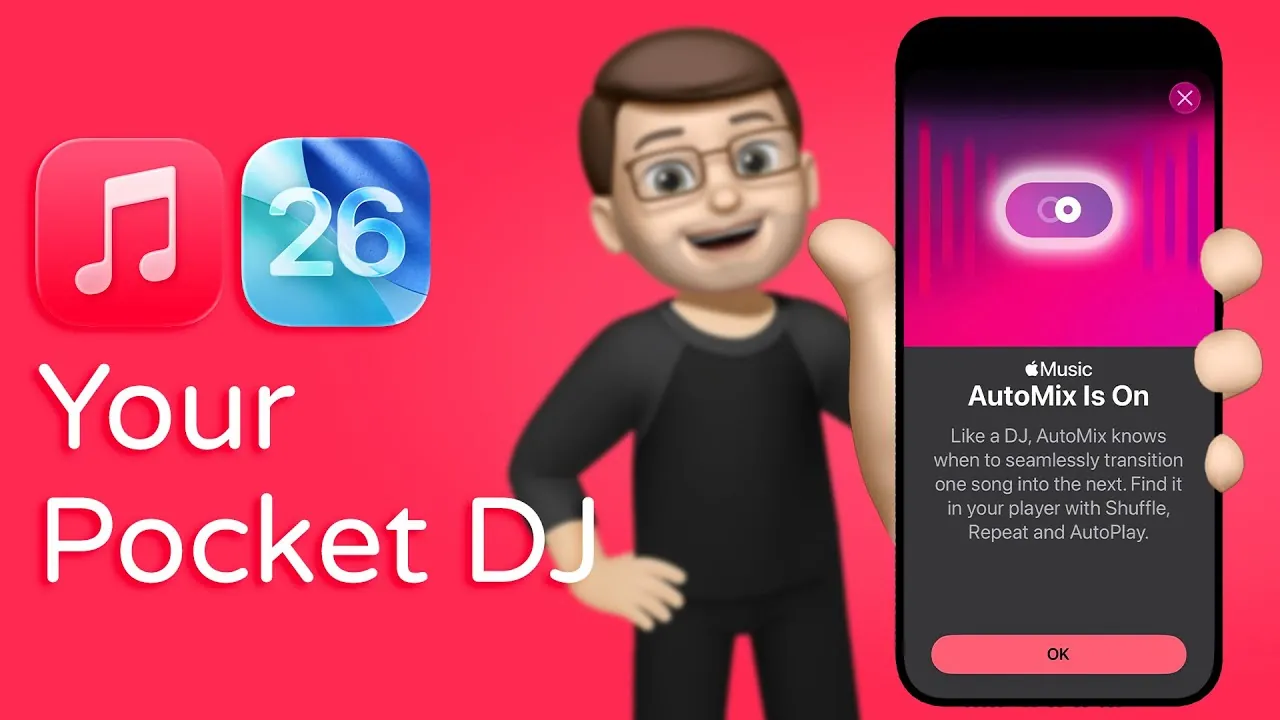
Apple Music has introduced an innovative feature in the iOS 26 public beta: Automix. This addition is designed to elevate your music experience by blending songs within playlists or albums, creating smooth transitions that emulate the expertise of a professional DJ. By synchronizing tempos and beats, Automix ensures a cohesive flow of music, whether you’re hosting a lively gathering or enjoying a quiet moment alone. This feature redefines how playlists are experienced, making them feel carefully curated and effortlessly engaging. The video below from Jacob’s QuickTips for iPhone gives us more details.

What Is Automix and How Does It Work?
Automix uses advanced audio blending technology to synchronize the tempo and beats of consecutive tracks. Unlike traditional crossfade effects, which merely overlap songs, Automix dynamically adjusts playback speed and rhythm to craft seamless transitions. This approach results in a natural progression between tracks, avoiding abrupt shifts that could disrupt the listening experience. For example, a high-energy dance track can transition smoothly into a slower ballad without feeling jarring or out of place. The result is a polished and harmonious listening experience that feels intentional and immersive.
This feature is particularly beneficial for creating a consistent mood, whether you’re curating a playlist for a workout, a dinner party, or a road trip. By automating the synchronization process, Automix eliminates the need for manual adjustments, allowing you to focus on enjoying the music.
How to Enable and Customize Automix
Activating Automix is straightforward and user-friendly, making sure that anyone can take advantage of this feature. Follow these steps to enable it:
- From the “Now Playing” screen, locate and tap the Automix button to toggle the feature on or off.
- Alternatively, navigate to the app’s audio settings under the “Song Transitions” section to customize Automix preferences.
This flexibility allows you to tailor Automix to your specific needs. Whether you want uninterrupted transitions for a party or prefer a more traditional playback style for casual listening, Automix adapts to your preferences. The feature enables you to control how your music is played, making sure it aligns with the mood and setting of any occasion.
Subscription and Compatibility
Automix is available exclusively to Apple Music subscribers, seamlessly integrating into the Apple Music ecosystem to provide a premium experience. To access this feature, users must update their devices to iOS 26, where Automix is built directly into the music app. This ensures that the feature operates smoothly and enhances the overall functionality of the app.
For existing Apple Music subscribers, Automix adds significant value to the service. By offering professional-grade transitions and a more cohesive listening experience, it enriches the way playlists are enjoyed. This feature is particularly appealing to users who value high-quality audio experiences and appreciate the convenience of automated tools.
Other iOS 26 Music App Enhancements
Automix is just one of several exciting updates introduced in iOS 26, reflecting Apple’s commitment to enhancing the music streaming experience. The Apple Music app now includes additional features designed to improve usability and engagement:
- Lyric Translation: Enjoy real-time translations of song lyrics as they play, making it easier to explore music in different languages and understand the meaning behind your favorite tracks.
- Playlist Folders: Organize your music collections more effectively with folders, allowing you to categorize playlists for quicker and easier access.
These updates, combined with Automix, demonstrate Apple’s dedication to creating a more versatile and user-friendly music platform. By addressing both functionality and personalization, these enhancements cater to a wide range of user preferences and needs.
Why Automix Stands Out
Automix distinguishes itself as a standout feature in the realm of music streaming. By automating the synchronization of tempos and beats, it eliminates the need for manual adjustments or reliance on third-party tools. This makes it an appealing option for both casual listeners and music enthusiasts, offering a professional-grade listening experience without requiring technical expertise.
The feature’s versatility is another key advantage. Whether you’re curating a playlist for a workout, a road trip, or a social gathering, Automix ensures that your music flows effortlessly, enhancing the overall atmosphere. Its ability to adapt to different genres and moods further solidifies its value, making it a must-try feature for Apple Music subscribers.
The Future of Music Streaming with Automix
The introduction of Automix in iOS 26 represents a significant advancement for Apple Music. By combining innovative audio blending technology with intuitive user controls, Automix transforms playlists into seamless soundtracks that feel expertly crafted. This feature not only enhances the listening experience but also sets a new standard for music streaming platforms.
Paired with other updates like lyric translation and playlist folders, Automix underscores Apple’s dedication to delivering a comprehensive and customizable music experience. For Apple Music subscribers, this feature offers a fresh and engaging way to enjoy their favorite tracks, making it a valuable addition to the platform’s suite of tools.
Master Apple Music Automix with the help of our in-depth articles and helpful guides.
- Apple Music iOS 26 Features: Everything You Need to Know
- Apple Music iOS 26 Update: New Features You Need to Know
- iOS 26 Public Beta: New AirPods Features and How to Use Them
- iOS 26 Public Beta: Top Features You Need to Try
- Apple CarPlay Beta 2 (iOS 26 Beta 2): New Features Unpacked
Source & Image Credit: Jacob’s QuickTips for iPhone
Disclosure: Some of our articles include affiliate links. If you buy something through one of these links, Geeky Gadgets may earn an affiliate commission. Learn about our Disclosure Policy.
