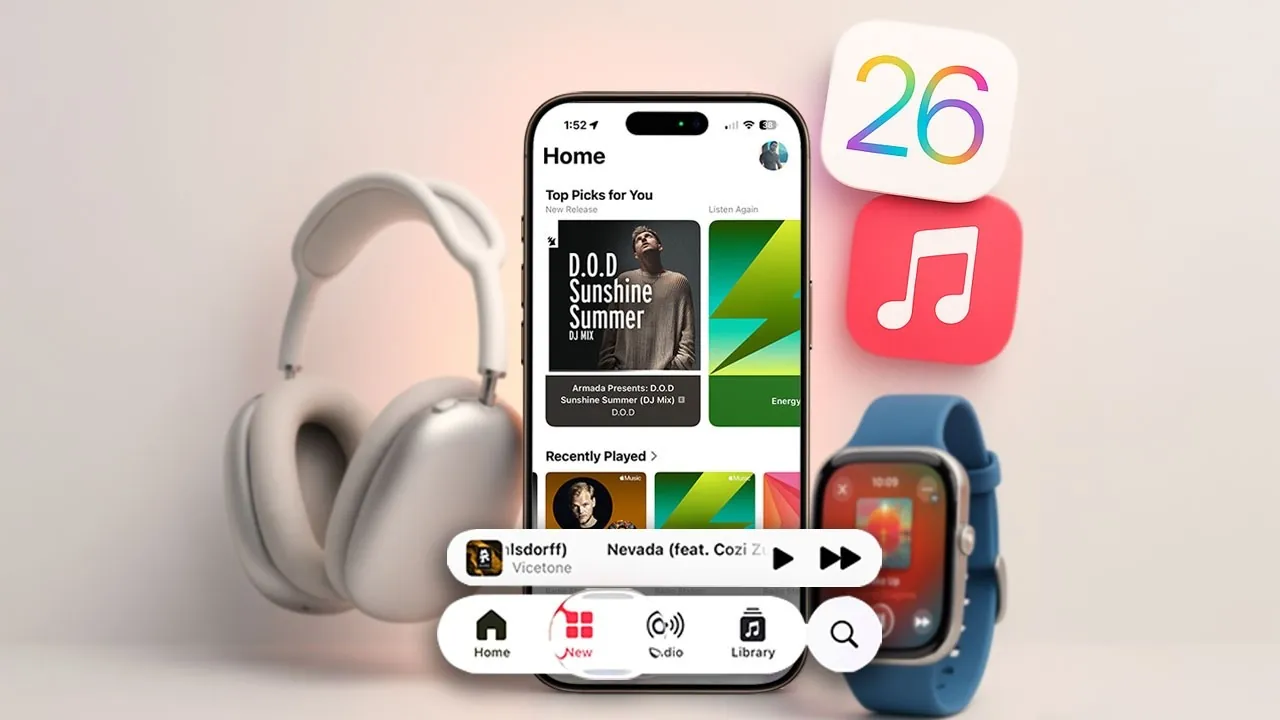
The release of iOS 26 introduces a host of enhancements to Apple Music, redefining how you interact with your music library. With a focus on usability, personalization, and immersive features, these updates aim to make your listening experience more intuitive and enjoyable. From smarter playlist organization to real-time lyrics translation, the latest features are designed to elevate your music journey. Here’s a closer look at the most notable updates and how they can enhance your daily listening habits in a new video from HotshotTek.

Streamlined Playlist Management with Folders
Managing playlists has become significantly more efficient with the addition of playlist folders. This feature allows you to group multiple playlists into categorized collections, making it easier to navigate even the most extensive libraries. For instance, you can create folders for workout playlists, relaxing evening tunes, or specific genres like jazz or pop. By organizing your playlists into folders, you’ll save time and ensure that your favorite music is always easy to locate. This update is particularly beneficial for users with diverse musical tastes or large collections.
Pin Your Favorites for Quick Access
Apple Music now allows you to pin your favorite albums, playlists, artists, and songs directly to your library. This feature eliminates the need to scroll through long lists to find your most-loved content. Whether it’s a playlist you listen to every morning or an artist you’re currently exploring, pinned content ensures your favorites are always just a tap away. This small but impactful addition makes navigating your library faster and more convenient, especially for users who frequently revisit specific tracks or albums.
Real-Time Lyrics Translation and Pronunciation Assistance
Exploring music in different languages is now more accessible than ever. Apple Music’s real-time lyrics translation feature displays synchronized translated lyrics, helping you understand the meaning of foreign-language songs as they play. Additionally, pronunciation assistance enables you to sing along accurately, even if the language is unfamiliar. These tools open the door to discovering global music, allowing you to connect with diverse cultures and broaden your musical horizons. Whether you’re learning a new language or simply enjoying international hits, this feature enhances your listening experience.
Automix: Seamless Transitions Between Tracks
The new Automix feature brings professional-style transitions to your playlists, making sure that each song flows naturally into the next. By analyzing the tone and tempo of your tracks, Automix creates smooth transitions that mimic the mixing style of DJs. This feature is ideal for parties, long listening sessions, or road trips, where abrupt changes in mood can disrupt the atmosphere. Automix also integrates seamlessly with Apple CarPlay, making it a valuable addition for on-the-go listening. Whether you’re hosting a gathering or enjoying a solo drive, Automix ensures a cohesive and enjoyable soundtrack.
Dynamic Album Artwork on Your Lock Screen
Your lock screen now comes to life with animated album artwork, adding a visual dimension to your listening experience. These dynamic animations are displayed in both full-screen and minimized views, making your device feel more engaging. Whether you’re revisiting classic albums or discovering new releases, the animated artwork enhances immersion and adds a touch of creativity to your music sessions. This feature not only improves the aesthetic appeal of Apple Music but also makes your device feel more interactive and personalized.
Replay: Rediscover Your Top Tracks
The Replay feature offers a nostalgic look at your listening habits by compiling your most-played songs over time. Accessible through the “Replay Your Top Music” category, this feature highlights your favorite tracks from the current year and previous years. It’s a great way to revisit cherished memories and rediscover songs you may have forgotten. By reflecting on your musical journey, Replay provides a deeper connection to the music that has shaped your experiences.
Enhanced Apple CarPlay Integration
Apple CarPlay receives a significant upgrade with iOS 26, bringing many of the features you love on your iPhone directly to your car. The redesigned interface includes Automix support and advanced filtering options for playlists, making it easier to curate your music while driving. These updates ensure that your music remains accessible and enjoyable, even when you’re on the road. Whether you’re commuting or embarking on a road trip, the enhanced CarPlay integration keeps your favorite tracks within reach.
Refined User Interface with Visual Enhancements
Apple Music’s interface has been polished with improved search functionality and eye-catching visual effects, such as liquid glass animations. These updates not only enhance the app’s aesthetic appeal but also make it more user-friendly. The refined design reflects Apple’s commitment to delivering a seamless and enjoyable experience for all users. Whether you’re searching for a specific song or exploring new recommendations, the updated interface ensures a smoother and more intuitive navigation process.
How These Updates Transform Your Listening Experience
With iOS 26, Apple Music introduces a suite of features designed to cater to a wide range of user preferences. From streamlined playlist organization and pinned favorites to real-time lyrics translation and dynamic animations, these updates prioritize usability, personalization, and immersion. Whether you’re exploring global music, enjoying seamless transitions between tracks, or revisiting your top songs with Replay, Apple Music’s latest enhancements ensure a richer and more engaging listening experience. These updates not only make the app more functional but also deepen your connection to the music you love.
Unlock more potential in iOS 26 Apple Music Updates by reading previous articles we have written.
- iOS 26 Apple CarPlay Features: What’s New and Why It Matters
- iOS 26 Apple CarPlay: 30+ New Features You Need to Know
- iOS 26 Apple CarPlay Update: New Features and Enhancements
- iOS 26 Apple AirPods Update: Top Features You Need to Know
- Apple CarPlay Updates & iOS 26 Features Explained WWDC 2025
Source & Image Credit: HotshotTek
Disclosure: Some of our articles include affiliate links. If you buy something through one of these links, Geeky Gadgets may earn an affiliate commission. Learn about our Disclosure Policy.
