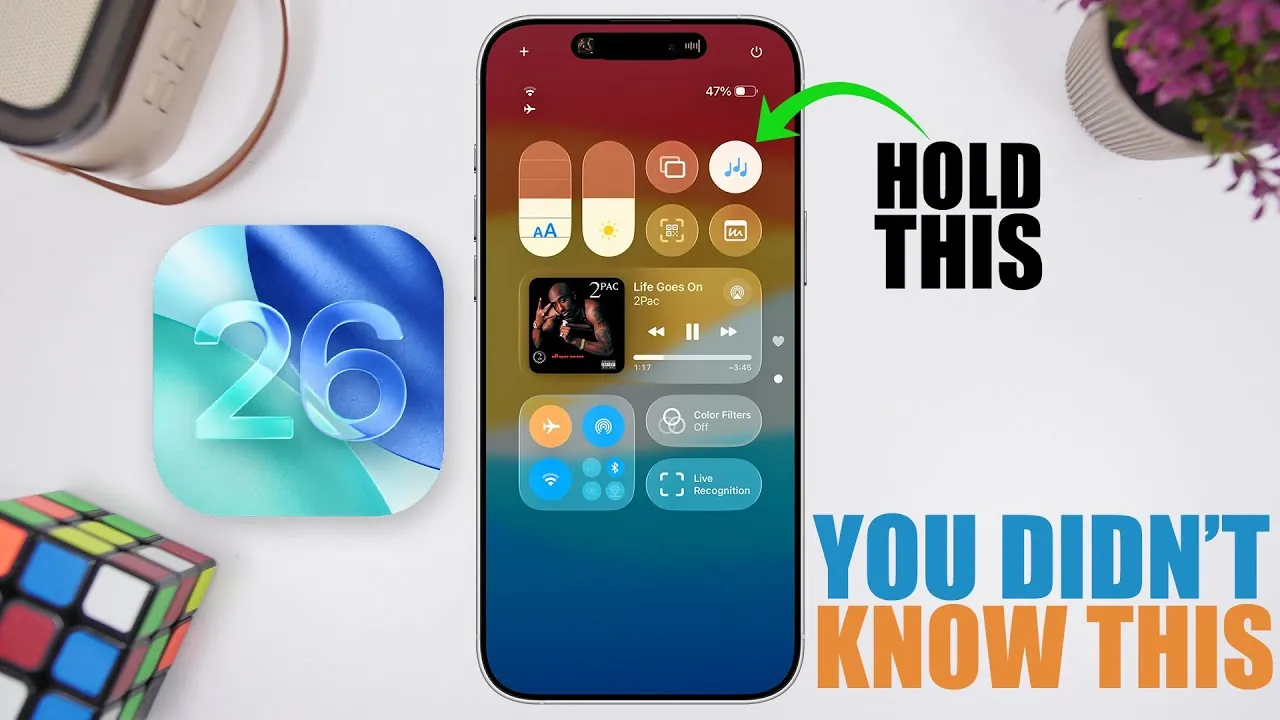
Apple’s iOS 26 brings over 400 new features and updates, redefining how you interact with your iPhone. This update emphasizes enhanced functionality, greater usability, and deeper customization, giving you more control over your device. From smarter tools for communication to advanced storage management, iOS 26 is designed to make daily tasks more seamless and efficient. Below, we explore ten standout features that you may not have discovered yet, each offering unique ways to enhance your iPhone experience.

SIM-Based Message Filtering
Managing messages has become more intuitive with the new SIM-based filtering feature in iOS 26. Whether you use a physical SIM or an eSIM, your messages are now automatically organized based on the SIM card they were received on. This is particularly beneficial for dual-SIM users, as it allows you to effortlessly separate personal and professional communications. By streamlining message organization, this feature ensures you can quickly locate and respond to important conversations without unnecessary clutter.
Customizable Background Sounds
The updated Control Center in iOS 26 introduces a dedicated menu for background sounds, offering a variety of ambient options such as rain, ocean waves, and white noise. You can adjust the volume of these sounds independently, tailoring them to your preferences. This feature is ideal for creating a focused work environment, masking external distractions, or enhancing relaxation during calls or downtime. With greater control over your auditory environment, your iPhone becomes a tool for both productivity and tranquility.
Streamlined Screenshot Management
iOS 26 simplifies storage management with a dedicated section for screenshots in your storage settings. This feature makes it easier to locate, review, and delete screenshots, freeing up valuable space on your device. By isolating screenshots from other media files, Apple has made managing your storage more efficient and less time-consuming. Whether you’re organizing your photo library or clearing up space for new content, this update ensures a smoother experience.
Create Your Own Emojis
The new Genmoji feature in iOS 26 allows you to combine multiple emojis into a single, personalized creation. This lets you express yourself in unique ways by blending existing emojis into something entirely new. Whether you’re adding a playful touch to your messages or crafting a custom reaction, the possibilities are virtually endless. Genmoji enables you to communicate with creativity and individuality, making your conversations more engaging and fun.
Battery Charging Override
For moments when you need a fully charged device, iOS 26 introduces a battery charging override option. This feature allows you to bypass the standard 80% charging limit directly from the settings menu, allowing your iPhone to charge to 100%. It is particularly useful for long trips, extended workdays, or situations where you anticipate heavy usage. By giving you more control over your device’s charging behavior, this update ensures your iPhone is ready whenever you need it most.
Password History Tracking
The Passwords app in iOS 26 now includes a history-tracking feature, allowing you to view previous passwords for your accounts. This addition is invaluable for recovering forgotten credentials or managing account security. By providing access to both current and past passwords, Apple strikes a balance between convenience and security. This feature simplifies the process of maintaining secure accounts while making sure you can retrieve important information when needed.
Gesture-Based Navigation
Navigating your iPhone has never been smoother, thanks to the introduction of gesture-based interactions in iOS 26. These intuitive gestures allow you to access menus and perform actions without tapping, speeding up navigation and reducing repetitive strain. Whether you’re multitasking or quickly switching between apps, gesture-based navigation enhances the overall usability of your device, making it more comfortable and efficient to use over time.
Web App Integration
iOS 26 bridges the gap between traditional apps and websites with its new web app integration feature. You can now add websites to your home screen as web apps, providing quick access to your favorite sites. Each web app offers customizable settings, allowing you to tailor the experience to your needs. Whether it’s a frequently visited blog, a productivity tool, or an online service, this feature ensures that your most-used websites are always within reach.
Customizable Camera Interface
The Camera app in iOS 26 now offers greater customization options for its interface. You can select which details—such as resolution, frame rate, or aspect ratio—are displayed while capturing photos or videos. This ensures the camera adapts to your specific needs, whether you’re snapping casual pictures or creating professional-grade content. By giving you more control over the camera’s functionality, this update enhances your ability to capture moments exactly as you envision them.
Centralized Blocked Contacts Management
Blocking unwanted contacts is now more streamlined with iOS 26. A centralized list consolidates blocked numbers across Phone, Messages, and FaceTime, making it easier to review and update. You can also add new blocks directly from the settings menu, making sure a hassle-free way to manage unwanted interactions. This feature simplifies the process of maintaining your privacy and ensures that your communication remains uninterrupted by unwanted distractions.
Empowering Your iPhone Experience
iOS 26 exemplifies Apple’s commitment to innovation and user-focused design. With features like SIM-based message filtering, customizable background sounds, and gesture-based navigation, this update enables you to tailor your iPhone experience to your unique needs. Whether you’re optimizing storage, enhancing security, or personalizing your device, iOS 26 provides tools that make your iPhone more versatile and efficient. These updates not only improve usability but also ensure your device evolves alongside your lifestyle, offering a seamless blend of functionality and personalization.
Here are more detailed guides and articles that you may find helpful on iOS 26 features.
- iOS 26: Liquid Glass & The TOP Features You Need to See!
- 10 Hidden Features in iOS 26 You Need to Know About
- iOS 26 Release: Key Features and Updates for Apple Users
- iOS 26: The Hidden Features Apple Didn’t Tell You About
- Top iOS 26 Features That Redefine iPhone Usability
Source & Image Credit: iReviews
Disclosure: Some of our articles include affiliate links. If you buy something through one of these links, Geeky Gadgets may earn an affiliate commission. Learn about our Disclosure Policy.
