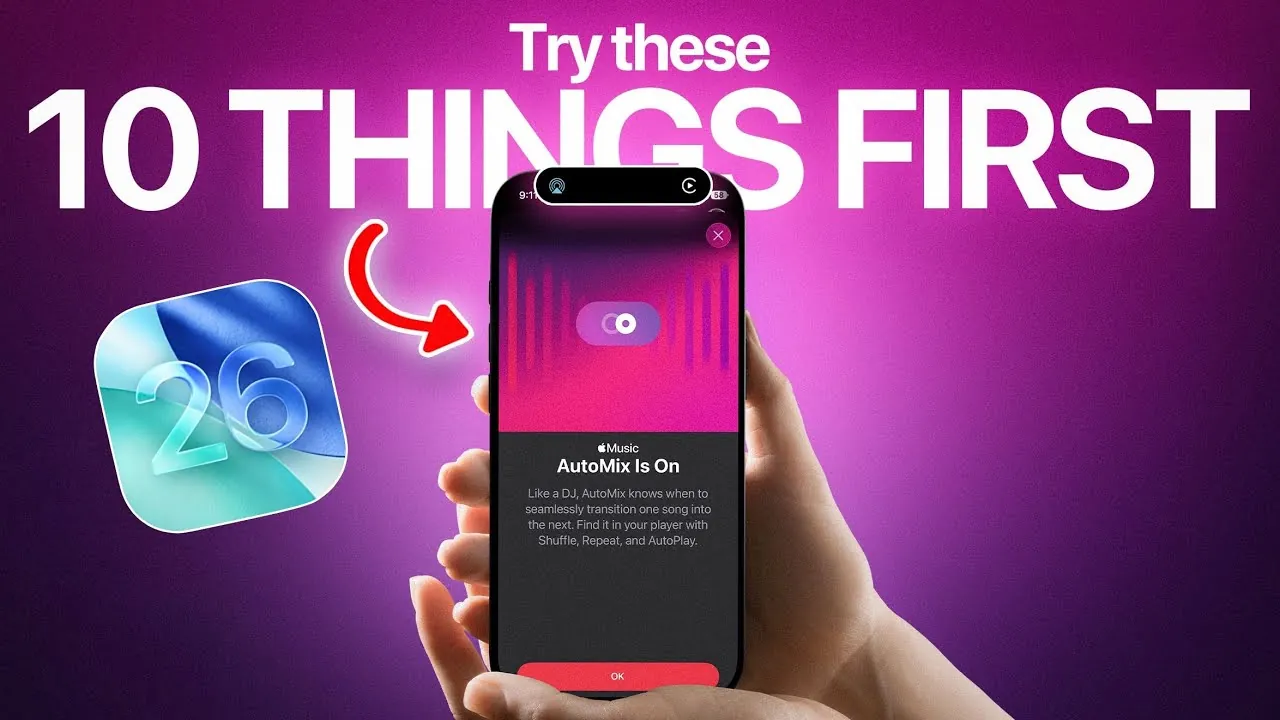
Apple has officially unveiled iOS 26, a feature-rich update designed to enhance personalization, functionality, and overall user experience. This release introduces a refreshed interface and innovative tools that cater to both aesthetic preferences and practical needs. Whether you’re a casual user or a tech enthusiast, iOS 26 offers a range of features that elevate how you interact with your device. The video below from iDeviceHelp gives us a look at the top features you should explore after updating

Personalization and Customization
iOS 26 redefines personalization, offering users greater control over their device’s appearance. The redesigned interface introduces customizable conversation backgrounds, allowing you to personalize chats with photos, colors, or even animated effects like flowing water or glowing auras. This feature adds a unique touch to your messaging experience.
Tinted icons now adapt to match the color of your iPhone or MagSafe case, creating a cohesive and visually appealing theme. For a more immersive experience, spatial scenes transform your lock screen and wallpapers into dynamic 3D visuals. These interactive designs add depth and movement, making your device feel more alive and tailored to your style.
3D Imaging and Spatial Scenes
One of the standout features of iOS 26 is its ability to convert 2D photos into 3D images. This functionality, available through the Photos app and lock screen, breathes new life into your memories by adding dimension and realism. Whether it’s a cherished family photo or a scenic landscape, this feature makes your images more engaging.
Spatial scenes take this a step further by creating immersive wallpapers that respond to movement and light. These dynamic visuals not only enhance the aesthetic appeal of your device but also provide a fresh and interactive way to engage with your iPhone.
Smarter Call Screening
Managing calls has never been easier with iOS 26’s advanced call screening feature. When you receive a call from an unknown number, the caller is prompted to state their name and reason for calling. This information is then relayed to you, allowing you to decide whether to answer.
This feature is particularly useful for minimizing interruptions from spam calls while making sure you don’t miss important communications. It provides a seamless way to take control of your call management without compromising convenience.
Battery Optimization for Longer Usage
Battery life remains a top priority for users, and iOS 26 introduces Adaptive Power mode to address this concern. This intelligent feature adjusts background activities to conserve energy, making sure your device lasts longer throughout the day.
Additionally, low power mode now activates automatically when your battery reaches 20%, giving you one less thing to manage during extended use. These enhancements make it easier to stay connected and productive without constantly worrying about finding a charger.
Onscreen Visual Intelligence
iOS 26 introduces advanced visual intelligence, allowing you to interact with onscreen content in smarter ways. For example, you can use screenshots to identify objects, search for products, or ask questions about items displayed on your screen.
This contextual search capability streamlines your ability to find information, making your device a more intuitive tool for everyday tasks. Whether you’re shopping online, researching a topic, or solving a quick query, this feature enhances both productivity and convenience.
Enhanced AirPods Integration
AirPods users will appreciate the new upgrades introduced in iOS 26. Charging reminders ensure your earbuds are always ready for use, while sleep detection pauses media playback when you fall asleep, preventing unnecessary battery drain.
Additionally, AirPods now include camera controls, allowing you to take photos or videos remotely. These enhancements make your AirPods more versatile and seamlessly integrated into your daily routine, offering convenience and improved functionality.
Apple Music Automix
Music lovers will enjoy the new Automix feature in Apple Music. Inspired by professional DJs, this tool creates seamless transitions between songs, delivering a smooth and uninterrupted listening experience.
Whether you’re hosting a party or enjoying a personal playlist, Automix ensures your music flows effortlessly. You can easily enable or disable this feature in the Apple Music settings, tailoring it to your preferences for any occasion.
Collaboration Tools in Messages
Group chats in Messages receive a productivity boost with the addition of polls. This feature simplifies collaborative decision-making, whether you’re planning an event, choosing a restaurant, or organizing a group activity.
Combined with customizable conversation backgrounds, Messages becomes a more engaging and versatile platform for communication. These updates make it easier to stay connected and productive, enhancing both personal and professional interactions.
Improved Accessibility Features
iOS 26 introduces several enhancements aimed at improving accessibility for all users. From refined voice control to expanded text-to-speech options, the update ensures your device is more inclusive and easier to use.
These updates reflect Apple’s ongoing commitment to making technology accessible to everyone, regardless of their abilities. Whether you rely on assistive tools or simply want a more user-friendly experience, these features deliver meaningful improvements.
Streamlined Notifications
Notifications in iOS 26 are now more organized and less intrusive. The update introduces grouped notifications and smarter prioritization, making sure you only see what’s most important at a glance.
This streamlined approach reduces distractions, helping you stay focused whether you’re working, studying, or simply enjoying some downtime. By prioritizing clarity and relevance, iOS 26 makes managing notifications more efficient and stress-free.
Explore the Full Potential of iOS 26
iOS 26 is a comprehensive update that prioritizes personalization, functionality, and convenience. From dynamic 3D imaging and smarter call screening to battery optimization and enhanced AirPods integration, this update offers tools that make your device more engaging and user-friendly.
Whether you’re exploring spatial scenes, using visual intelligence, or enjoying seamless music transitions, iOS 26 ensures a richer and more dynamic experience. Dive into these features today to unlock the full potential of your iPhone.
Unlock more potential in iOS 26 features by reading the previous articles we have written.
- iOS 26 Beta 6 Features: What’s New and Improved
- iOS 26 Release: Key Features and Updates for Apple Users
- iOS 26 Features and Updates: Everything You Need to Know
- Hidden Features in iOS 26 You Need to Know About
- iOS 26: Liquid Glass & The TOP Features You Need to See!
Source & Image Credit: iDeviceHelp
Disclosure: Some of our articles include affiliate links. If you buy something through one of these links, Geeky Gadgets may earn an affiliate commission. Learn about our Disclosure Policy.
