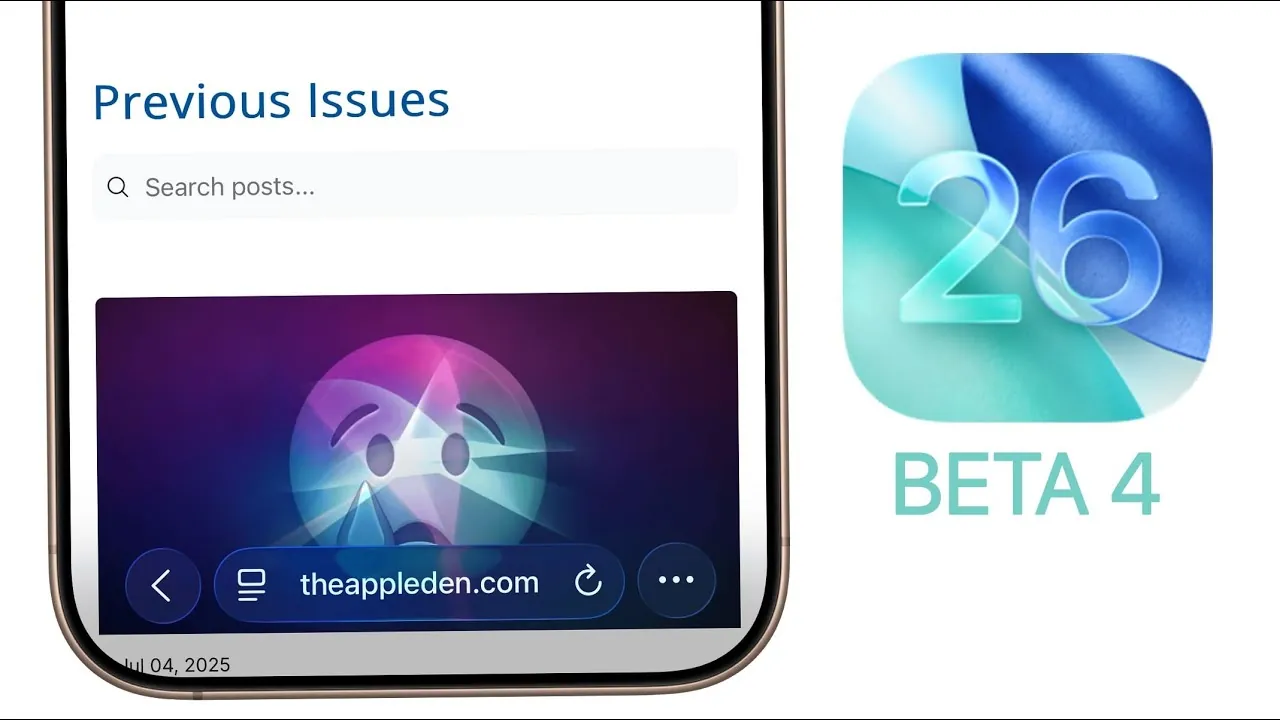
Apple has officially released iOS 26 Beta 4 for developers, introducing a variety of updates designed to enhance design, functionality, and system performance. This release is part of a comprehensive update across Apple’s ecosystem, including iPadOS 26, watchOS 26, macOS 26, tvOS 26, HomePod version 26, and visionOS 26. Whether you are a developer or a tech enthusiast, this update offers significant improvements worth exploring. The video below from Brandon Butch gives us another look at the new iOS 26 beta 4.

Liquid Glass Design Returns with Modern Enhancements
One of the standout features in iOS 26 Beta 4 is the reintroduction of the “liquid glass” design, a visual element that harkens back to earlier iOS versions. This design enhances the lock screen with a sleek, glass-like appearance, creating a modern and refined aesthetic. Notifications now dynamically adapt to the tint of your wallpaper, improving readability while maintaining a cohesive visual experience. This update highlights Apple’s ongoing commitment to blending functionality with elegant design.
Dynamic Wallpapers and Interface Refinements
Dynamic wallpapers take center stage in this release, offering a more engaging and personalized visual experience. A new time-based wallpaper adjusts its appearance throughout the day, providing a fresh look as the hours pass. Additionally, 12 new CarPlay wallpapers expand customization options for in-car displays, catering to a broader range of user preferences.
Beyond wallpapers, subtle yet impactful interface refinements enhance both usability and aesthetics. Key updates include:
- Redesigned app icons for Camera and Mail, making sure a consistent and modern design language.
- An improved toolbar layout in Notes, streamlining functionality for better productivity.
- Smoother gestures in Messages and Mail, making navigation more intuitive and fluid.
- Polished animations in settings like Face ID and Passcode, contributing to a more refined user experience.
These updates collectively create a cleaner, more cohesive interface that aligns with Apple’s design philosophy.
Camera and Music App Upgrades
The Camera app receives both functional and visual improvements in this beta. A long-standing issue with the mode selection scrolling direction has been resolved, making it easier to switch between camera modes. Additionally, new splash screens guide users through photographic styles and the updated interface, simplifying the onboarding process for new features.
In the Music app, the liquid glass effects extend to the interface, making sure visual consistency across the system. The Dolby Atmos auto-mix feature has been fine-tuned, though minor bugs remain. Furthermore, the “Late Night Mode” has been renamed to “Reduce Loud Sounds”, offering a clearer and more descriptive label for the feature.
Expanded Call Screening Options
Managing incoming calls becomes more flexible with the introduction of expanded call screening options. Users can now select between “Never” and “Silence” modes for handling unknown callers. This feature is particularly useful for minimizing interruptions from spam calls, allowing for a more seamless communication experience.
Performance Improvements and Bug Fixes
Performance enhancements are a key focus in iOS 26 Beta 4. Devices now exhibit reduced heating, addressing a common issue in earlier beta versions. Battery life has also improved, thanks to underlying bug fixes and optimizations. Notable issues resolved in this release include:
- Overlapping widget areas on photo wallpapers, making sure proper alignment and usability.
- Stale data in AI-powered features, improving the accuracy and responsiveness of these tools.
These fixes contribute to a smoother, more reliable user experience, making the system feel more polished and efficient.
Safari and HomePod Updates
Safari receives several updates aimed at improving both aesthetics and functionality. The liquid glass effects now extend to the browser, creating a visually cohesive experience across the system. Additionally, the domain display in the address bar has been refined for better clarity, making it easier to identify websites at a glance.
Meanwhile, code within this beta hints at a future HomePod model featuring a screen, signaling Apple’s continued innovation in the smart home space. This potential addition could expand the HomePod’s capabilities, offering users a more versatile and interactive experience.
Release Timeline and Future Expectations
The public beta for iOS 26 is expected to launch soon, likely based on Beta 4. Developer Beta 5 is anticipated in early August, with the final release projected for September. This timeline aligns with the expected launch of the iPhone 17, marking a significant milestone for Apple’s ecosystem. Developers and early adopters can look forward to exploring these updates as Apple continues to refine its software offerings.
What This Means for Users
iOS 26 Beta 4 introduces a range of updates that enhance both functionality and design. From the return of liquid glass effects to dynamic wallpapers, expanded call screening options, and performance improvements, this release reflects Apple’s focus on delivering a seamless and visually appealing user experience. As the public beta approaches, these changes set the stage for a polished final release later this year, offering a glimpse into the future of iOS.
Enhance your knowledge on iOS 26 Beta 4 by exploring a selection of articles and guides on the subject.
- iOS 26 Beta 4 Release Date and Key Improvements Explained
- iOS 26 Beta 4 vs Public Beta: Which is Better for You?
- iOS 26 Beta 4 and Public Beta 1 Release Dates and Features
- iOS 26 Beta 4 Release: Everything You Need to Know
- iOS 26 Beta 4 Features: AI, AirPods Updates, and More
Source & Image Credit: Brandon Butch
Disclosure: Some of our articles include affiliate links. If you buy something through one of these links, Geeky Gadgets may earn an affiliate commission. Learn about our Disclosure Policy.
