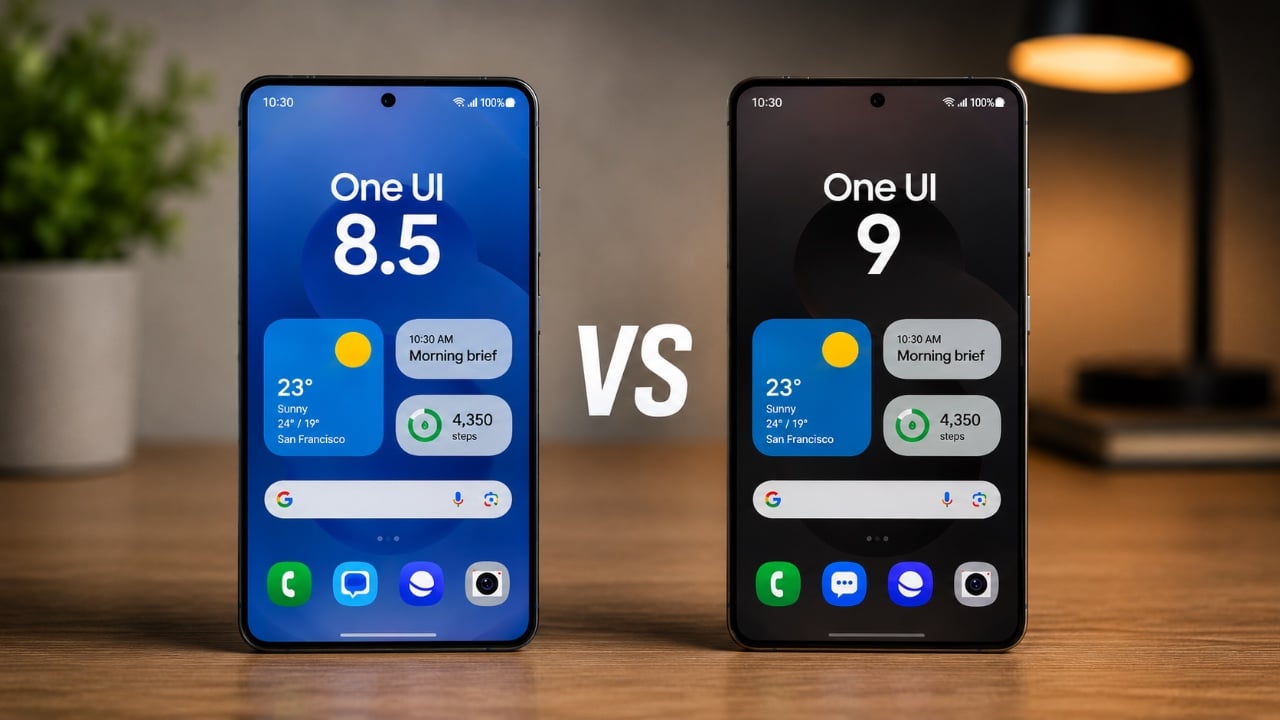
Samsung’s One UI 9, built on the foundation of Android 17, introduces a range of updates aimed at enhancing usability, customization, and overall performance. While the core design principles remain consistent with its predecessor, this latest version refines the user experience through smoother animations, improved accessibility, and functional upgrades. Below is a detailed exploration video from Mr Android FHD of the most significant changes and how they enhance your interaction with Samsung devices.

Quick Panel: A Cleaner and More Intuitive Layout
The redesigned Quick Panel in One UI 9 stands out as one of the most noticeable updates. It has been reimagined to offer a more streamlined and user-friendly experience. Key improvements include:
- Thicker volume and brightness sliders, making adjustments easier and more precise.
- Separated toggles for dark mode and sound profiles, resulting in a more organized and accessible layout.
- Customizable slider and media player sizes, eliminating the need for third-party customization tools.
- Modernized toggle designs with reduced borders, contributing to a sleeker aesthetic.
These refinements make it simpler to navigate and manage settings, making sure a smoother and more intuitive user experience.
Lock Screen: Enhanced Media Playback and Interactivity
The lock screen in One UI 9 has been upgraded with a focus on both functionality and visual appeal. The changes aim to make media playback more interactive while adding a polished look to the interface. Key enhancements include:
- A revamped music player featuring wave animations, glowing sliders and separate playback buttons for better control.
- Smoother expansion animations for notifications and widgets, creating a more fluid and dynamic experience.
These updates not only improve usability but also elevate the overall aesthetic of the lock screen, making it more engaging and visually appealing.
Animations: Smoother and More Responsive Transitions
Samsung has placed a strong emphasis on interface fluidity in One UI 9, resulting in a more cohesive and responsive system. Notable animation improvements include:
- Enhanced transitions in the widget panel, settings menu and app drawer, making sure a seamless navigation experience.
- Refined animations for the search bar in both the settings and app drawer, adding a touch of polish to everyday interactions.
These updates contribute to a system that feels more natural and engaging, making every interaction smoother and more enjoyable.
Settings Menu: Simplified Navigation
The settings menu in One UI 9 has been reorganized to improve clarity and usability, making it easier to locate features and settings. Key changes include:
- A cleaner layout for the Galaxy AI section, simplifying access to AI-driven tools and features.
- A new “What’s New in One UI 9” section within Accessibility settings, providing a quick overview of the latest updates.
These adjustments streamline the menu, making sure that users can navigate it with greater ease and efficiency.
Accessibility: New Tools for Personalized Usability
Accessibility receives a significant boost in One UI 9 with the introduction of new tools designed to enhance usability for all users. The standout feature is the “Text Spotlight” tool, which allows you to:
- Highlight text for easier reading, particularly useful for users with visual impairments.
- Customize font size, background color and scrolling speed to suit individual preferences.
This feature underscores Samsung’s commitment to personalization and inclusivity, making sure that the interface can be tailored to meet diverse needs.
General Refinements: A More Polished Interface
Beyond specific features, One UI 9 delivers a host of general refinements that enhance the overall user experience. These include:
- Reduced lag and improved system responsiveness, making sure smoother performance across the board.
- A more modernized interface that feels cohesive and visually appealing.
As the update progresses beyond its beta phase, these refinements will continue to evolve, offering users an increasingly intuitive and efficient experience.
Advancing Usability and Design
One UI 9 builds upon the strengths of One UI 8.5, introducing meaningful updates that prioritize customization, accessibility and performance. From the redesigned Quick Panel and enhanced lock screen to smoother animations and new accessibility tools, this update reflects Samsung’s dedication to delivering a user-friendly and visually appealing interface. These changes collectively contribute to a more seamless and enjoyable interaction with your device, making sure that One UI 9 remains a step forward in usability and design.
Deep dive into the latest in One UI 9 by exploring our other resources and articles.
- One UI 9 Leaks: New Features Coming to Your Samsung Phone
- One UI 9: Innovative Features Every Samsung User Needs to Find
- What Samsung’s One UI 9 Beta Brings to the Galaxy S26
- Samsung One UI 9 First Build Leaked: Android 17 Arrives Early for Galaxy Users
- Samsung Galaxy Buds 4 Pro Launching Feb. 25: Everything Coming to the AirPods Pro 3 Rival
Source: Mr Android FHD
Disclosure: Some of our articles include affiliate links. If you buy something through one of these links, Geeky Gadgets may earn an affiliate commission. Learn about our Disclosure Policy.
