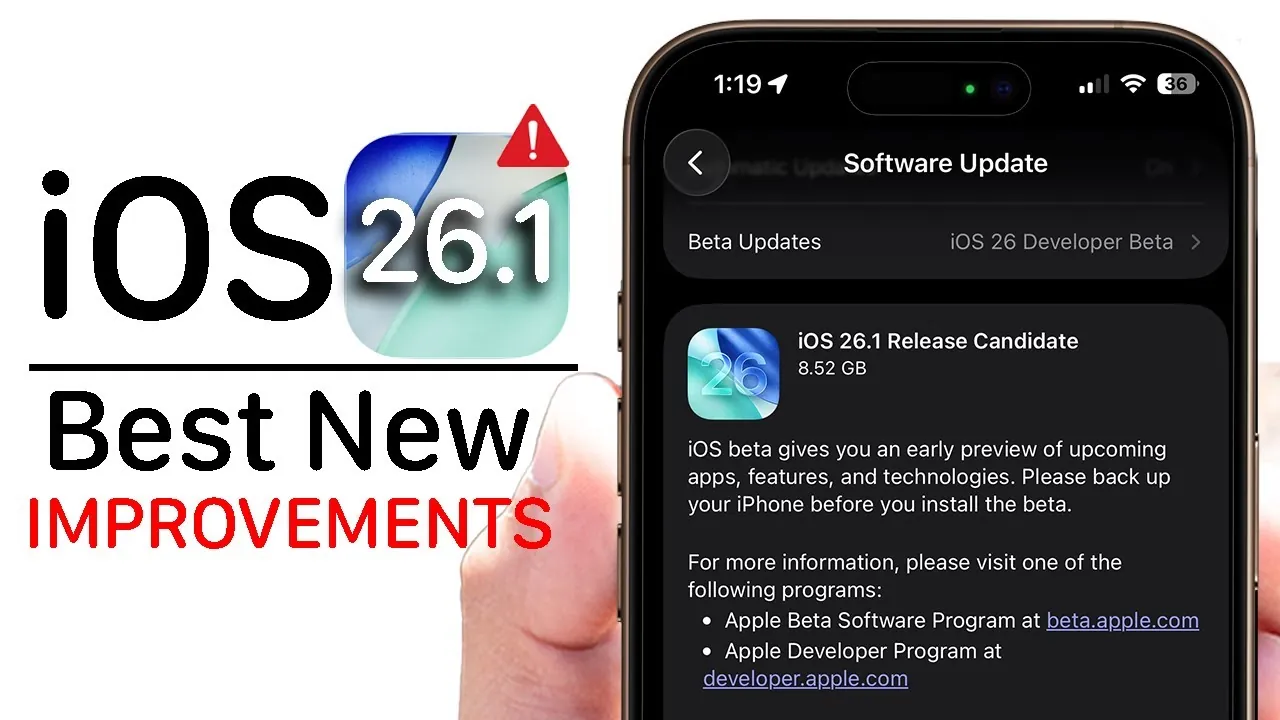
Apple has officially introduced the iOS 26.1 Release Candidate (RC), marking a significant step forward in its software development cycle. This update brings a variety of new features, interface refinements, and performance improvements, all aimed at enhancing the overall user experience. With updates ranging from visual design enhancements to security upgrades, iOS 26.1 is designed to provide a polished and stable platform ahead of its general release. The video below from HotshotTek gives us more information on the new iOS 26.1 RC.

Display and Interface Upgrades
The iOS 26.1 update introduces a visually striking liquid glass design that adds a modern and sophisticated touch to your device. Users can now select between “clear” and “tinted” effects, offering greater customization for their iPhone’s appearance. These options are conveniently located in the “Display & Brightness” settings, where you’ll also find a refreshed collection of wallpapers to further personalize your device.
The liquid glass design extends to the phone app keyboard, making sure a cohesive and consistent aesthetic throughout the interface. This attention to detail not only enhances the visual appeal but also contributes to a more immersive user experience.
Smarter Siri and Expanded Language Support
Siri sees a notable upgrade in iOS 26.1, with the addition of support for five new languages: Dutch, Norwegian, Portuguese, Swedish, and Traditional Chinese. This expansion makes Siri more accessible to a broader global audience, improving its utility for users worldwide.
The Apple Intelligence menu has also been redesigned to simplify navigation and management of Siri-related features. This streamlined layout allows for easier customization of Siri’s behavior, making sure that interactions with the virtual assistant feel more intuitive and personalized. These updates collectively enhance Siri’s functionality, making it a more effective tool for everyday use.
Enhanced AirPods Integration
For AirPods users, iOS 26.1 delivers meaningful improvements that enhance both functionality and convenience. The live translation feature now supports additional languages, making it an invaluable tool for multilingual users and frequent travelers. Whether you’re navigating a foreign country or communicating across language barriers, this feature ensures smoother interactions.
Connectivity and performance have been optimized for AirPods Pro (2nd and 3rd generation) and AirPods 4, reducing interruptions and improving overall reliability. These updates strengthen the connection between your iPhone and AirPods, delivering a more seamless and enjoyable audio experience.
Lock Screen Camera Toggle
Privacy and security take center stage with the introduction of a lock screen camera toggle. This new feature allows you to disable quick access to the camera directly from the lock screen, preventing unauthorized use without unlocking your device. For users who prioritize privacy, this small yet impactful change reinforces Apple’s commitment to protecting personal data and ensuring device security.
Apple Music Enhancements
Music lovers will appreciate the updates to Apple Music in iOS 26.1. Gesture controls have been refined, making it easier to switch tracks with simple swipes. Additionally, smoother animations and transitions contribute to a more polished and enjoyable listening experience.
The expanded “Go To” options simplify navigation between playlists, albums, and artists, allowing you to quickly find and organize your favorite music. For karaoke enthusiasts, microphone connectivity has been improved, ensuring better performance and responsiveness in karaoke mode. These enhancements make Apple Music more intuitive and engaging for all users.
Redesigned Video Scrub Bar
Navigating video content becomes more precise with the redesigned video scrub bar in iOS 26.1. The updated timeline provides greater detail, allowing you to locate specific moments during playback with ease. This improvement enhances the viewing experience across apps that rely on video content, making it a valuable addition for users who frequently consume media on their devices.
Performance and Security Upgrades
Security remains a top priority in iOS 26.1, with the update addressing several critical vulnerabilities through targeted patches. These enhancements ensure that your device is protected against emerging threats, providing peace of mind for users who rely on their iPhones for sensitive tasks.
In addition to security improvements, iOS 26.1 focuses on performance stability. Testing has shown no significant impact on battery life, making this update a reliable choice for users seeking both enhanced functionality and consistent performance. These upgrades underscore Apple’s commitment to delivering a secure and efficient operating system.
What to Expect Next
The iOS 26.1 RC is expected to closely resemble the final version, which is anticipated to launch in early November. For users enrolled in the beta program, the option to disable beta updates will become available once the official release is live. This update is highly recommended for its combination of new features, design refinements, and essential security fixes, ensuring a smoother and more secure user experience.
- New liquid glass design options for a sleek and modern aesthetic.
- Expanded Siri language support for improved global accessibility.
- Enhanced AirPods functionality for seamless audio integration.
- Lock screen camera toggle for added privacy and security.
- Apple Music updates for a more intuitive and engaging listening experience.
- Redesigned video scrub bar for precise navigation during playback.
- Critical security patches and performance stability improvements.
With its wide range of updates and enhancements, iOS 26.1 sets the stage for a more refined and secure iPhone experience. Stay tuned for the official release and consider updating to take full advantage of these features.
Expand your understanding of iOS 26.1 features with additional resources from our extensive library of articles.
- How to Get Ready for iOS 26.1: Tips and Tricks
- iOS 26.1 Beta 2 Features: Liquid Glass Effect and More Explained
- iOS 26.1 Beta Features, Updates, and More
- iOS 26.1 Beta 2 Features: Liquid Glass Design and More
- iOS 26.1 Features and Updates: Everything You Need to Know
Source & Image Credit: HotshotTek
Disclosure: Some of our articles include affiliate links. If you buy something through one of these links, Geeky Gadgets may earn an affiliate commission. Learn about our Disclosure Policy.
