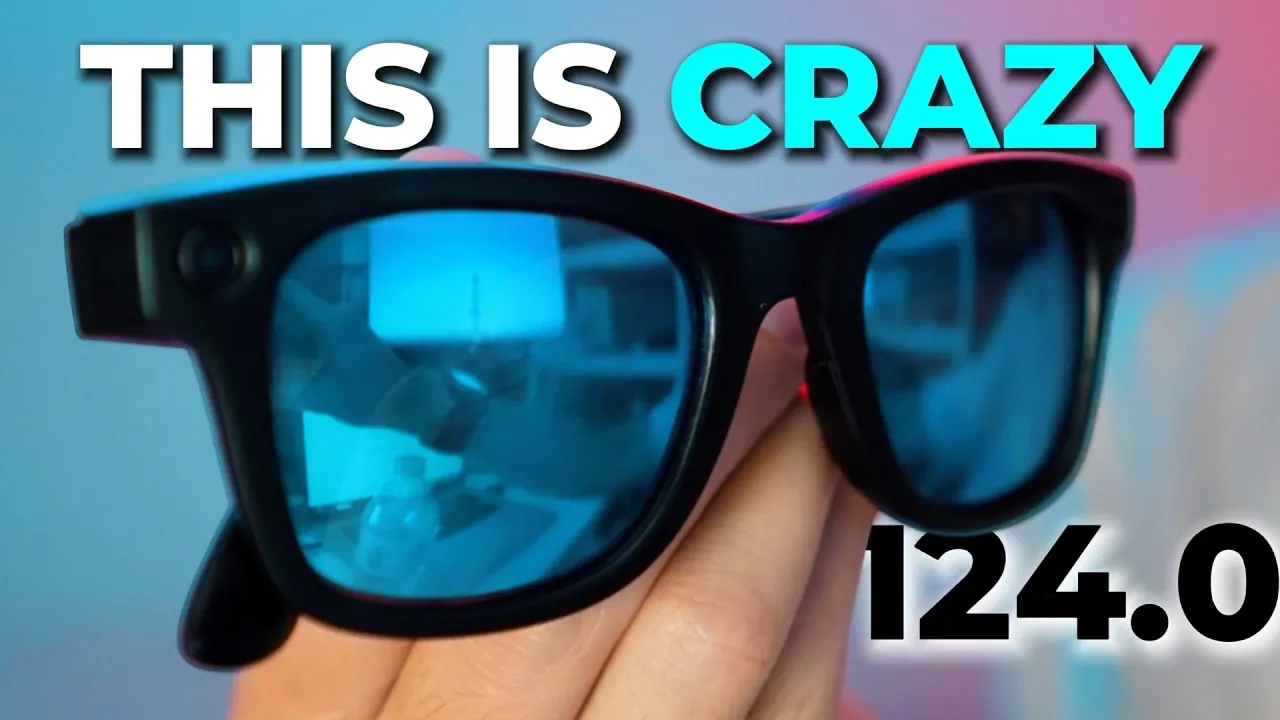
The Ray-Ban Meta 124.0 update introduces notable changes for users of the Meta AI app and Ray-Ban smart glasses. Steven Sullivan highlights specific improvements, including Full HD video recording at 30 frames per second and an extended five-minute recording limit for Gen 2 glasses. While these updates enhance video capabilities, the rollout has been uneven, with some users experiencing delays in accessing the new features. The update also brings a redesigned Meta AI app, featuring a centralized AI question interface and a simplified settings menu aimed at improving navigation.
Discover how the updated AI-powered “Ask” feature can identify products through photos, along with its potential accuracy challenges. Gain insight into the redesigned app’s centralized interface and how it impacts usability. Learn practical strategies to address rollout inconsistencies and make the most of the new features available in this update.
Meta AI App: A Redesigned Experience
TL;DR Key Takeaways :
- The Meta AI app has been redesigned for improved simplicity and usability, featuring a new layout, centralized AI tools and a reorganized settings menu.
- A unified editing surface consolidates photo and video tools like animation and AI-driven edits, though some features remain non-functional for now.
- Gen 2 smart glasses receive enhanced video capabilities, including Full HD resolution at 30 fps and extended recording limits of up to five minutes.
- The AI-powered “Ask” feature allows users to photograph items for shopping links and product details, though accuracy may vary with niche products.
- Inconsistent rollouts and potential functionality issues highlight the need for manual updates and user feedback to optimize the experience.
The Meta AI app receives a comprehensive redesign in this update, focusing on simplicity and usability. A new app icon and a refreshed layout make navigation more intuitive. The centralized AI question interface allows quicker access to tools, while the reorganized settings menu simplifies adjustments. These changes are intended to streamline your workflow, but their effectiveness will depend on how well they integrate into your daily routine.
The redesign emphasizes ease of use, but it’s essential to explore the updated interface to determine how it aligns with your needs. By familiarizing yourself with the new layout, you can take full advantage of the app’s enhanced functionality.
Unified AI Editing Tools for Creativity
One of the standout features of the update is the unified editing surface for photos and videos. This platform consolidates tools like animation, restyling and AI-driven edits into a single interface, making creative tasks more accessible. For example, the “Animate” tool can transform static images into dynamic videos based on your prompts, unlocking new creative possibilities.
However, some tools, such as “Restyle” and “Edit,” are currently non-functional. This limitation may reduce the overall value of the update for users who rely on these features. If these tools are essential to your workflow, you may need to wait for future updates to fully benefit from the unified editing surface.

Uncover more insights about smart glasses in previous articles we have written.
- Samsung Smart Glasses 2026: Features, Specs, and Release Date
- Google vs Meta Smart Glasses: Which AI Frames Are Better
- Samsung Galaxy AI Smart Glasses Release Date Revealed
- Nothing AI Smart Glasses : Design, Features & Pricing Strategy
- Samsung’s AI Galaxy Glasses Set for 2026 Launch
- Apple Smart Glasses Leak: 4 New Frame Designs for 2027 Launch
- Apple Glass Early Look: 2026 Release Date & Leaked Features
- Apple Smart Glasses: Major Production Milestone Leaked for 2026
- The $89 Smart Glasses That Rival Ray-Ban Meta Gen 1
- Apple Smart Glasses Leak: Visual Intelligence & Gemini Siri
Improved Photo and Video Features
The update brings significant enhancements to video capabilities for Gen 2 smart glasses users. These include:
- Full HD resolution at 30 frames per second for sharper, more detailed recordings.
- An extended recording limit of up to five minutes, providing greater flexibility for capturing longer moments.
These improvements enhance the quality and versatility of your recordings, making the smart glasses more practical for everyday use. Additionally, the “Restyle” feature for videos remains functional, allowing you to apply creative effects to your footage. However, due to inconsistencies in the rollout, not all users may have immediate access to these features. Regularly checking for updates can help ensure you’re taking advantage of the latest improvements.
AI-Powered Shopping Assistance
The update introduces the AI-powered “Ask” feature, which enables you to photograph an item and receive shopping links and product details. This tool has the potential to streamline your shopping experience, particularly for frequently purchased items. However, its accuracy may vary, especially with unique or niche products.
If you rely on online shopping, this feature could be a valuable addition to your toolkit. To ensure reliability, it’s advisable to cross-check the provided results before making a purchase. This approach can help you avoid potential inaccuracies and make more informed decisions.
Addressing Update Challenges
While the 124.0 update offers promising advancements, it’s not without its challenges. Previous updates have caused issues such as camera malfunctions and broken features. To minimize the risk of disruptions, consider disabling automatic updates. Instead, manually verify the changes before installation. This proactive approach can help you maintain the functionality of your smart glasses while still benefiting from new features.
Managing Inconsistent Rollouts
One of the most significant challenges with the 124.0 update is the inconsistent availability of features. For instance, video stabilization and extended recording limits may vary depending on your location or access level. These disparities can be frustrating, especially if you’re expecting a uniform experience.
To address these inconsistencies, regularly check for updates and overview any issues to Meta. Providing feedback can help the company identify and resolve problems more quickly, making sure a smoother experience for all users.
Maximizing the Benefits of the Update
To get the most out of the Ray-Ban Meta 124.0 update, consider the following recommendations:
- Explore the redesigned Meta AI app to familiarize yourself with its new layout and features.
- Test the unified editing tools to determine their functionality and potential for your creative projects.
- Take advantage of the improved video capabilities by experimenting with the extended recording limits and Full HD resolution.
- Use the AI-powered “Ask” feature cautiously, verifying its results for accuracy and reliability.
- Disable automatic updates and manually review changes to avoid potential disruptions.
By following these steps, you can navigate the update effectively and make the most of its new features.
Key Takeaways
The Ray-Ban Meta 124.0 update introduces a range of enhancements, including improved video quality, unified AI editing tools and AI-powered shopping assistance. While these features offer significant potential, the update’s inconsistent rollout and partial functionality mean that users should approach it with caution. By staying informed, testing new features and providing feedback, you can optimize your experience and fully use the capabilities of your smart glasses.
Media Credit: Steven Sullivan
Disclosure: Some of our articles include affiliate links. If you buy something through one of these links, Geeky Gadgets may earn an affiliate commission. Learn about our Disclosure Policy.
