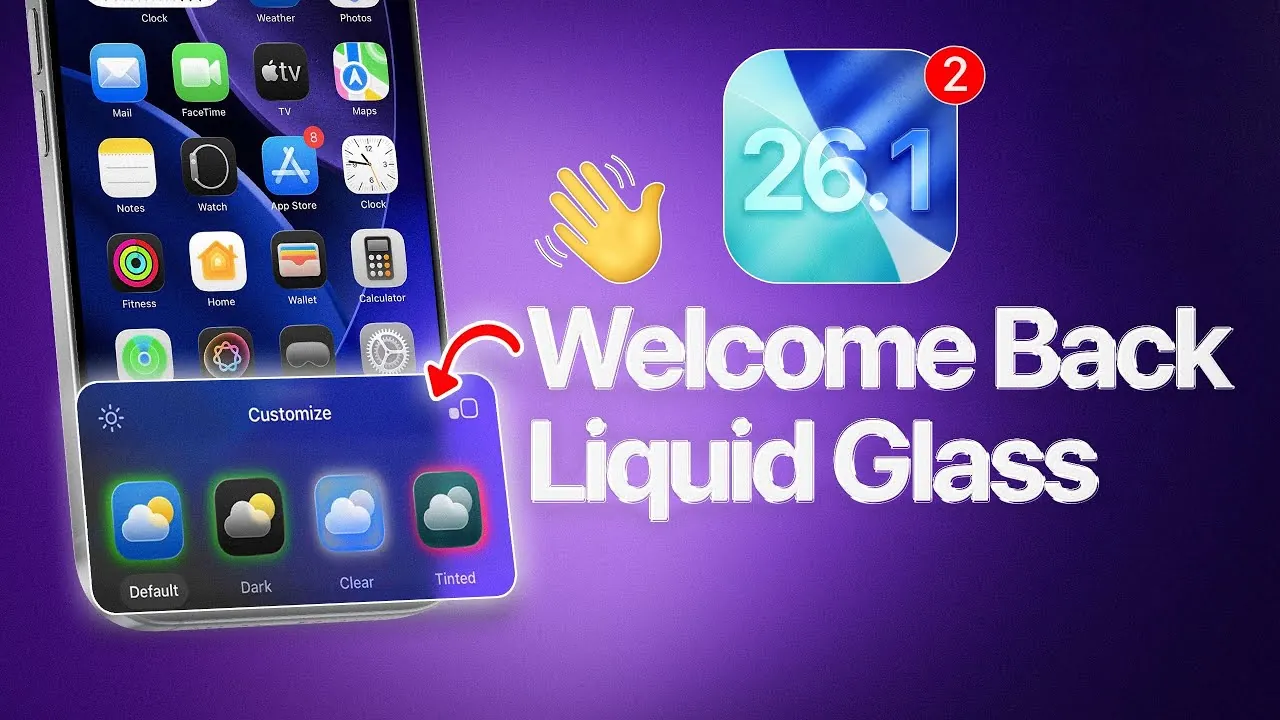
Apple has unveiled iOS 26.1 Beta 2, marking the return of the liquid glass design with notable improvements that enhance both aesthetics and functionality. This update underscores Apple’s ongoing commitment to refining its operating system by addressing user feedback and introducing meaningful enhancements. From visual updates in widgets and the Photos app to system-wide refinements, the changes aim to create a more cohesive and user-friendly experience. Additionally, the reintroduction of features like hypertension notifications highlights Apple’s focus on balancing innovation with practicality, making sure the operating system remains both modern and functional. The video below from iDeviceHelp gives us more details on the latest beta of iOS 26.1.

What’s New with Liquid Glass Design?
The liquid glass design, a hallmark of Apple’s visual identity, makes a significant comeback in iOS 26.1 Beta 2 with thoughtful upgrades that improve usability and visual appeal. These updates are designed to create a seamless and polished interface while maintaining the signature Apple aesthetic. Key enhancements include:
- Photos App: A darker background now complements the updated user interface, allowing images to stand out more prominently while maintaining a sleek and modern look.
- Widgets: Liquid glass elements are now integrated into widgets such as the battery widget, making sure a consistent and unified visual theme across the interface.
- Dock: The dock now blends seamlessly with wallpapers, creating a polished and cohesive appearance that enhances the overall user experience.
- Frosted Glass Effects: Semi-transparent elements, such as the delete icon on the home screen, retain the familiar frosted glass design, adding a touch of elegance to the interface.
These updates not only elevate the visual experience but also enhance the usability of the operating system, making sure that the design serves both form and function.
Photos App: Enhanced Usability and Accessibility
The Photos app receives a series of updates aimed at improving usability and accessibility, making it easier for users to manage and edit their images. These enhancements reflect Apple’s focus on creating tools that are both intuitive and powerful. Key improvements include:
- Improved Controls: Enhanced image preview and editing tools provide greater precision, allowing users to fine-tune their photos with ease.
- Accessibility Enhancements: Adjustments to lighter color visibility ensure that the app remains functional in various lighting conditions, catering to a wider range of user needs.
These changes demonstrate Apple’s user-centric approach, making sure that the Photos app continues to meet the needs of its diverse user base while maintaining a clean and modern design.
System Updates and Customization Options
iOS 26.1 Beta 2 introduces subtle yet impactful changes to system settings and customization options, making it easier for users to personalize their devices. These refinements are designed to streamline navigation and improve the overall user experience. Highlights include:
- Wallpapers: Enhanced integration within the “Display & Brightness” settings simplifies the process of selecting and customizing wallpapers, offering a more intuitive way to personalize your device.
- General Settings: Minor adjustments, such as the relocation of icons and improved menu layouts, make navigating system settings more straightforward and efficient.
These updates reflect Apple’s ongoing effort to provide a more tailored and user-friendly operating system, making sure that customization options are both accessible and practical.
Reintroduced Features: Hypertension Notifications
The return of hypertension notifications in the Health app and Apple Watch highlights Apple’s dedication to health and wellness. This feature provides critical alerts about potential health risks, allowing users to stay informed and proactive about their well-being. By reintroducing this tool, Apple addresses a gap in its health monitoring capabilities, offering a valuable resource for users who prioritize their health. The feature’s integration into the broader ecosystem ensures seamless functionality, reinforcing Apple’s commitment to creating technology that supports a healthier lifestyle.
Lock Screen and Timer Enhancements
The lock screen receives further refinements in iOS 26.1 Beta 2, including the addition of a new “slide to stop” feature for timers. This update incorporates liquid glass design elements, offering a visually appealing and functional way to manage timers directly from the lock screen. By simplifying interactions, Apple ensures that high-use features remain intuitive and efficient. These changes reflect the company’s focus on refining everyday tasks, making them more accessible and user-friendly.
Release Timeline
iOS 26.1 Beta 2 is currently available to developers, with a public beta expected to roll out within the next 24 to 48 hours. The official release is anticipated in late October or early November, following additional testing and refinements. This phased rollout demonstrates Apple’s dedication to delivering a polished and reliable user experience, making sure that the final version meets the high standards expected by its users.
Refining the User Experience
iOS 26.1 Beta 2 exemplifies Apple’s commitment to merging aesthetic appeal with practical functionality. The return of the liquid glass design, coupled with updates to the Photos app, widgets, and system settings, reflects a thoughtful approach to user feedback. By reintroducing health-focused tools like hypertension notifications and refining high-use areas such as the lock screen, Apple continues to prioritize usability and innovation. As the release date approaches, users can look forward to an operating system that is not only visually engaging but also tailored to their needs, offering a seamless and enjoyable experience.
Browse through more resources below from our in-depth content covering more areas on Liquid Glass Design.
- Apple’s Liquid Glass Design in iOS 26
- Apple Unveils ‘Liquid Glass’: A New Era of Software Design
- Liquid Glass Showdown: iOS 26 Beta 1 vs. Beta 3 – What Changed
- What’s New in iOS 26? Liquid Glass Design & More
- What iOS 26.1 Does to Liquid Glass?
Source & Image Credit: iDeviceHelp
Disclosure: Some of our articles include affiliate links. If you buy something through one of these links, Geeky Gadgets may earn an affiliate commission. Learn about our Disclosure Policy.
