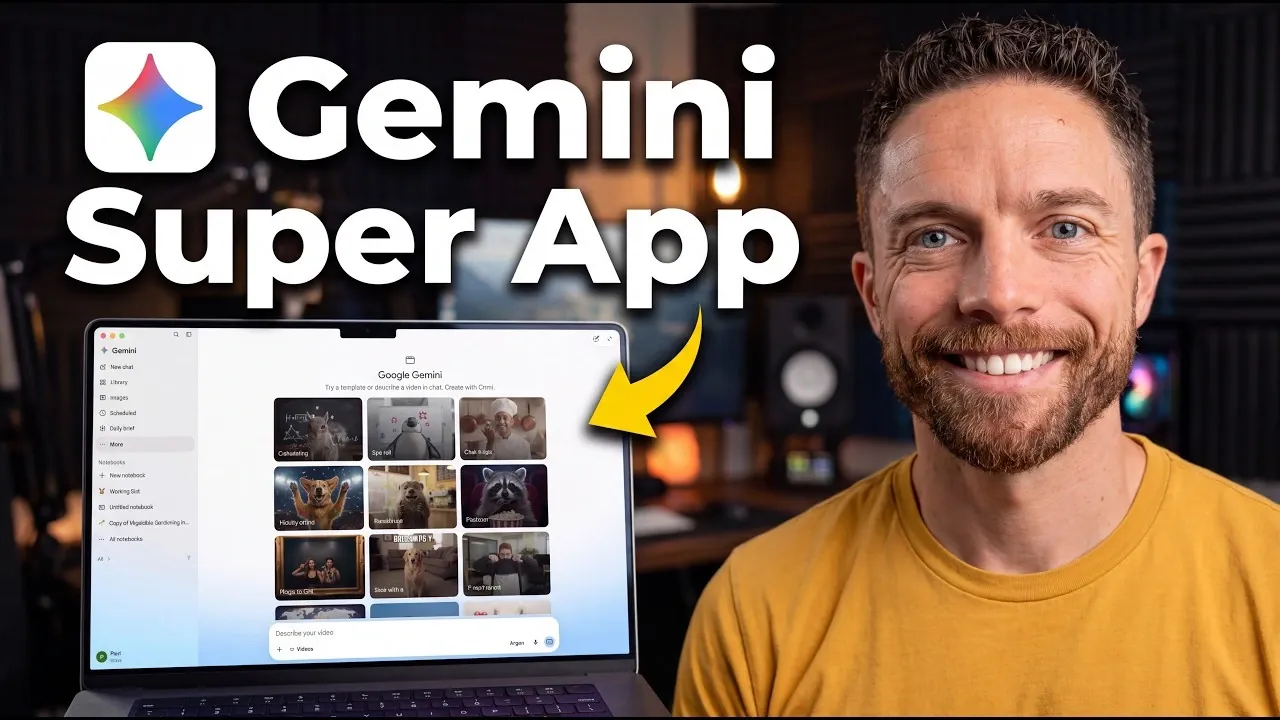
Gemini’s latest release, the Gemini 4 Argon AI super app, offers a platform designed to enhance productivity and streamline task management. Paul Lipsky highlights its dual modes—Chat Mode for conversational exchanges and Task Mode for structured workflows, as key features that address a variety of user needs. For instance, the app integrates with local folders, allowing users to manage files directly while benefiting from automatic backup functionality to safeguard important work.
Explore how to make the most of Gemini 4 Argon by using its third-party integrations with services like Canva and Dropbox, customizing workflows with the “Skills” feature and using the “Speak to Window” voice-to-text option for efficient note-taking. Gain insight into its coding capabilities through the Antigravity Integration feature and learn how built-in options like Notebooks can help organize creative projects. This quick-start guide provides actionable steps to navigate and use the app effectively.
Streamlined Task Management
TL;DR Key Takeaways :
- Gemini 4 Argon AI super app enhances productivity, creativity and task management with customizable workflows and seamless integrations.
- Key features include Chat Mode for conversational AI, Task Mode for structured workflows and integration with local folders and third-party tools like Canva and Dropbox.
- Innovative tools like Antigravity Integration simplify coding for all skill levels, while the “Speak to Window” feature offers convenient voice-to-text dictation.
- Creativity tools enable users to generate images, videos and music, while organizational features like Notebooks and daily briefs streamline project management.
- Limitations include the lack of live collaboration, no built-in browser and limited third-party integrations, leaving room for future improvements.
The Gemini 4 Argon app redefines task management with a system that adapts to your unique workflow. It offers two distinct modes to suit different needs:
- Chat Mode: Engage in conversational interactions with the AI for quick answers, brainstorming, or casual queries.
- Task Mode: Focus on structured workflows, allowing detailed task execution and progress tracking.
The app integrates directly with your local folders, allowing you to access, edit and organize files without switching platforms. Additionally, it supports remote task execution, letting you manage tasks from mobile devices after configuring the necessary settings. To ensure data security, automatic folder backups are included, minimizing the risk of losing important files during critical operations.
Third-Party Integration and Customizable Skills
One of the most powerful aspects of Gemini 4 Argon is its ability to seamlessly connect with popular third-party tools such as Canva, Dropbox and Wix. These integrations allow you to manage projects across platforms without interruptions, making sure a smooth and efficient workflow.
The app’s customizable “Skills” feature further enhances its utility by allowing you to create repeatable workflows tailored to your specific needs. Examples of these skills include:
- Email Triage: Prioritize and respond to emails efficiently, saving time and reducing inbox clutter.
- Automated Tasks: Streamline routine activities like scheduling, data entry, or file organization.
- Creative Brainstorming: Generate fresh ideas quickly for projects or problem-solving sessions.
By automating repetitive tasks and optimizing workflows, these features help you focus on higher-value activities, improving both productivity and efficiency.
Antigravity Integration: Simplifying Coding
For developers and beginners alike, the Antigravity Integration feature offers intuitive tools for coding and software development. Whether you’re building applications, games, or other software, this feature provides user-friendly prompts to guide you through the process. Even those with minimal programming experience can use this tool to bring their ideas to life.
This functionality bridges the gap between technical expertise and creativity, empowering users to explore coding without feeling overwhelmed. By making development more accessible, Gemini 4 Argon encourages innovation and experimentation.

Here are more detailed guides and articles that you may find helpful on Gemini AI.
- Gemini 4 Could Feature a 10-Million-Token Context Window
- Stop Paying for AI : Google Gemini AI Does It All for FREE
- 27 Free Things You Can Do With Google Gemini AI
- Leaked Gemini 4 Pro Reportedly Defeats Opus 5.5 and GPT6 Astra
- Google Confirms Gemini 4 Replaces Gemini 3.5 Pro Entirely
- XREAL Aura Brings Android XR and Gemini AI to Smart Glasses
- Google Introduces Gemini 3.6 Flash with 17% Less Token Usage
- Google Gemini 4 Argon Delayed as GPT-6.1 Ultrafast and Claude Motion Arrive
- Google Reportedly Preps Gemini 3.7 Flash Amid Pro Delays
- Google Reportedly Cancels Gemini 3.5 Pro for Gemini 4 Pivot
The Gemini 4 Argon AI Model
At the heart of the app lies the Gemini 4 Argon AI model, designed to deliver exceptional performance across a wide range of tasks. Whether you’re conducting research, writing, coding, or analyzing data, the AI adapts to your specific requirements.
You can switch between different AI models to optimize performance based on task complexity. This adaptability ensures both precision and efficiency, making the app a versatile tool for tackling diverse challenges. By using the AI’s capabilities, users can streamline workflows and achieve better results in less time.
Voice-to-Text Dictation with “Speak to Window”
The “Speak to Window” feature introduces a convenient voice-to-text dictation tool, ideal for capturing ideas or notes on the go. Using shortcut-based functionality, you can:
- Quickly dictate thoughts, notes, or ideas for later use.
- Brainstorm in real time without interrupting your workflow.
- Seamlessly integrate external content into the app for further refinement.
This feature is particularly beneficial for professionals who need to document ideas in real time or streamline creative processes. By reducing the need for manual typing, it enhances both speed and convenience.
Creativity and Organization Tools
Gemini 4 Argon goes beyond productivity by offering tools that foster creativity. Users can generate images, videos, and music, allowing them to explore new creative avenues. These tools are designed to inspire innovation while simplifying the creative process.
For organization, the app includes a “Notebooks” feature that helps you manage projects and assets efficiently. By keeping all your resources in one place, this feature ensures easy access and better project management. Additional tools, such as task scheduling and daily briefs, help you stay on top of your commitments, making Gemini 4 Argon a well-rounded solution for both work and personal life.
Limitations and Areas for Improvement
While Gemini 4 Argon offers a robust set of features, there are areas where it could improve:
- The desktop app currently lacks a live collaboration mode, which would enhance real-time teamwork.
- There is no built-in browser, requiring users to rely on external tools for web-based research.
- Expanding the range of third-party integrations would further increase its versatility and appeal.
These limitations highlight opportunities for future updates to make the app even more comprehensive and user-friendly.
Unlocking the Potential of Gemini 4 Argon
Gemini 4 Argon combines productivity, creativity, and task management into a single, cohesive platform. Its advanced features, such as customizable workflows, intuitive coding tools and seamless integrations, make it a valuable resource for optimizing both personal and professional endeavors.
While there is room for improvement, the app’s current capabilities provide a strong foundation for streamlining workflows and unlocking creative potential. By effectively using its tools, you can enhance your efficiency, explore new possibilities and achieve your goals with greater ease.
Media Credit: Paul J Lipsky
Disclosure: Some of our articles include affiliate links. If you buy something through one of these links, Geeky Gadgets may earn an affiliate commission. Learn about our Disclosure Policy.
