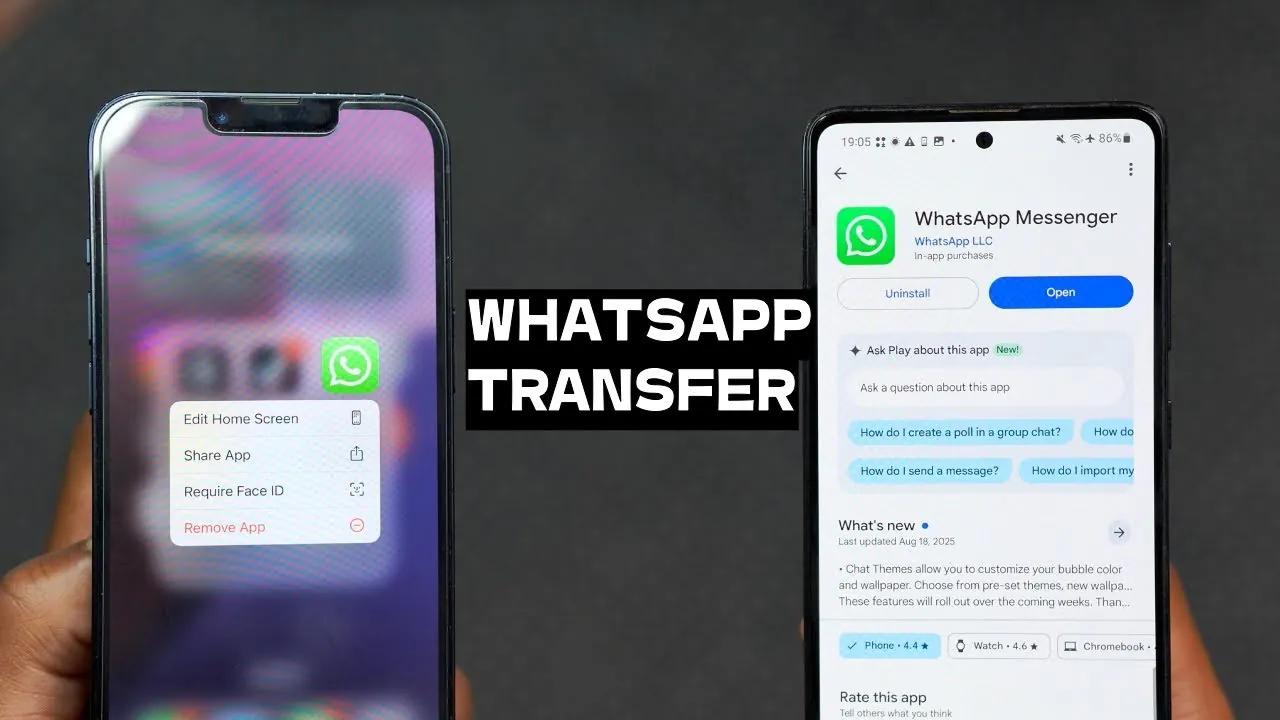
Switching from an iPhone to an Android device can be an exciting transition, offering new features and customization options. However, one of the most common challenges users face during this process is transferring their WhatsApp data without losing important chats, photos, or files. While WhatsApp provides an official method for cross-platform migration, it comes with significant limitations, such as potential data loss or the need to reset your Android device. Fortunately, there is a more efficient and reliable alternative: Wondershare MobileTrans. This tool ensures a seamless transfer process, preserving all your WhatsApp data without unnecessary complications. The video below from HalfManHalfTech shows us how this can be done.

Challenges with WhatsApp’s Official Transfer Method
WhatsApp’s built-in transfer feature is designed to help users migrate data between iOS and Android devices. However, this method has several drawbacks that can make the process less appealing. Key challenges include:
- Device Reset Required: The official method often requires you to reset your Android device, which can result in the loss of existing data and personalized settings.
- Incomplete Data Transfers: Certain types of data, such as stickers, audio files, or older media, may not be supported, leaving gaps in your WhatsApp history.
- Time-Consuming Process: The migration process can be lengthy and prone to errors, especially for users unfamiliar with the technical steps involved.
These limitations make the official transfer method less practical for users seeking a comprehensive and hassle-free solution.
How Wondershare MobileTrans Provides a Better Solution
Wondershare MobileTrans offers a practical and user-friendly alternative to WhatsApp’s official transfer method. This software is specifically designed to simplify the migration process while addressing the common challenges users face. Here’s why MobileTrans stands out:
- Complete Data Transfer: MobileTrans ensures that all your WhatsApp data—including messages, photos, videos, stickers, and audio files—is transferred without any loss.
- No Device Reset: Unlike the official method, MobileTrans does not require resetting your Android device, allowing you to retain your existing data and settings.
- Intuitive Interface: The software features a straightforward and user-friendly interface, making it accessible even for individuals with minimal technical expertise.
- Fast and Reliable: MobileTrans streamlines the transfer process, reducing the time and effort required to migrate your data.
By addressing these pain points, MobileTrans ensures a smooth and efficient transfer experience, making it an ideal choice for users switching from iPhone to Android.
Step-by-Step Guide: Transferring WhatsApp Data with MobileTrans
Using Wondershare MobileTrans to transfer your WhatsApp data is a straightforward process. Follow these steps to ensure a successful migration:
- Download and Install: Visit the official Wondershare MobileTrans website and download the software. Install it on your computer.
- Connect Your Devices: Use USB cables to connect both your iPhone (source device) and Android (destination device) to your computer. Ensure that MobileTrans recognizes both devices.
- Select WhatsApp Transfer: Launch MobileTrans and choose the “WhatsApp Transfer” option. Select the specific data types you wish to migrate, such as chats, media files, and stickers.
- Authenticate Your Account: Log in to your WhatsApp account on the destination Android device when prompted. This step ensures data integrity and proper synchronization.
- Initiate the Transfer: Follow the on-screen instructions to begin the transfer process. Once completed, verify that all data has been successfully migrated to your Android device.
This step-by-step guide ensures that your WhatsApp data is transferred efficiently and without complications, allowing you to focus on enjoying your new device.
Compatibility with Different WhatsApp Versions
One of the standout features of Wondershare MobileTrans is its compatibility with various WhatsApp versions. This flexibility ensures that no matter which version of WhatsApp you use, MobileTrans can handle your data migration needs. Supported versions include:
- Standard WhatsApp: The most widely used version for personal communication.
- WhatsApp Business: Designed for business owners managing customer interactions and professional communications.
- GB WhatsApp: A modified version of WhatsApp that some users prefer for its additional features.
This broad compatibility makes MobileTrans a versatile tool for users with diverse needs, ensuring a seamless transfer process across different WhatsApp versions.
Key Benefits of Using Wondershare MobileTrans
Wondershare MobileTrans offers several advantages that make it a superior choice for transferring WhatsApp data. These benefits include:
- Preserves All Data: Messages, media files, stickers, and other data are transferred without any loss, making sure a complete migration.
- Cross-Platform Compatibility: MobileTrans bridges the gap between iOS and Android devices, making it easy to switch platforms without losing valuable data.
- No Factory Reset Required: Avoid the hassle of resetting your Android device, saving time and preserving your existing settings.
- User-Friendly Interface: The intuitive design of MobileTrans ensures that even non-technical users can navigate the software with ease.
- Reliable and Efficient: MobileTrans minimizes the risk of errors and ensures a smooth transfer process, giving you peace of mind.
These features make MobileTrans an essential tool for anyone looking to transfer their WhatsApp data quickly and securely.
Final Thoughts on Seamless WhatsApp Data Transfer
Transferring WhatsApp data from an iPhone to an Android device no longer needs to be a stressful or complicated process. While WhatsApp’s official method has its limitations, Wondershare MobileTrans provides a reliable and efficient alternative. By following the step-by-step guide outlined above, you can ensure a smooth migration process without losing any valuable data. Whether you’re a casual user or a business professional, MobileTrans simplifies the transition, preserving your WhatsApp history and allowing you to enjoy your new Android device with confidence.
Uncover more insights about WhatsApp in the previous articles we have written.
- How to Transfer WhatsApp Data Between iPhone and Android
- Best 3 Ways to Transfer WhatsApp to a New Phone
- How to easily transfer everything from your Android toyour iPhone
- A Hassle-Free Solution to Transfer WhatsApp Between iPhone and
- How to Correctly Transfer Data from Android to iPhone
Source & Image Credit: HalfManHalfTech
Disclosure: Some of our articles include affiliate links. If you buy something through one of these links, Geeky Gadgets may earn an affiliate commission. Learn about our Disclosure Policy.
